IntermediateEnglish

Build Apps with Microsoft Copilot Managed Runtime Step By Step

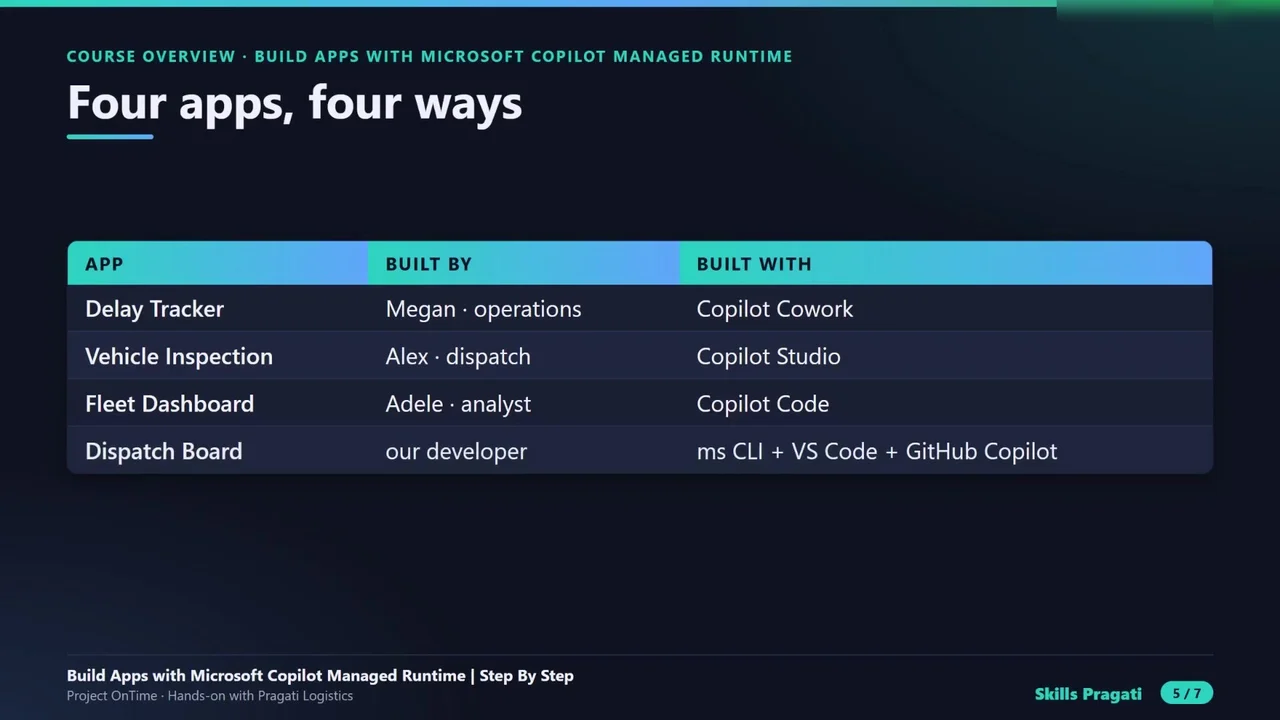
Cut late deliveries from 18% to under 5% with four apps built four ways: Copilot Cowork, Copilot Studio, Copilot Code and the ms CLI with GitHub Copilot, then govern them and read the real bill.

  • 42 videos
  • 2.4 h of video

Plays the full course playlist from YouTube in privacy-enhanced mode. Nothing loads from YouTube until you press play.

About this course

Build Apps with Microsoft Copilot, step by step, for 2026: Project OnTime at Pragati Logistics, late deliveries from 18% to under 5% with four apps built four ways on Copilot Managed Runtime: Copilot Cowork, Copilot Studio, Copilot Code, and the ms CLI with GitHub Copilot.

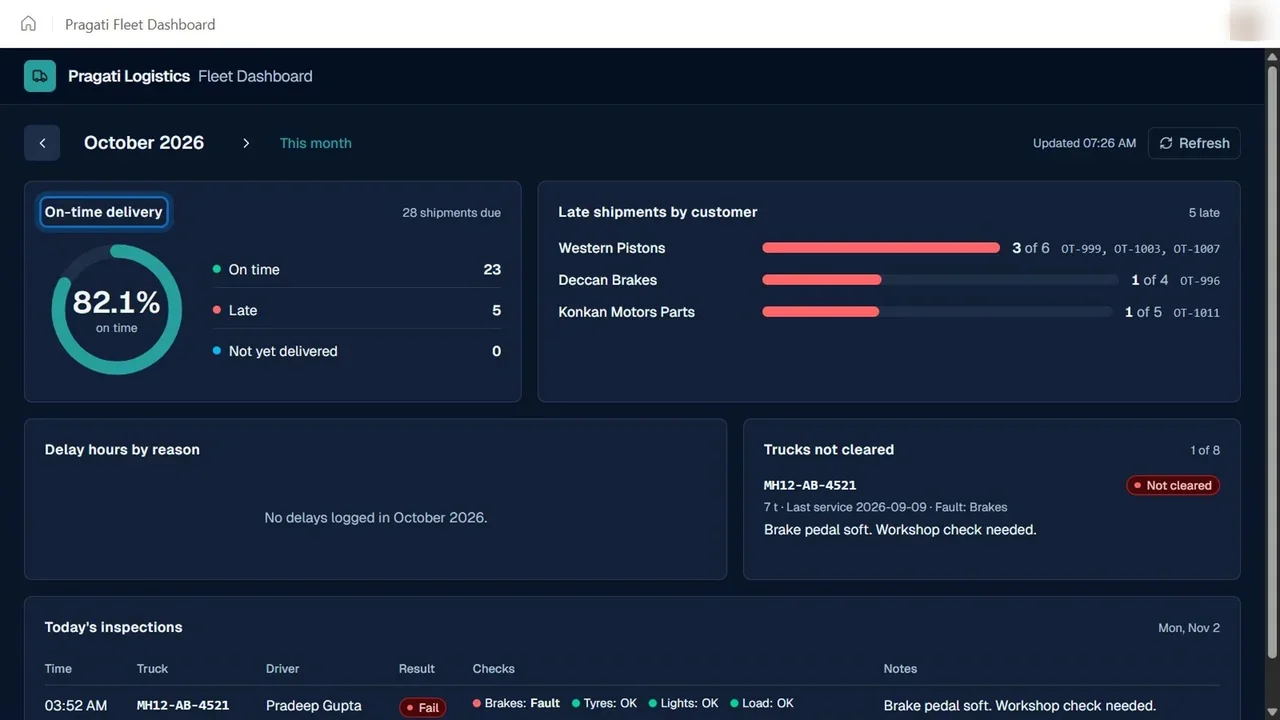
The course overview, four concept videos, seven part introductions, twenty-six hands-on steps (open the platform with guardrails and a real budget, the SharePoint data, the Delay Tracker, the Vehicle Inspection app, the Fleet Dashboard, the Dispatch Board in code with connectors, a business rule, GitHub Copilot and the deploy loop, one shipment through four apps, IT governance, the real bill, and a clean-up that stops all billing), and four Explained videos.

Practice simulation

Practise every lab in your browser

22 labs and 336 steps rebuilt from the course videos. Practise each step with voice guidance, switch on Exam mode to test yourself, or press Watch to see the lab play. The first lab is free; the rest come with a subscription.

Try the free lab
  1. Step 2 · Open the platform Free

    5 sections · 39 steps · 20 to click

    Practise
  2. Step 3 · Guardrails first Subscribers

    2 sections · 12 steps · 6 to click

    Practise
  3. Step 4 · A sandbox that bills to Azure Subscribers

    2 sections · 17 steps · 10 to click

    Practise
  4. Step 5 · Who pays when an app runs Subscribers

    1 section · 15 steps · 8 to click

    Practise
  5. Step 6 · The data Subscribers

    3 sections · 18 steps · 11 to click

    Practise
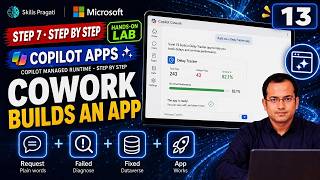
  6. Step 7 · Cowork builds an app Subscribers

    4 sections · 20 steps · 15 to click

    Practise
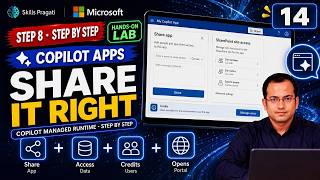
  7. Step 8 · Share it right Subscribers

    2 sections · 9 steps · 4 to click

    Practise
  8. Step 9 · Copilot Studio builds an app Subscribers

    4 sections · 31 steps · 13 to click

    Practise
  9. Step 10 · Make it right, then make it live Subscribers

    3 sections · 18 steps · 7 to click

    Practise
  10. Step 12 · Copilot Code builds a dashboard Subscribers

    4 sections · 20 steps · 8 to click

    Practise
  11. Step 13 · Your machine and the ms CLI Subscribers

    2 sections · 13 steps · 4 to click

    Practise
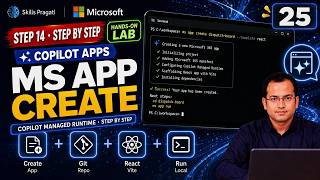
  12. Step 14 · ms app create Subscribers

    1 section · 10 steps · 1 to click

    Practise
  13. Step 15 · Connect the data Subscribers

    1 section · 9 steps · 1 to click

    Practise
  14. Step 16 · The inspection gate Subscribers

    2 sections · 18 steps · 5 to click

    Practise
  15. Step 17 · Customer care hears it first Subscribers

    3 sections · 10 steps · 5 to click

    Practise
  16. Step 18 · GitHub Copilot restyles the board Subscribers

    1 section · 5 steps · 1 to click

    Practise
  17. Step 19 · The managed apps plugin Subscribers

    2 sections · 9 steps · 2 to click

    Practise
  18. Step 22 · The managed apps inventory Subscribers

    1 section · 8 steps · 5 to click

    Practise
  19. Step 23 · Alert, block, unblock Subscribers

    1 section · 7 steps · 5 to click

    Practise
  20. Step 24 · Control what apps may do Subscribers

    1 section · 13 steps · 9 to click

    Practise
  21. Step 25 · The real bill Subscribers

    1 section · 9 steps · 2 to click

    Practise
  22. Step 26 · Stop every meter Subscribers

    1 section · 26 steps · 12 to click

    Practise
Leader brief

What a technology leader should know about Build Apps with Microsoft Copilot Managed Runtime Step By Step

What it is

Copilot Managed Runtime lets the same kind of business app be built four ways (Copilot Cowork, Copilot Studio, Copilot Code, or the CLI with GitHub Copilot) and run, share and bill on one platform.

Why now

Teams can now build working apps in a day with AI. The question shifts to who builds what, who can take an app over, and who pays when it runs.

Decisions you will make

  • Which tool fits which person: business user, team, developer
  • Guardrails before building: budget, billing plan scope, spending policy
  • Block versus delete for apps that break policy
  • How apps hand over from a business user to IT

Risks if ignored

  • Pay-as-you-go charges keep running after a pilot
  • Apps nobody can maintain when the builder leaves
  • Data shared more widely than the app

Cost

Paid: The course uses pay-as-you-go billing.

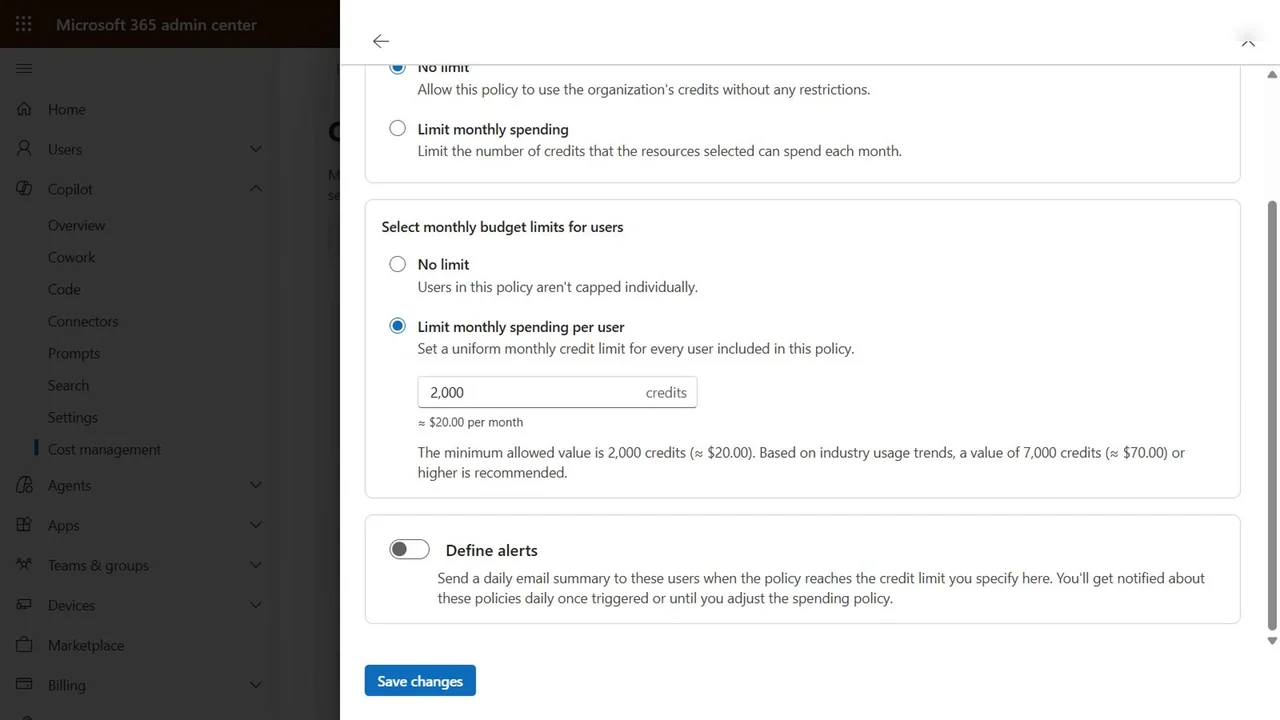
Our lab: Our real bill was about 1,500 Copilot credits (roughly $15), with an Azure budget, a billing plan and a per-user spending cap set first.

Who owns what

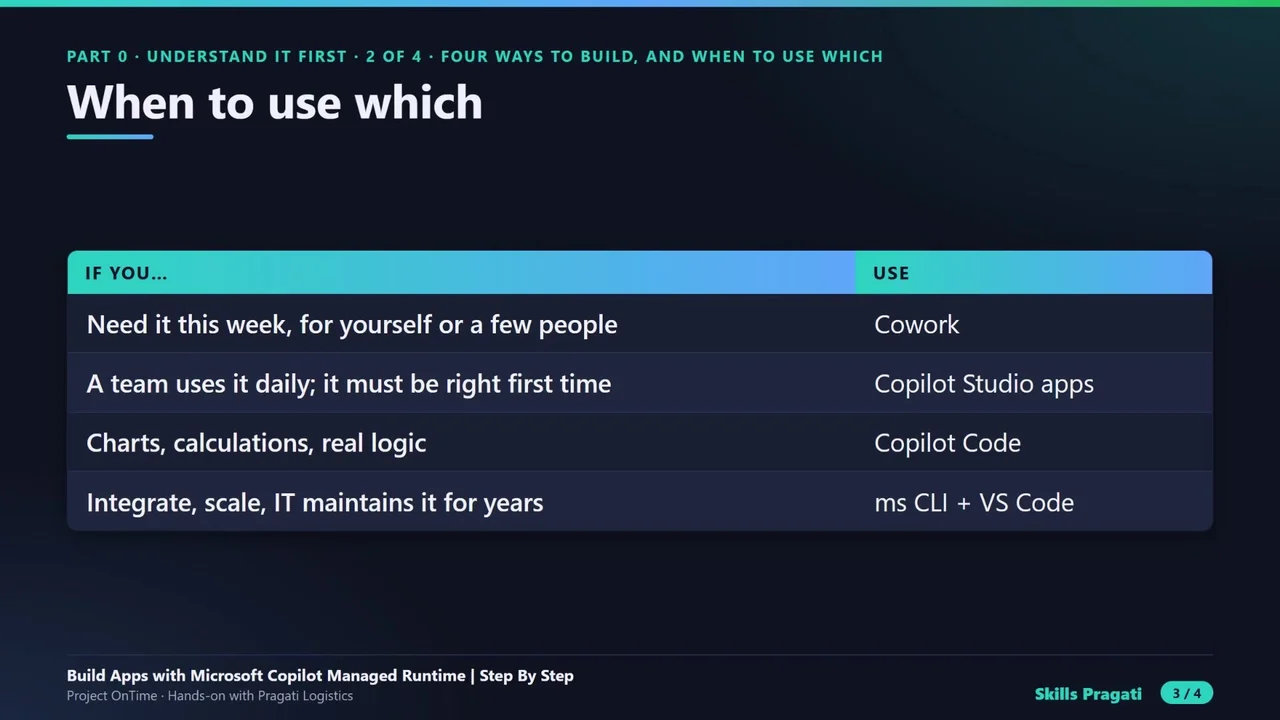
Business usersPrototypes in Cowork
TeamsCopilot Studio apps
DevelopersCode apps, connectors, deploy loop
ITGovernance, policies and the bill

Questions to ask your team

  • Where is our spending cap set, and who gets the alert?
  • Who can take over an app if its builder leaves?
  • Which apps should be blocked rather than deleted?
Course videos

All 42 videos, in order

Playlist on YouTube
  1. 14:33Course OverviewOverview
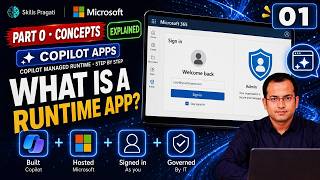
  2. 21:56What is a Copilot Managed Runtime App, Explained SimplyExplained
  3. 31:42Cowork vs Copilot Studio vs Copilot Code vs ms CLI: When to Use WhichExplained
  4. 42:13How an App Grows and Changes Hands: From a Chat to CodeHands-on
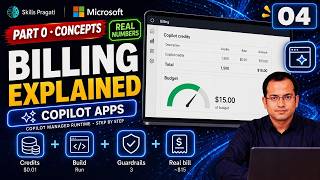
  5. 52:58Copilot Managed Runtime Billing Explained: with Real NumbersExplained
  6. 62:06Step 1: Project OnTime: the problem, the team and four appsHands-on
  7. 71:36Part 1 Introduction: Open the platform safelyPart intro
  8. 810:15Step 2: Open the platform: groups, Frontier, app governance and the CLIHands-on
  9. 93:06Step 3: Guardrails first: a resource group and an Azure budgetHands-on
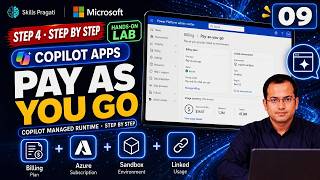
  10. 104:15Step 4: A sandbox that bills to Azure: a pay-as-you-go billing planHands-on
  11. 114:01Step 5: Who pays when an app runs: a Copilot spending policyHands-on
  12. 124:20Step 6: The data: a SharePoint site and a list from ExcelHands-on
  13. 131:48Part 2 Introduction: Prototype in a day with Copilot CoworkPart intro
  14. 146:30Step 7: Copilot Cowork builds the Delay Tracker, and a failed build fixedHands-on
  15. 154:43Step 8: Share a Cowork app: app access, data access and creditsHands-on
  16. 161:04Sharing an App vs Sharing the Data, ExplainedExplained
  17. 171:42Part 3 Introduction: A team app with Copilot StudioPart intro
  18. 188:42Step 9: Copilot Studio builds the Vehicle Inspection appHands-on
  19. 195:02Step 10: Make it right, share it with drivers, the first real inspectionHands-on
  20. 201:46Step 11: The hand-off: can someone else carry onHands-on
  21. 211:35Part 4 Introduction: See the trend with Copilot CodePart intro
  22. 225:44Step 12: Copilot Code builds the Fleet DashboardHands-on
  23. 230:55Copilot Managed Runtime Apps vs Power Apps, ExplainedExplained
  24. 241:50Part 5 Introduction: The pro-developer wayPart intro
  25. 254:07Step 13: Your machine, a real sign-in and the ms CLIHands-on
  26. 262:59Step 14: ms app create: the Dispatch BoardHands-on
  27. 272:54Step 15: Connect the data: connectors and generated TypeScriptHands-on
  28. 285:42Step 16: A rule that always holds: the inspection gate in codeHands-on
  29. 296:40Step 17: Customer care hears it first: delays, email and a hand-off to codeHands-on
  30. 302:58Step 18: GitHub Copilot restyles the board: review, ship, compareHands-on
  31. 312:48Step 19: Teach the AI the platform: the managed apps pluginHands-on
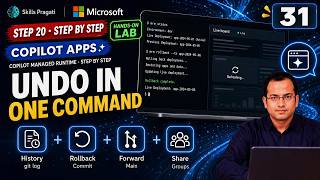
  32. 323:02Step 20: Roll back, roll forward and share by groupHands-on
  33. 330:46Apps vs Agents, ExplainedExplained
  34. 341:33Part 6 Introduction: Go livePart intro
  35. 352:13Step 21: One shipment, four appsHands-on
  36. 361:40Part 7 Introduction: Govern, pay and closePart intro
  37. 372:40Step 22: Every managed app in one inventoryHands-on
  38. 382:57Step 23: Alert, block and unblock an appHands-on
  39. 394:33Step 24: Control what apps may do: environment group rulesHands-on
  40. 403:42Step 25: What did OnTime really cost: the real billHands-on
  41. 416:03Step 26: Close the project and stop every meterHands-on
  42. 421:17Real Lessons from Building Four Apps with Copilot, ExplainedExplained

More in Copilot & Agents

AB-650Associate

Microsoft 365 and Agent 365 Administration Step By Step

Make one tenant secure, governed and ready for AI: identities, PIM, Conditional Access, Defender, Purview, Copilot settings, Agent 365 and agent identities, with PowerShell companions for most labs.

  • Hands-on lab
  • Practice sim
  • Mock exam

46 videos4.3 h30 practice labs

AB-410Associate

Building Intelligent Applications Step By Step

Build a motor-claims solution on Dataverse: a model-driven app, a canvas app, Power Fx, flows, AI prompts and models, a Copilot Studio agent and a Power Pages portal with ALM.

  • Hands-on lab
  • Practice sim
  • Mock exam

29 videos2.3 h21 practice labs

AB-730Associate

AB-730 Microsoft 365 Copilot Full Course

Microsoft 365 Copilot for AB-730: how LLMs and Copilot work, then hands-on labs with Copilot in Word, Excel and the other Microsoft 365 apps.

  • Mock exam

20 videos4.2 h

AB-731Associate

AB-731 AI Transformation Leader Full Course

Prepare for AB-731 AI Transformation Leader: generative AI fundamentals, AI model cost economics, AI security challenges and Microsoft 365 Copilot for leaders.

  • Mock exam

14 videos9 h

Watch on YouTube