Exam AB-900FundamentalsEnglish

AB-900: Microsoft 365 Copilot and Agent Administration Step By Step

Prepares you for exam AB-900: Microsoft 365 Copilot and Agent Administration Fundamentals

Get one company ready for Copilot and agents: the admin center, Exchange, SharePoint and Teams, Zero Trust, Purview data protection, oversharing controls, adoption and agents.

  • 22 videos
  • 2.6 h of video

Plays the full course playlist from YouTube in privacy-enhanced mode. Nothing loads from YouTube until you press play.

About this course

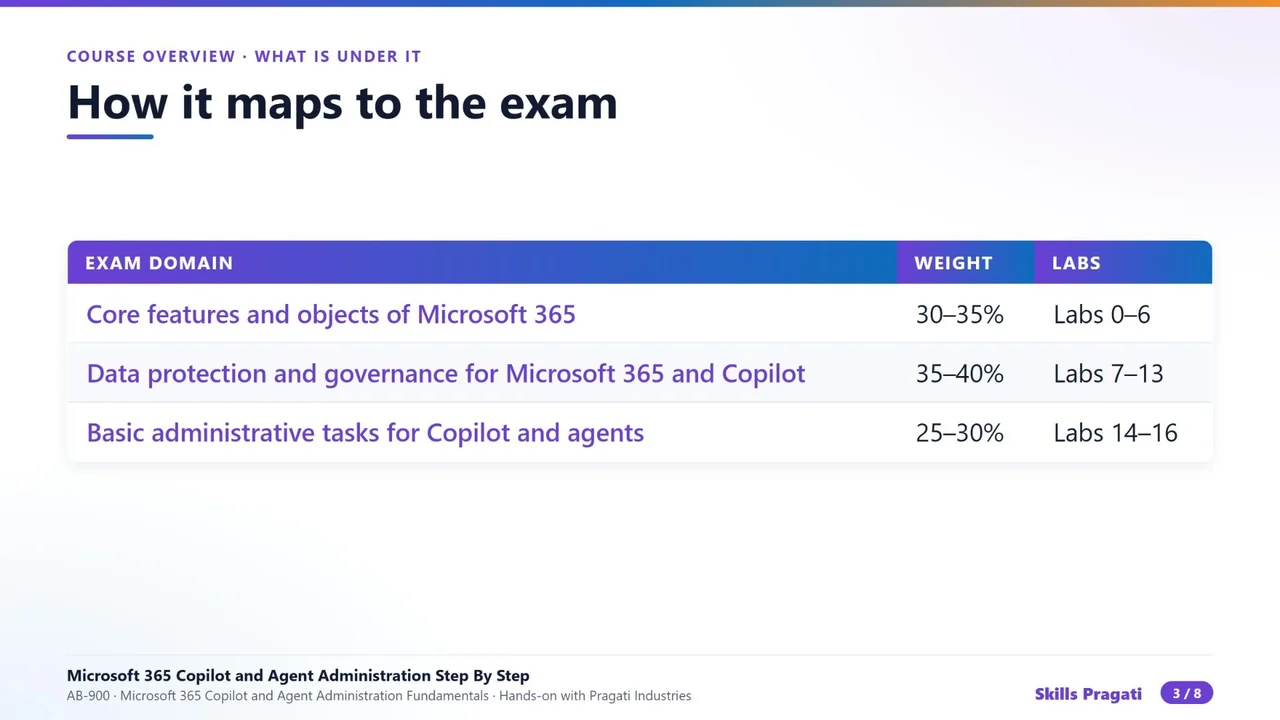
Prepare for exam AB-900 (Microsoft 365 Copilot and Agent Administration Fundamentals) by getting one company ready for Copilot and agents, step by step: Pragati Industries.

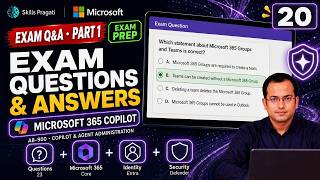
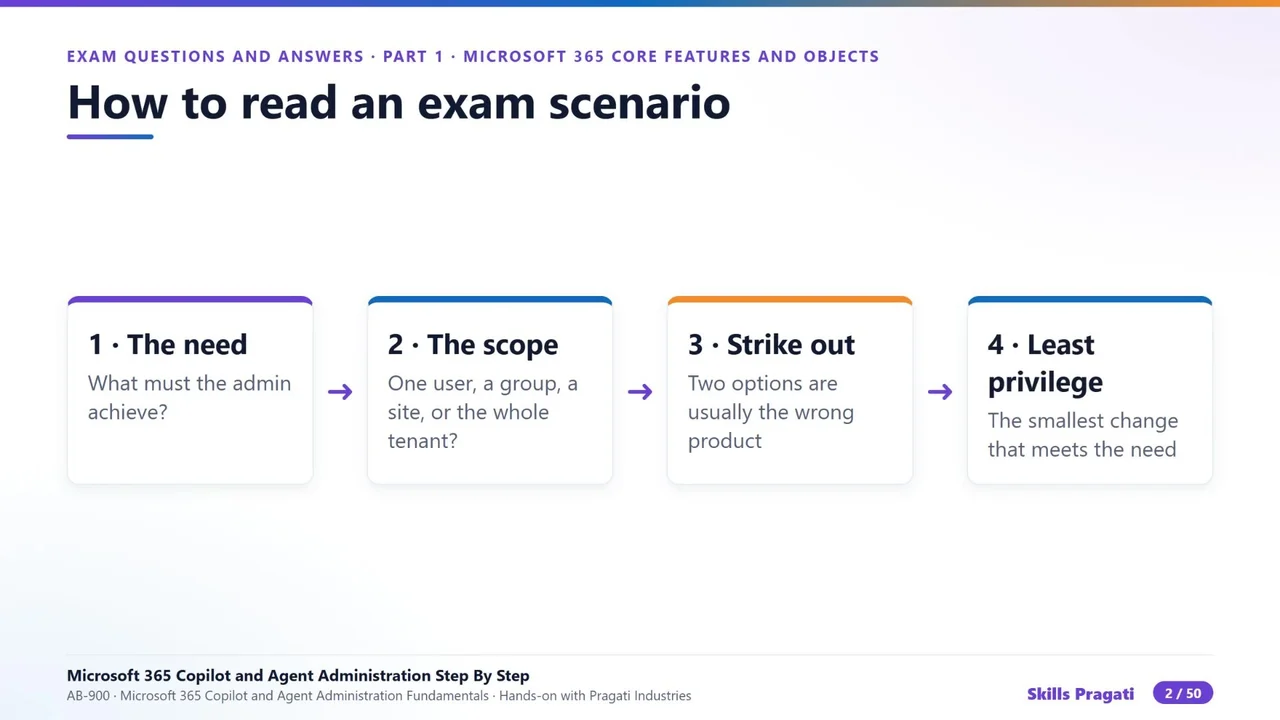
The course overview, then nineteen hands-on labs: planning Copilot, the admin center, Exchange, SharePoint, Teams, Zero Trust with Entra, Defender XDR, sensitivity labels, DLP for Copilot, retention, DSPM for AI, audit and eDiscovery, how Copilot reaches data, oversharing, Copilot Chat and settings, licences and adoption, agents, exam questions, and automation with Microsoft Graph. Then two exam Q&A videos.

Practice simulation

Practise every lab in your browser

16 labs and 225 steps rebuilt from the course videos. Practise each step with voice guidance, switch on Exam mode to test yourself, or press Watch to see the lab play. The first lab is free; the rest come with a subscription.

Try the free lab
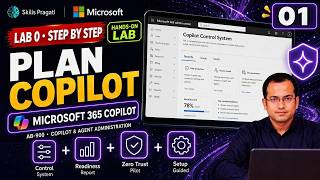
  1. Lab 0 · Plan Copilot Free

    3 sections · 16 steps · 5 to click

    Practise
  2. Lab 1 · The admin center Subscribers

    5 sections · 31 steps · 17 to click

    Practise
  3. Lab 2 · Exchange Subscribers

    5 sections · 27 steps · 19 to click

    Practise
  4. Lab 3 · SharePoint Subscribers

    5 sections · 22 steps · 7 to click

    Practise
  5. Lab 4 · Teams Subscribers

    3 sections · 16 steps · 11 to click

    Practise
  6. Lab 5 · Zero Trust and Entra Subscribers

    3 sections · 10 steps · 7 to click

    Practise
  7. Lab 6 · Defender XDR Subscribers

    2 sections · 8 steps · 3 to click

    Practise
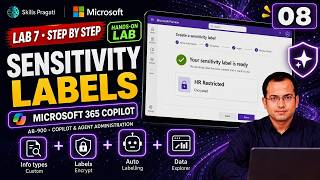
  8. Lab 7 · Sensitivity labels Subscribers

    3 sections · 17 steps · 14 to click

    Practise
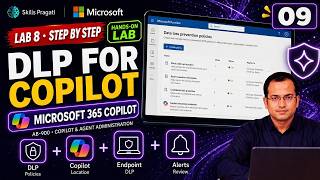
  9. Lab 8 · Data loss prevention Subscribers

    2 sections · 13 steps · 11 to click

    Practise
  10. Lab 9 · Retention Subscribers

    2 sections · 9 steps · 7 to click

    Practise
  11. Lab 10 · AI risk and compliance Subscribers

    2 sections · 6 steps · 3 to click

    Practise
  12. Lab 11 · Audit and eDiscovery Subscribers

    2 sections · 6 steps · 3 to click

    Practise
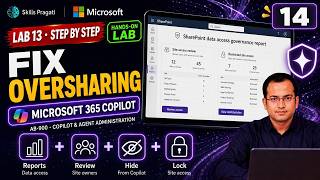
  13. Lab 13 · Oversharing Subscribers

    4 sections · 14 steps · 8 to click

    Practise
  14. Lab 14 · Copilot capabilities Subscribers

    3 sections · 12 steps · 5 to click

    Practise
  15. Lab 15 · Licences and adoption Subscribers

    2 sections · 7 steps · 4 to click

    Practise
  16. Lab 16 · Agents Subscribers

    2 sections · 11 steps · 8 to click

    Practise
Leader brief

What a technology leader should know about AB-900

What it is

Copilot and agent administration gets a Microsoft 365 tenant ready for Copilot and AI agents: identities, sites and teams, data protection, and the Copilot Control System for security, management and reporting.

Why now

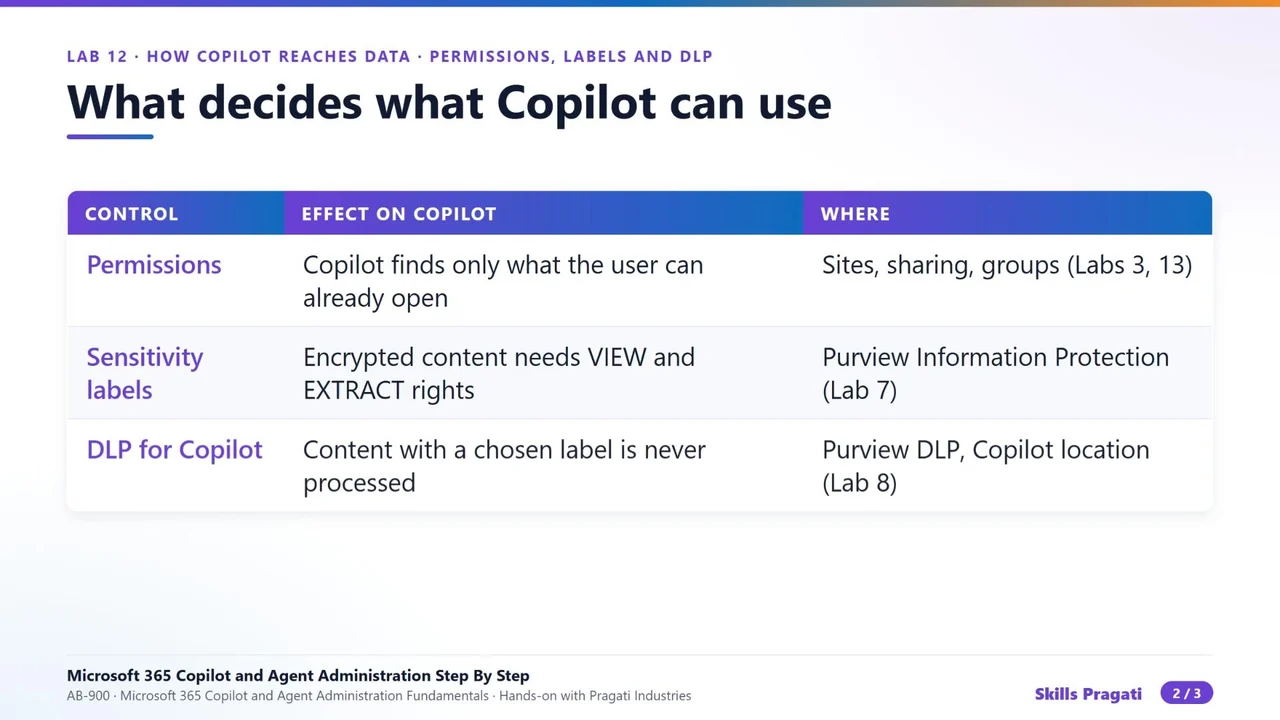
Copilot answers from everything a person can already open, including overshared salary files and budgets. The admin must be ready before Copilot is switched on, not after.

Decisions you will make

  • Who gets Copilot licences first (a pilot group)
  • Which sensitivity labels and data loss prevention policies must exist before rollout
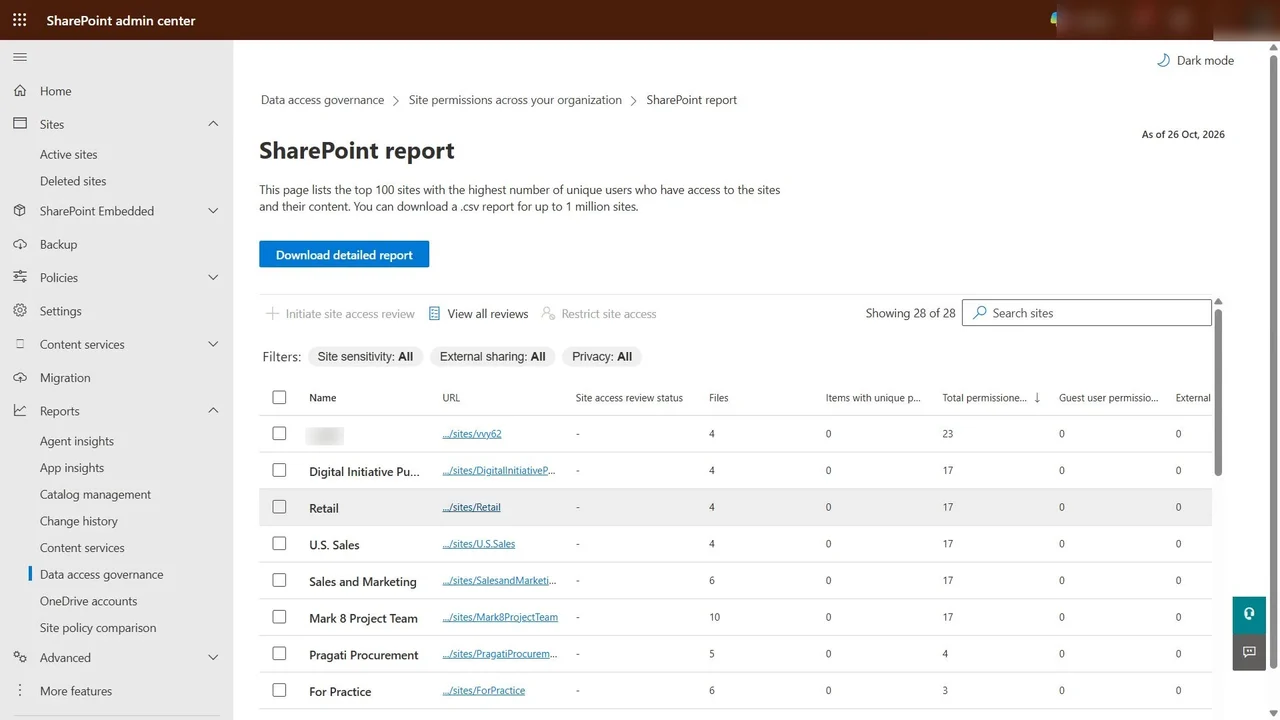
  • How to find and fix oversharing in SharePoint
  • Which agents may be built and published, and by whom

Risks if ignored

  • Copilot surfaces confidential files people should not see
  • Sensitive data leaves the company without a policy to stop it
  • Unowned agents spread across the tenant
  • No audit trail of Copilot use

Cost

Paid: Copilot is licensed per user.

Who owns what

Microsoft 365 adminUsers, licences, Copilot settings
ComplianceLabels, DLP, retention, audit
Site ownersPermissions and oversharing fixes
IT governanceAgent approval and inventory

Questions to ask your team

  • Which sites are shared with everyone?
  • Do our confidential files carry labels?
  • Who is in the Copilot pilot and how do we measure value?
  • Who approves a new agent?

More in Copilot & Agents

AB-650Associate

Microsoft 365 and Agent 365 Administration Step By Step

Make one tenant secure, governed and ready for AI: identities, PIM, Conditional Access, Defender, Purview, Copilot settings, Agent 365 and agent identities, with PowerShell companions for most labs.

  • Hands-on lab
  • Practice sim
  • Mock exam

46 videos4.3 h30 practice labs

AB-410Associate

Building Intelligent Applications Step By Step

Build a motor-claims solution on Dataverse: a model-driven app, a canvas app, Power Fx, flows, AI prompts and models, a Copilot Studio agent and a Power Pages portal with ALM.

  • Hands-on lab
  • Practice sim
  • Mock exam

29 videos2.3 h21 practice labs

AB-730Associate

AB-730 Microsoft 365 Copilot Full Course

Microsoft 365 Copilot for AB-730: how LLMs and Copilot work, then hands-on labs with Copilot in Word, Excel and the other Microsoft 365 apps.

  • Mock exam

20 videos4.2 h

AB-731Associate

AB-731 AI Transformation Leader Full Course

Prepare for AB-731 AI Transformation Leader: generative AI fundamentals, AI model cost economics, AI security challenges and Microsoft 365 Copilot for leaders.

  • Mock exam

14 videos9 h

Watch on YouTube