Exam AB-650AssociateEnglish

AB-650: Microsoft 365 and Agent 365 Administration Step By Step

Prepares you for exam AB-650: Administering Microsoft 365 and AI Services

Make one tenant secure, governed and ready for AI: identities, PIM, Conditional Access, Defender, Purview, Copilot settings, Agent 365 and agent identities, with PowerShell companions for most labs.

  • 46 videos
  • 4.3 h of video

Plays the full course playlist from YouTube in privacy-enhanced mode. Nothing loads from YouTube until you press play.

About this course

Prepare for exam AB-650 (Administering Microsoft 365 and AI Services) by making one company’s tenant secure, governed and ready for Copilot and agents, step by step: Pragati Industries.

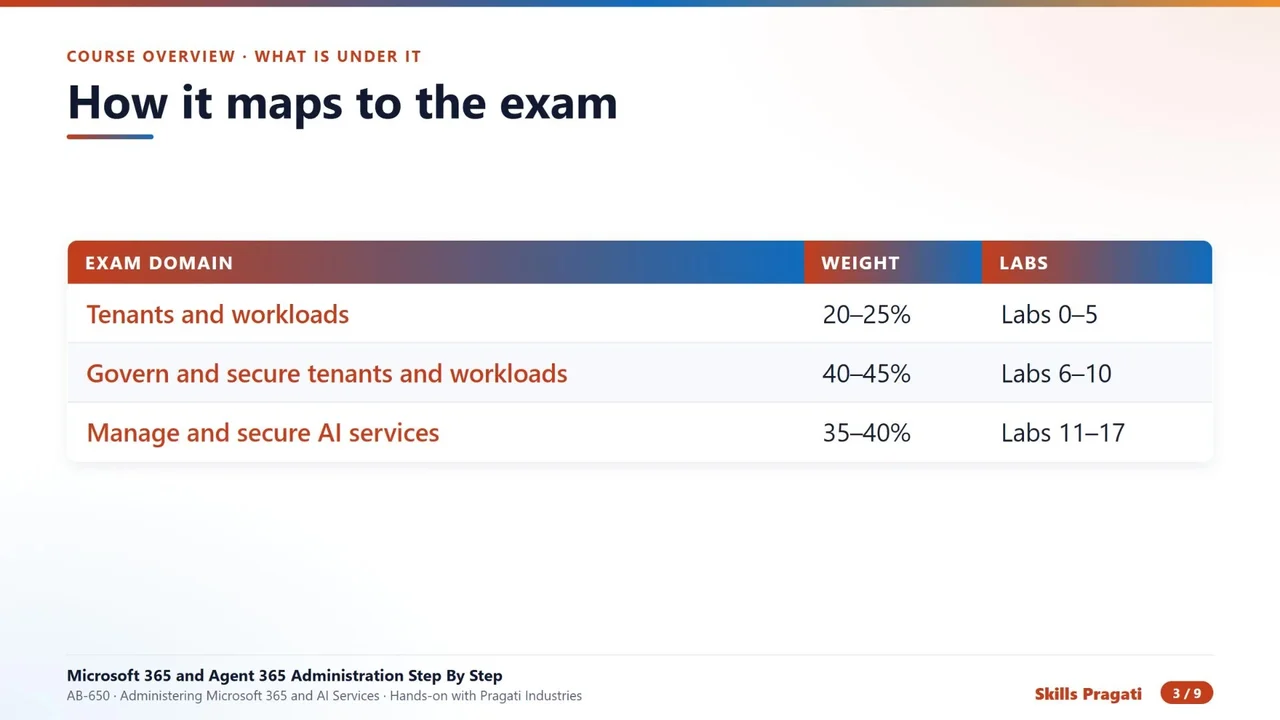
The course overview, then twenty-nine hands-on labs: setup, tenant settings, licences, service health, workloads, identities, admin roles and PIM, authentication, Conditional Access, Defender for Office 365, Purview, Copilot readiness and settings, Agent 365, agent identities, securing and monitoring AI, a capstone, and beyond the exam: Exchange, Teams, SharePoint, Intune, Entra apps, security operations, Purview for AI, the Copilot ecosystem, Power Platform governance, operations and SharePoint Advanced Management. Most labs have a scripting companion that does the same work with PowerShell.

Practice simulation

Practise every lab in your browser

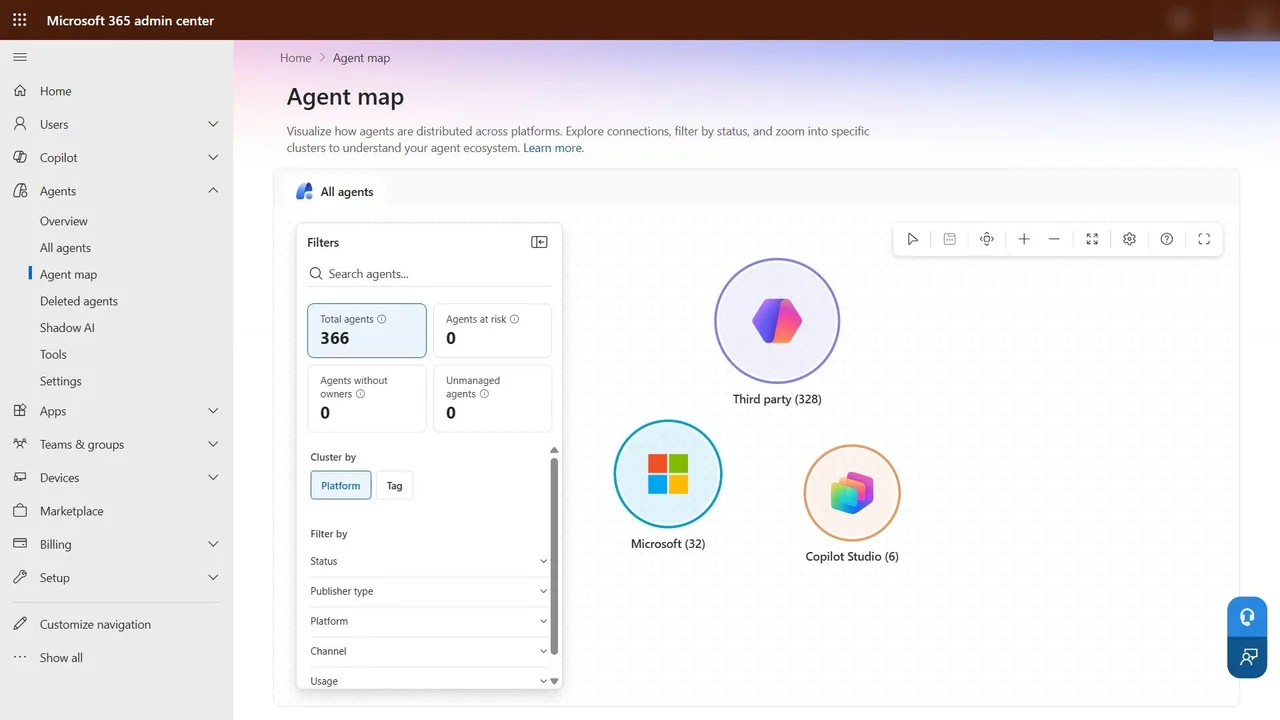
30 labs and 703 steps rebuilt from the course videos. Practise each step with voice guidance, switch on Exam mode to test yourself, or press Watch to see the lab play. The first lab is free; the rest come with a subscription.
Try the free lab
  1. Lab 0 · Setup Free

    5 sections · 53 steps · 18 to click

    Practise
  2. Lab 1 · Tenant settings Subscribers

    4 sections · 45 steps · 20 to click

    Practise
  3. Lab 2 · Licences Subscribers

    5 sections · 80 steps · 36 to click

    Practise
  4. Lab 3 · Service health and Backup Subscribers

    2 sections · 9 steps · 8 to click

    Practise
  5. Lab 4 · Workloads Subscribers

    5 sections · 51 steps · 35 to click

    Practise
  6. Lab 5 · Identities Subscribers

    6 sections · 51 steps · 27 to click

    Practise
  7. Lab 5-S · Scripting companion Subscribers

    1 section · 2 steps · 1 to click

    Practise
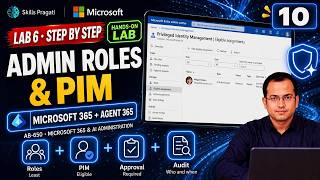
  8. Lab 6 · Admin roles and PIM Subscribers

    3 sections · 13 steps · 10 to click

    Practise
  9. Lab 7 · Authentication Subscribers

    4 sections · 15 steps · 11 to click

    Practise
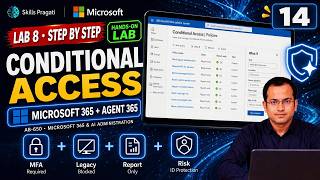
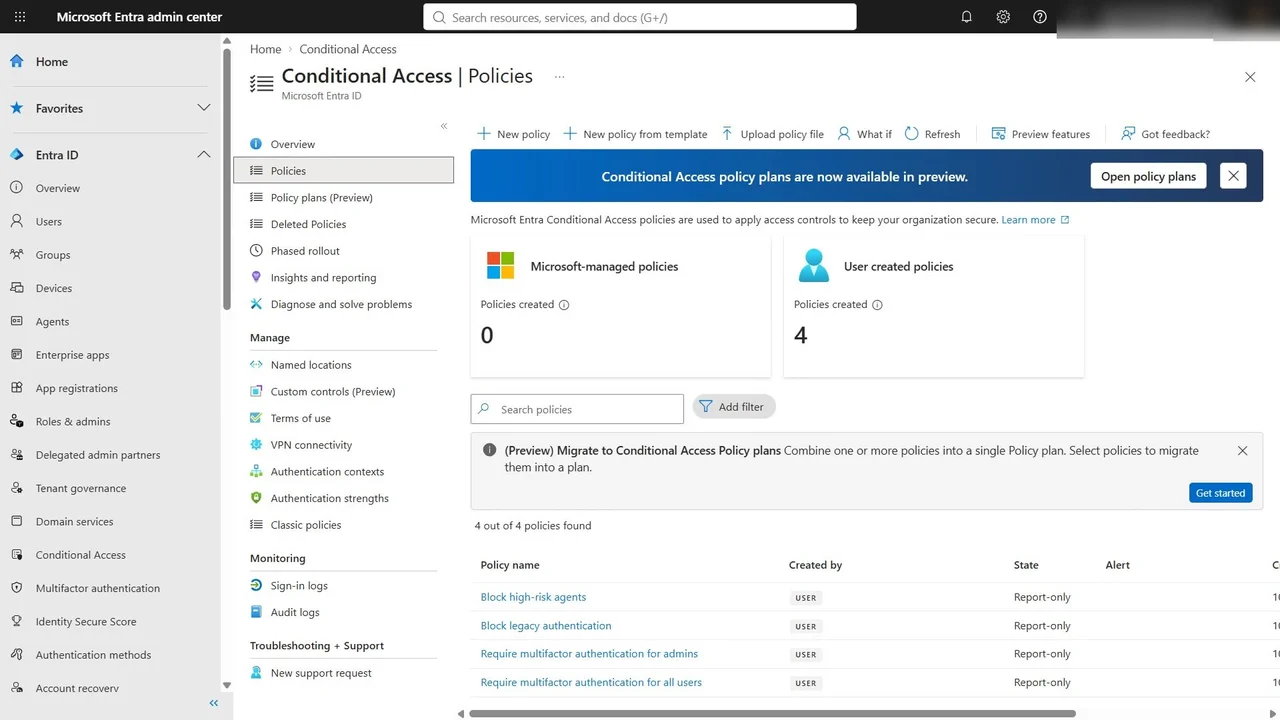
  10. Lab 8 · Conditional Access Subscribers

    3 sections · 14 steps · 8 to click

    Practise
  11. Lab 9 · Defender for Office 365 Subscribers

    3 sections · 21 steps · 14 to click

    Practise
  12. Lab 10 · Purview Subscribers

    8 sections · 60 steps · 43 to click

    Practise
  13. Lab 11 · Copilot readiness Subscribers

    7 sections · 29 steps · 18 to click

    Practise
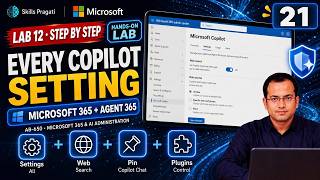
  14. Lab 12 · Copilot settings Subscribers

    5 sections · 19 steps · 12 to click

    Practise
  15. Lab 13 · Agents and Agent 365 Subscribers

    5 sections · 28 steps · 18 to click

    Practise
  16. Lab 14 · Agent identities and access Subscribers

    4 sections · 22 steps · 17 to click

    Practise
  17. Lab 15 · Secure and govern agents Subscribers

    4 sections · 18 steps · 10 to click

    Practise
  18. Lab 16 · Monitor AI services Subscribers

    3 sections · 11 steps · 6 to click

    Practise
  19. Lab 17 · Capstone Subscribers

    3 sections · 12 steps · 8 to click

    Practise
  20. Lab 18 · Exchange Online Subscribers

    3 sections · 16 steps · 13 to click

    Practise
  21. Lab 19 · Teams Subscribers

    2 sections · 8 steps · 8 to click

    Practise
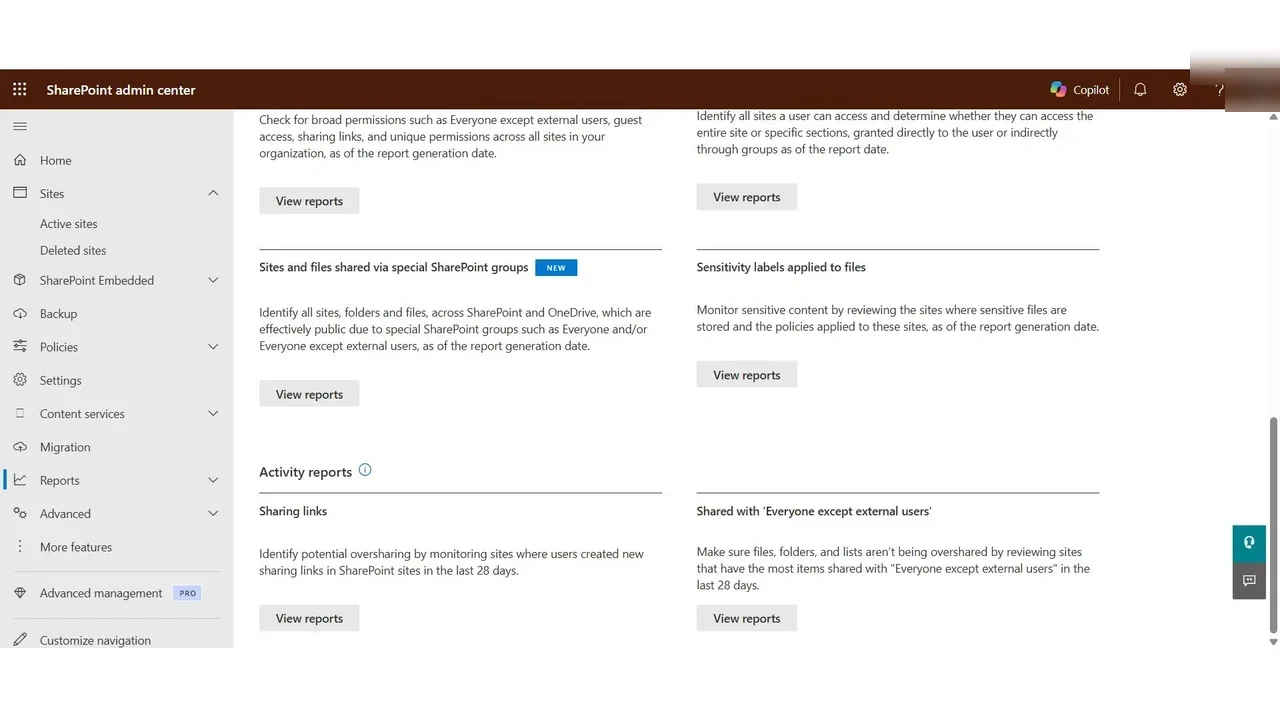
  22. Lab 20 · SharePoint and OneDrive Subscribers

    2 sections · 7 steps · 4 to click

    Practise
  23. Lab 21 · Devices with Intune Subscribers

    4 sections · 22 steps · 21 to click

    Practise
  24. Lab 22 · Entra apps, consent and reviews Subscribers

    3 sections · 12 steps · 7 to click

    Practise
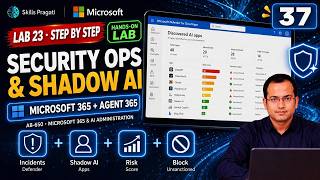
  25. Lab 23 · Security operations Subscribers

    3 sections · 14 steps · 7 to click

    Practise
  26. Lab 24 · Purview for Copilot and agents Subscribers

    4 sections · 18 steps · 10 to click

    Practise
  27. Lab 25 · The Copilot ecosystem Subscribers

    1 section · 3 steps · 2 to click

    Practise
  28. Lab 26 · Copilot Studio and Power Platform governance Subscribers

    3 sections · 13 steps · 8 to click

    Practise
  29. Lab 27 · Operations Subscribers

    3 sections · 12 steps · 9 to click

    Practise
  30. Lab 28 · SharePoint Advanced Management Subscribers

    6 sections · 25 steps · 13 to click

    Practise
Leader brief

What a technology leader should know about AB-650

What it is

Microsoft 365 and Agent 365 administration makes a tenant secure, governed and ready for Copilot and AI agents: identities and access, data protection, Copilot and Agent 365, monitored end to end.

Why now

Copilot and AI agents can reach every file a person can open. Weak sign-ins, overshared sites, missing sensitivity labels and agents with no owner turn that into a data risk.

Decisions you will make

  • Conditional Access rules and when to move them from report-only to on
  • Which data is labelled Highly Confidential and blocked from leaving
  • Who owns each AI agent and how agents are governed in Agent 365
  • How licences and trials are managed and their billing turned off

Risks if ignored

  • Legacy sign-in protocols let attackers bypass MFA
  • Sensitive supplier data leaves by email
  • Agents act with no owner or oversight
  • Trials roll into paid billing unnoticed

Cost

Paid: Copilot and Agent 365 are licensed products; the labs run inside their trials.

Our lab: Recurring billing is turned off on every trial when the labs finish.

Who owns what

Microsoft 365 administratorTenant, identities, licences
SecurityConditional Access, Defender for Office 365
ComplianceLabels, DLP, retention
AI/agent governanceAgent 365 inventory and ownership

Questions to ask your team

  • Are old sign-in protocols still allowed?
  • Which data would we never want Copilot to surface?
  • How many agents exist, and who owns each?
  • Which trials end this month?
Course videos

All 46 videos, in order

Playlist on YouTube
  1. 17:03Course OverviewOverview
  2. 214:36Lab 0: Setup: tenant, trials, people and toolsHands-on
  3. 38:32Lab 1: Tenant settingsHands-on
  4. 414:08Lab 2: Licences and the Copilot trialHands-on
  5. 53:41Lab 3: Service health, network and Microsoft 365 BackupHands-on
  6. 64:06Lab 3-S: Service health with PowerShellHands-on
  7. 79:12Lab 4: Mailboxes, teams and sitesHands-on
  8. 83:26Lab 4-S: Workloads with PowerShellHands-on
  9. 910:40Lab 5: Users, guests, groups and admin unitsHands-on
  10. 105:17Lab 5-S: Identities with PowerShellHands-on
  11. 113:41Lab 6: Admin roles and Privileged Identity ManagementHands-on
  12. 124:21Lab 6-S: Roles and PIM with PowerShellHands-on
  13. 134:55Lab 7: Authentication methods, password protection and SSPRHands-on
  14. 144:00Lab 7-S: Authentication with PowerShellHands-on
  15. 154:43Lab 8: Conditional Access, MFA and ID ProtectionHands-on
  16. 164:31Lab 8-S: Conditional Access with PowerShellHands-on
  17. 176:22Lab 9: Defender for Office 365 and attack simulationHands-on
  18. 1814:15Lab 10: Purview: labels, DLP, retention and DSPMHands-on
  19. 194:03Lab 10-S: Purview with PowerShellHands-on
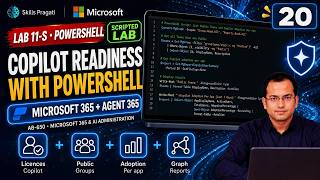
  20. 207:34Lab 11: Copilot readiness and oversharingHands-on
  21. 213:50Lab 11-S: Copilot readiness with PowerShellHands-on
  22. 226:22Lab 12: Every Microsoft 365 Copilot settingHands-on
  23. 236:55Lab 13: Agents in Microsoft 365 and Agent 365Hands-on
  24. 245:45Lab 14: Agent identities and access with Entra Agent IDHands-on
  25. 255:28Lab 15: Secure and govern agentsHands-on
  26. 263:55Lab 16: Monitor AI services: usage, adoption and costHands-on
  27. 273:25Lab 17: Capstone: an AI-ready tenantHands-on
  28. 284:51Lab 18: Exchange Online administrationHands-on
  29. 294:12Lab 18-S: Exchange Online with PowerShellHands-on
  30. 303:52Lab 19: Teams administrationHands-on
  31. 313:46Lab 19-S: Teams with PowerShellHands-on
  32. 323:05Lab 20: SharePoint and OneDrive administrationHands-on
  33. 332:27Lab 20 Part 2: Fix the Contracts site sharingHands-on
  34. 343:18Lab 20-S: SharePoint and OneDrive with PowerShellHands-on
  35. 356:14Lab 21: Devices with IntuneHands-on
  36. 364:30Lab 21-S: Intune with PowerShellHands-on
  37. 374:55Lab 22: Entra apps, consent and access reviewsHands-on
  38. 384:22Lab 22-S: Entra apps with PowerShellHands-on
  39. 395:11Lab 23: Security operations and shadow AIHands-on
  40. 405:52Lab 24: Purview for Copilot and agentsHands-on
  41. 413:11Lab 25: The Copilot ecosystemHands-on
  42. 424:07Lab 26: Copilot Studio and Power Platform governanceHands-on
  43. 433:56Lab 27: Operations: leavers, licences and changeHands-on
  44. 444:00Lab 27-S: Operations with PowerShellHands-on
  45. 457:32Lab 28: SharePoint Advanced ManagementHands-on
  46. 463:11Lab 28-S: SharePoint Advanced Management with PowerShellHands-on

More in Copilot & Agents

AB-410Associate

Building Intelligent Applications Step By Step

Build a motor-claims solution on Dataverse: a model-driven app, a canvas app, Power Fx, flows, AI prompts and models, a Copilot Studio agent and a Power Pages portal with ALM.

  • Hands-on lab
  • Practice sim
  • Mock exam

29 videos2.3 h21 practice labs

AB-730Associate

AB-730 Microsoft 365 Copilot Full Course

Microsoft 365 Copilot for AB-730: how LLMs and Copilot work, then hands-on labs with Copilot in Word, Excel and the other Microsoft 365 apps.

  • Mock exam

20 videos4.2 h

AB-731Associate

AB-731 AI Transformation Leader Full Course

Prepare for AB-731 AI Transformation Leader: generative AI fundamentals, AI model cost economics, AI security challenges and Microsoft 365 Copilot for leaders.

  • Mock exam

14 videos9 h

Watch on YouTube