Exam AB-410AssociateEnglish

AB-410: Building Intelligent Applications Step By Step

Prepares you for exam AB-410: Building Intelligent Applications

Build a motor-claims solution on Dataverse: a model-driven app, a canvas app, Power Fx, flows, AI prompts and models, a Copilot Studio agent and a Power Pages portal with ALM.

  • 29 videos
  • 2.3 h of video

Plays the full course playlist from YouTube in privacy-enhanced mode. Nothing loads from YouTube until you press play.

About this course

Building Intelligent Applications, exam AB-410, step by step, for 2026: Power Apps, Power Automate and AI on Dataverse, hands-on with one company, Pragati General Insurance, and its motor claims.

Practice simulation

Practise every lab in your browser

21 labs and 194 steps rebuilt from the course videos. Practise each step with voice guidance, switch on Exam mode to test yourself, or press Watch to see the lab play. The first lab is free; the rest come with a subscription.

Try the free lab
  1. Lab 0 · The claims problem Free

    1 section · 8 steps · 6 to click

    Practise
  2. Lab 1 · Plan with Copilot Subscribers

    3 sections · 11 steps · 8 to click

    Practise
  3. Lab 2 · The data model Subscribers

    3 sections · 8 steps · 5 to click

    Practise
  4. Lab 3 · AI in the data Subscribers

    2 sections · 9 steps · 4 to click

    Practise
  5. Lab 4 · Secure the data Subscribers

    2 sections · 6 steps · 2 to click

    Practise
  6. Lab 5 · Claims Desk Subscribers

    4 sections · 11 steps · 5 to click

    Practise
  7. Lab 6 · Charts Subscribers

    2 sections · 7 steps · 3 to click

    Practise
  8. Lab 7 · Field Survey Subscribers

    2 sections · 11 steps · 5 to click

    Practise
  9. Lab 7B · Make it stunning Subscribers

    3 sections · 19 steps · 4 to click

    Practise
  10. Lab 8 · Reusable logic Subscribers

    2 sections · 11 steps · 2 to click

    Practise
  11. Lab 9 · A flow from the app Subscribers

    2 sections · 9 steps · 4 to click

    Practise
  12. Lab 10 · Claims Assistant Subscribers

    1 section · 7 steps · 5 to click

    Practise
  13. Lab 11 · FNOL by email Subscribers

    2 sections · 13 steps · 8 to click

    Practise
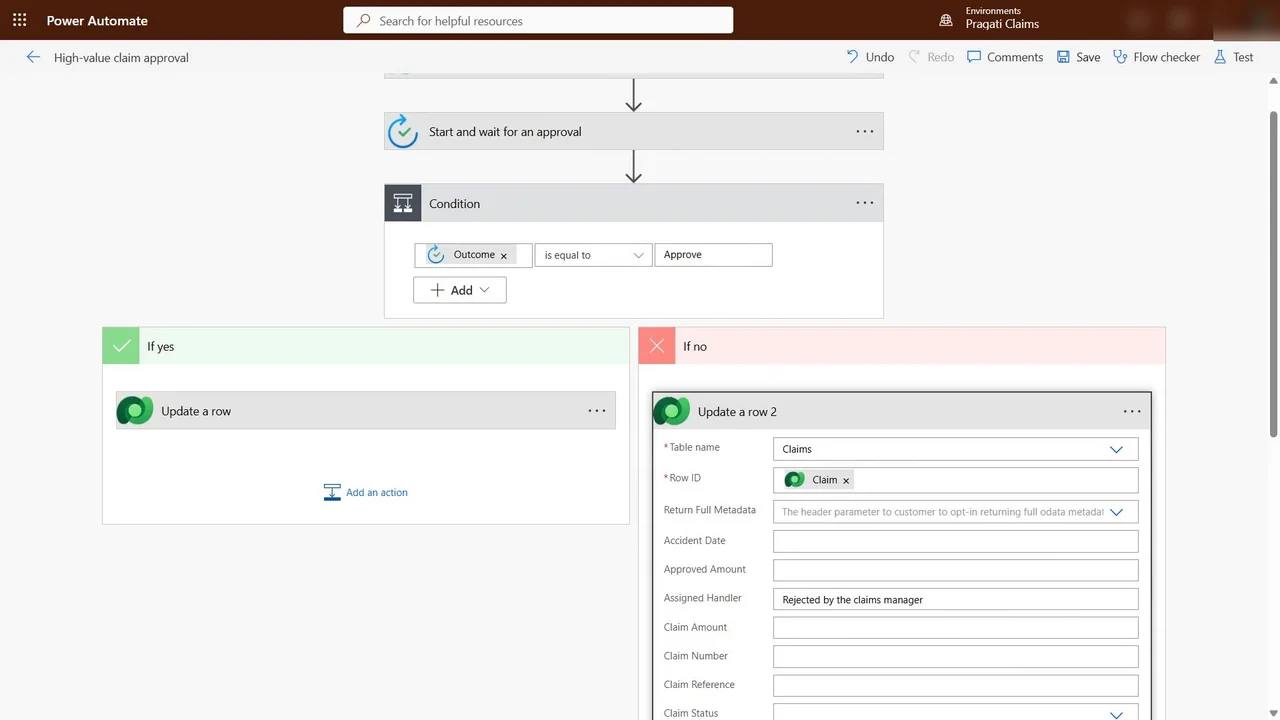
  14. Lab 12 · Approvals Subscribers

    1 section · 9 steps · 8 to click

    Practise
  15. Lab 13 · Troubleshoot flows Subscribers

    2 sections · 8 steps · 3 to click

    Practise
  16. Lab 14 · Prompts Subscribers

    1 section · 7 steps · 2 to click

    Practise
  17. Lab 15 · Prompts in flows Subscribers

    2 sections · 8 steps · 4 to click

    Practise
  18. Lab 16 · AI models Subscribers

    1 section · 5 steps · 3 to click

    Practise
  19. Lab 17 · Business logic Subscribers

    5 sections · 11 steps · 6 to click

    Practise
  20. Lab 18 · Portal and ALM Subscribers

    5 sections · 10 steps · 7 to click

    Practise
  21. E5 · What is new for app builders Subscribers

    1 section · 6 steps · 2 to click

    Practise
Leader brief

What a technology leader should know about AB-410

What it is

Intelligent applications on Power Platform combine data in Dataverse, model-driven and canvas apps, automation and AI (prompts, AI models and agents) into one business solution.

Why now

Processes still run on email and spreadsheets, so work sits in inboxes and is retyped. AI can now be built into the same apps and data, from triage notes to document reading.

Decisions you will make

  • Model-driven, canvas or generated pages for each user group
  • Which steps to automate with flows and which need human approval
  • Where AI (prompts, AI models, agents) adds value, and where it must be checked
  • Standard versus premium connectors

Risks if ignored

  • Claims or requests lost in inboxes
  • Data retyped with errors
  • AI outputs used without review
  • Apps built outside governance

Cost

Free: A free Power Apps developer plan and a developer environment cover the labs.

Paid: Copilot Studio credits and capacity are paid; the course shows them only.

Our lab: Nothing that costs money was switched on.

Who owns what

App buildersData model, apps, flows
Business ownersApprovals and process rules
IT/Power Platform adminEnvironments, connectors, security roles

Questions to ask your team

  • Which process wastes the most time on retyping today?
  • Where should a person approve before automation continues?
  • How do we check what an AI step produced?
Course videos

All 29 videos, in order

Playlist on YouTube
  1. 14:42Course OverviewOverview
  2. 23:41Lab 0: The claims problem, and the environmentHands-on
  3. 34:49Lab 1: Plan with Copilot, and the solutionHands-on
  4. 44:31Lab 2: The data model in DataverseHands-on
  5. 53:50Lab 3: AI in the data: prompt columns, row summaries and viewsHands-on
  6. 63:05Lab 4: Secure the data with security rolesHands-on
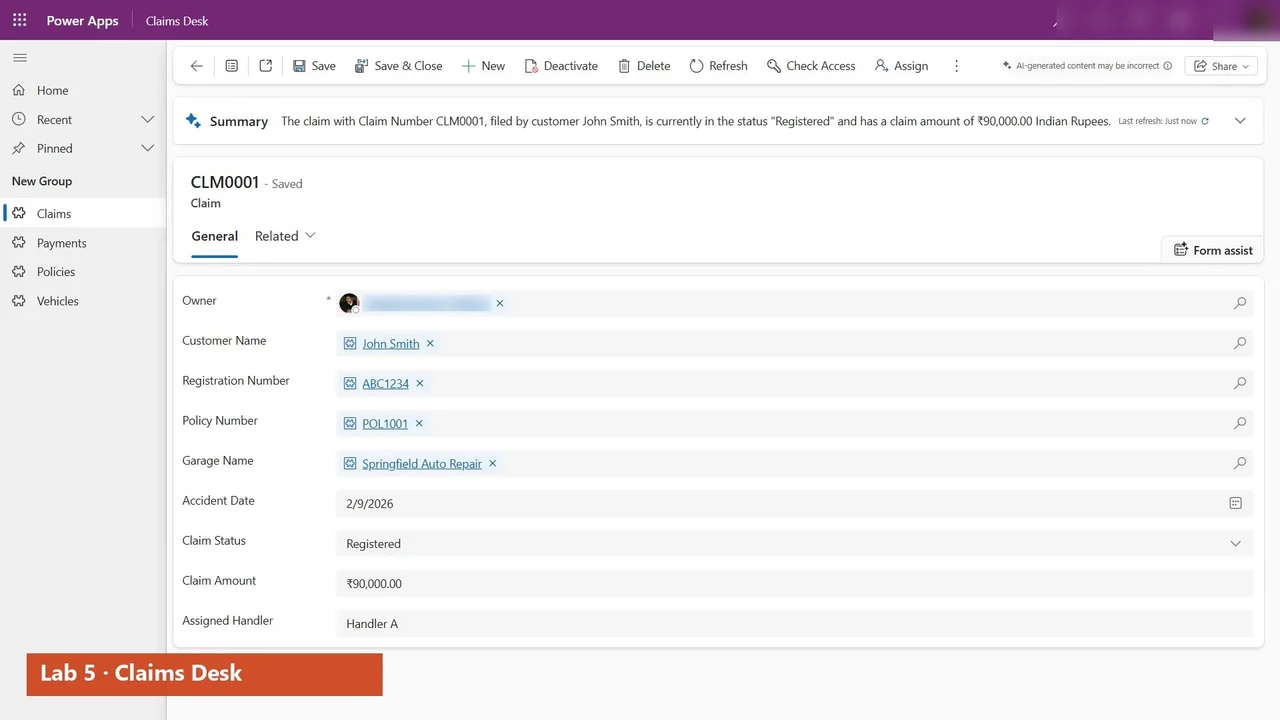
  7. 73:41Lab 5: Claims Desk, the model-driven appHands-on
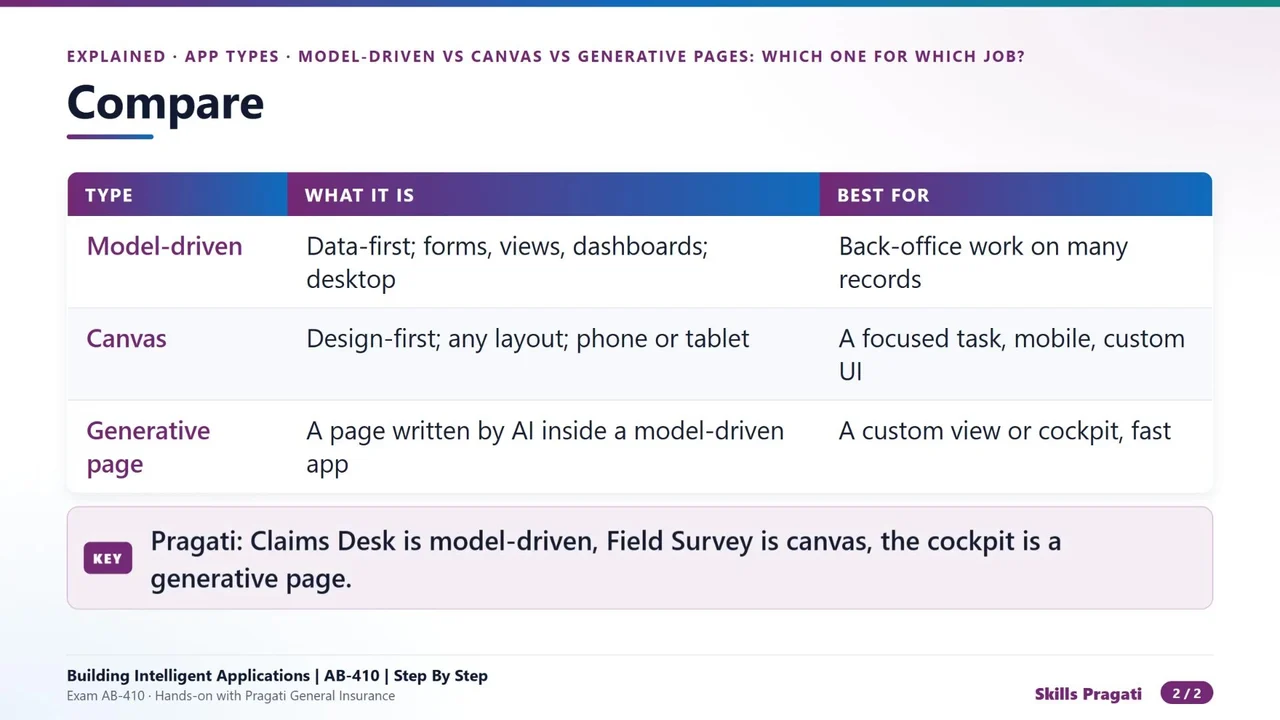
  8. 80:51Model-driven vs Canvas vs Generative Pages: Which One for Which JobExplained
  9. 92:19Lab 6: Charts for claimsHands-on
  10. 103:17Lab 7: Field Survey, a canvas app from dataHands-on
  11. 116:18Lab 7B: Make Field Survey stunning: a dark theme with one switchHands-on
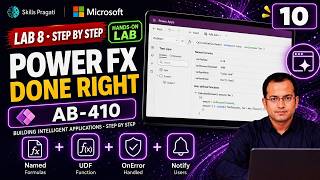
  12. 123:13Lab 8: Named formulas, a user-defined function and error handlingHands-on
  13. 133:02Lab 9: A flow from the canvas app, Live monitor and testsHands-on
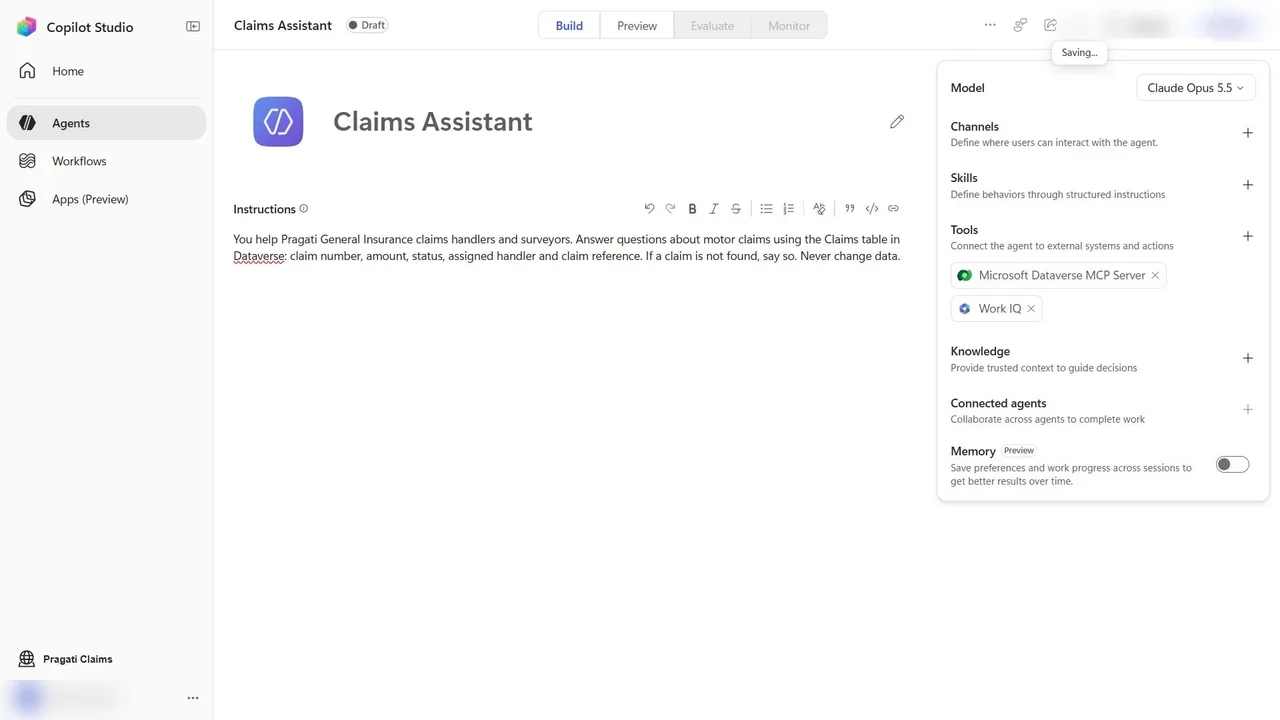
  14. 142:40Lab 10: Claims Assistant, a Copilot Studio agentHands-on
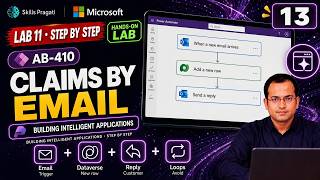
  15. 153:56Lab 11: FNOL by email, an automated cloud flowHands-on
  16. 160:49Standard vs Premium Connectors for App BuildersExplained
  17. 173:48Lab 12: Approvals for high-value claimsHands-on
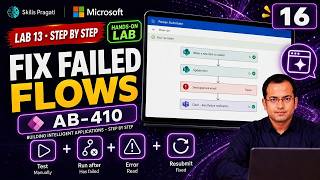
  18. 183:44Lab 13: Test, troubleshoot and resubmit flowsHands-on
  19. 192:19Lab 14: Prompts in AI hubHands-on
  20. 200:41Prompts vs AI Models vs Agents in Power PlatformExplained
  21. 212:36Lab 15: A prompt in a cloud flow: fraud red flagsHands-on
  22. 222:23Lab 16: AI models for documentsHands-on
  23. 234:42Lab 17: Formula columns, business rules and process flowsHands-on
  24. 240:47Business Rules vs Power Fx vs Flows vs Formula ColumnsExplained
  25. 254:09Lab 18: A customer portal with Power Pages, and shipping the solutionHands-on
  26. 265:46What is New for App Builders: PPCC 2026, the Copilot harness, VS Code and the canvas coauthorExplained
  27. 277:27Lab 19: Exam-style questionsHands-on
  28. 2823:18AB-410 Exam Questions and Answers, Part 1Exam Q&A
  29. 2923:30AB-410 Exam Questions and Answers, Part 2Exam Q&A

More in Copilot & Agents

AB-650Associate

Microsoft 365 and Agent 365 Administration Step By Step

Make one tenant secure, governed and ready for AI: identities, PIM, Conditional Access, Defender, Purview, Copilot settings, Agent 365 and agent identities, with PowerShell companions for most labs.

  • Hands-on lab
  • Practice sim
  • Mock exam

46 videos4.3 h30 practice labs

AB-730Associate

AB-730 Microsoft 365 Copilot Full Course

Microsoft 365 Copilot for AB-730: how LLMs and Copilot work, then hands-on labs with Copilot in Word, Excel and the other Microsoft 365 apps.

  • Mock exam

20 videos4.2 h

AB-731Associate

AB-731 AI Transformation Leader Full Course

Prepare for AB-731 AI Transformation Leader: generative AI fundamentals, AI model cost economics, AI security challenges and Microsoft 365 Copilot for leaders.

  • Mock exam

14 videos9 h

Watch on YouTube