

AB-900 Exam questions explained · Exam Q&A 1
5 AB-900 Exam Questions Explained, Step by Step
Five AB-900 exam-style questions on Microsoft 365 core features for Copilot, with the answer and the reasoning, plus a four-step method for any scenario.

The first AB-900 domain, core features and objects of Microsoft 365, is 30–35% of the exam. Its questions are short scenarios where two of the four options are usually the wrong product or the wrong admin center. Spotting those quickly is most of the skill.
Here is the method from the course, then five questions from the first exam Q&A video, each with the reasoning.
A four-step method
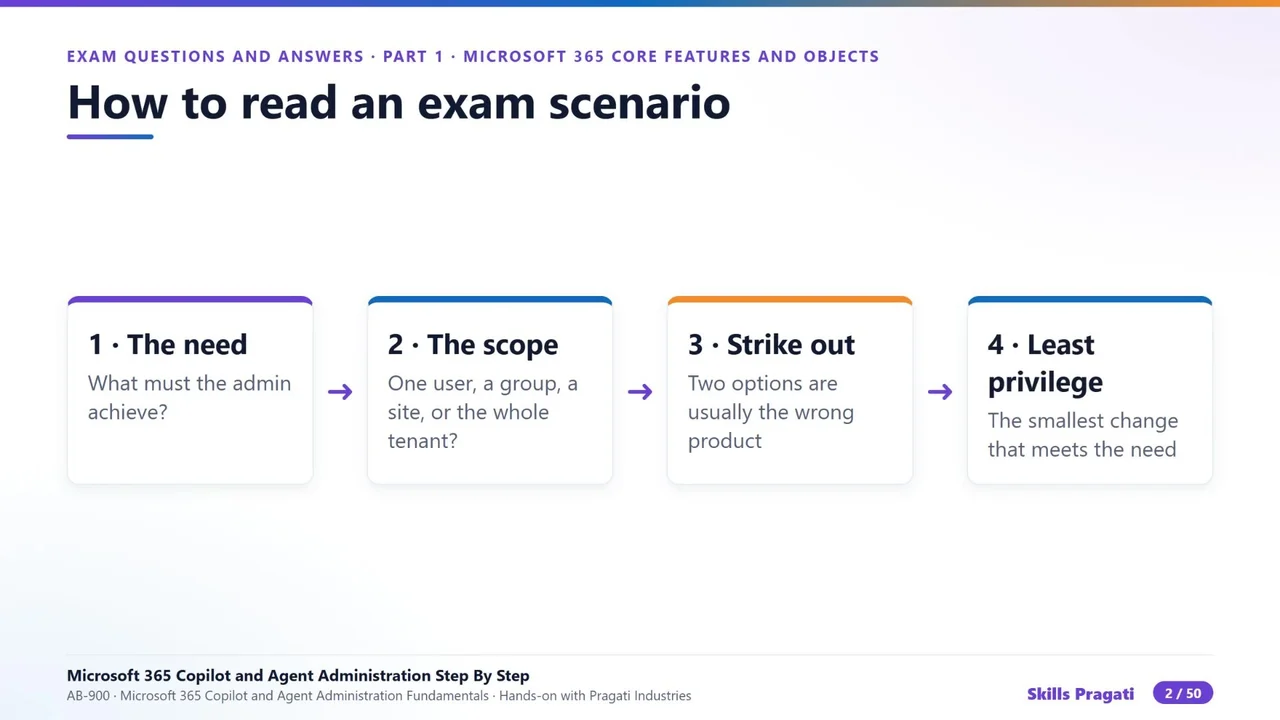
- The need: what must the admin achieve?
- The scope: one user, a group, one site, or the whole tenant?
- Strike out: two options are usually the wrong product or the wrong admin center.
- Least privilege: of what remains, choose the smallest change that still meets the need.
Question 1: the firewall and Copilot
Copilot in the Office apps needs one network connection type to reach Microsoft. Which one must the firewall allow?
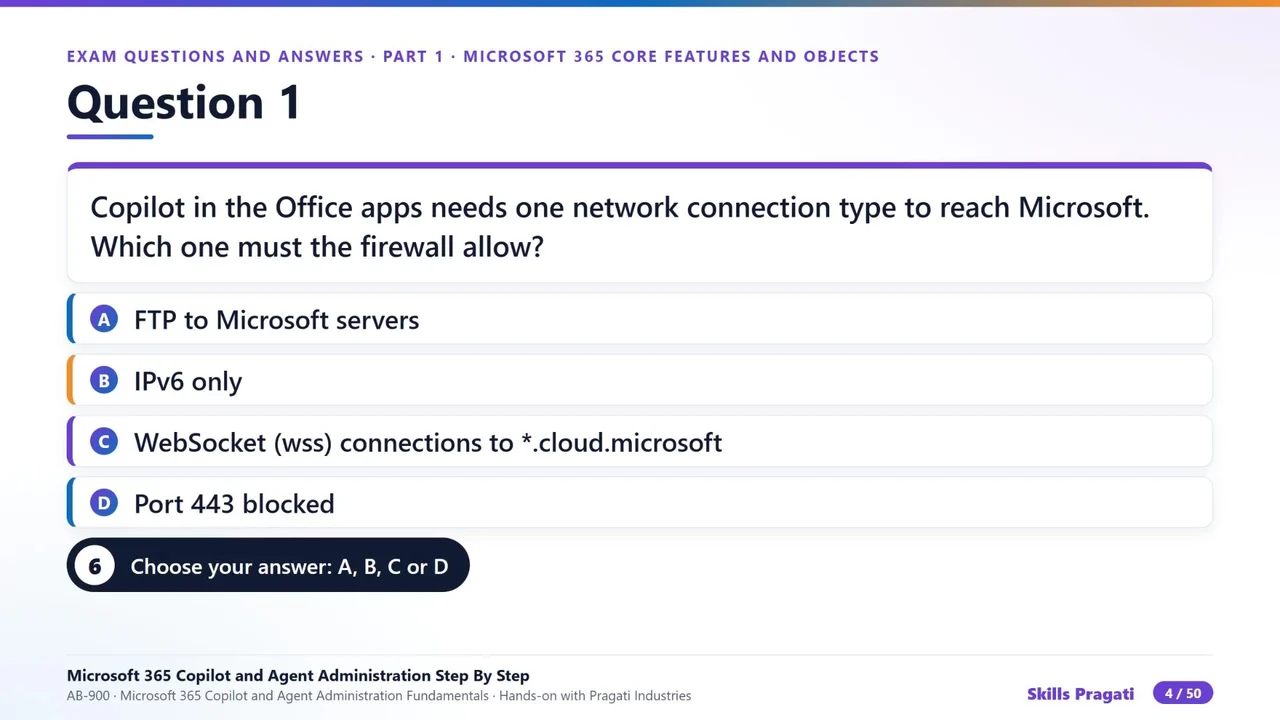
Answer: WebSocket (WSS) connections to *.cloud.microsoft. Copilot in the apps keeps a WebSocket connection open to those endpoints. Blocking it, or inspecting it badly, breaks Copilot while everything else still works.
Question 2: personal accounts on company devices
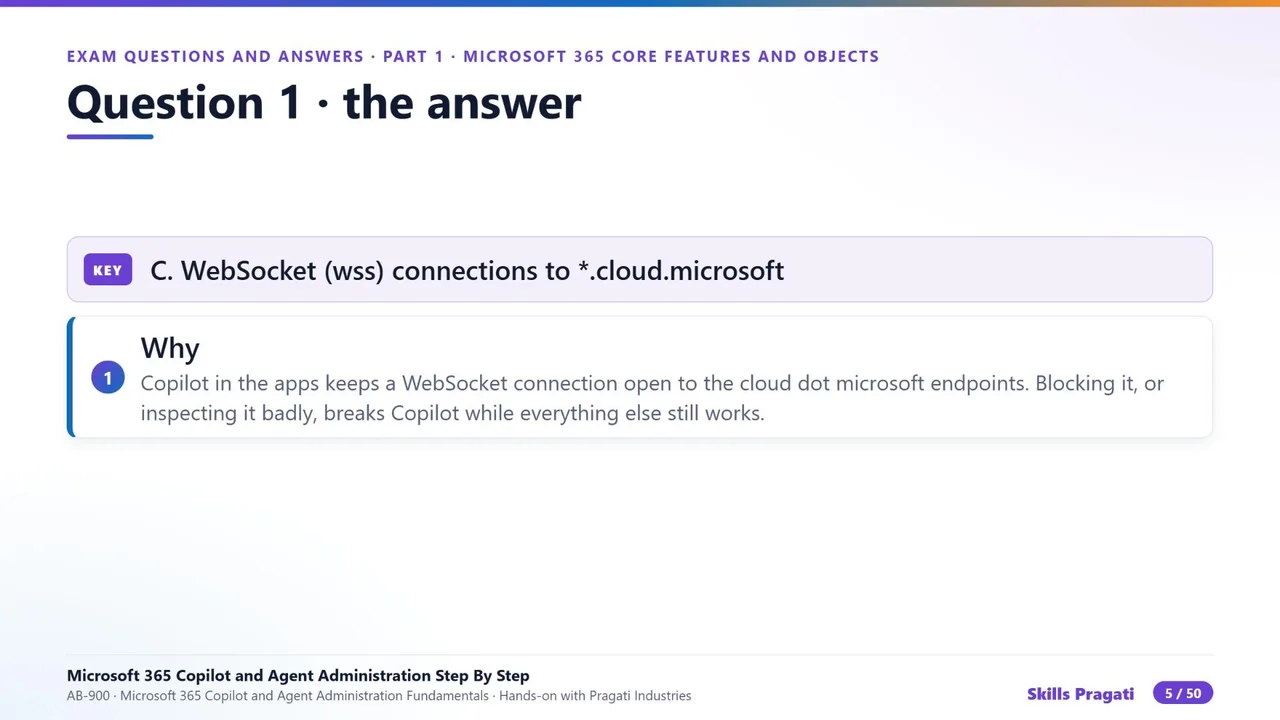
Pragati must stop staff signing in to Copilot with personal Microsoft accounts on company devices. What do you use?
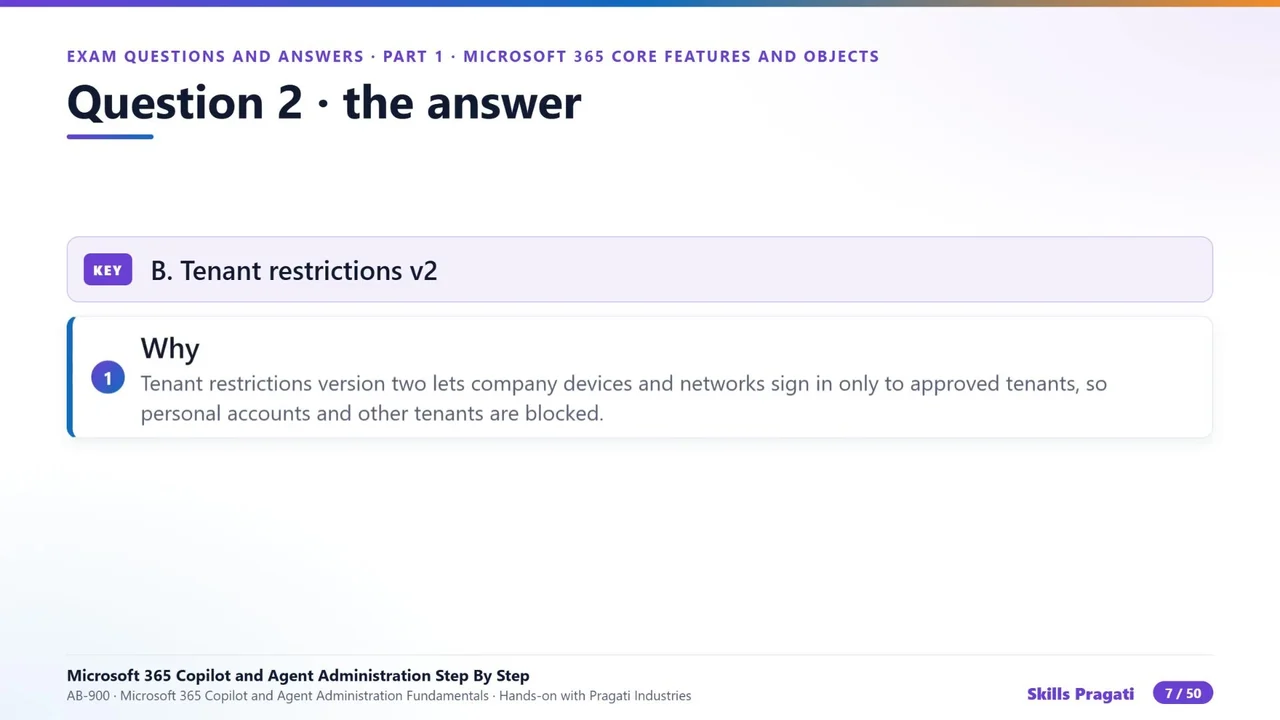
Answer: tenant restrictions v2. It lets company devices and networks sign in only to approved tenants, so personal accounts and other tenants are blocked.
Question 3: a custom domain
Where do you add and verify a custom domain?
Answer: Microsoft 365 admin center → Settings → Domains. You verify it with a TXT record, then add the DNS records for each service. Entra, Exchange and SharePoint are the “wrong admin center” options to strike out.
Question 4: a group with its own site
Which group type gets its own SharePoint site and a group mailbox the moment you create it?
Answer: a Microsoft 365 group. It is a workspace: a shared mailbox and calendar, a SharePoint site, Planner, and Teams if you add it. Security groups and distribution lists do not create a site.
Question 5: Send As vs Send on Behalf
Megan must send mail that appears to come from the Copilot Support shared mailbox itself, not on its behalf. Which permission?
Answer: Send As. Send As makes the mail look as if the mailbox itself sent it. Send on Behalf shows both names. Full Access opens the mailbox but does not let you send as it.
How to use these
The video has 23 questions for this domain, each with the answer explained and the lab to rewatch; the second Q&A video covers the other two domains. Do them after the labs, note the ones you miss, and rewatch only those labs. Then take the timed mock exam on the course page.
Do it yourself
- The full AB-900 courseEvery Part, free on YouTube, in order
- Hands-on lab guideThe exact steps, what it costs, how to clean up
- Practice simulationRehearse every click in your browser; the first lab is free
- Mock examFree 10-question sample, then the full timed mock scored by domain
Lab guides, practice and full mock exams come with a subscription. See the plans