

AB-900 Course guide
AB-900 Exam Guide: Pass Copilot & Agent Admin Fundamentals
What the AB-900 Microsoft 365 Copilot and Agent Administration Fundamentals exam covers, how its three domains are weighted, and a hands-on study plan.

Copilot answers from everything a person can already open: salary files, budgets, every overshared site. That is why switching Copilot on is the last step, not the first. The admin has to be ready before the licences go out.
The AB-900 exam, Microsoft 365 Copilot and Agent Administration Fundamentals, tests exactly that readiness. This guide explains what it covers and how to prepare hands-on.
The story behind the course
Pragati Industries makes pumps in Pune and is starting a Copilot pilot. Lab by lab, we build its Microsoft 365, protect its data, and then switch Copilot and agents on, safely: users and groups, sites and teams, identity, labels, data loss prevention and agents.
The three exam domains
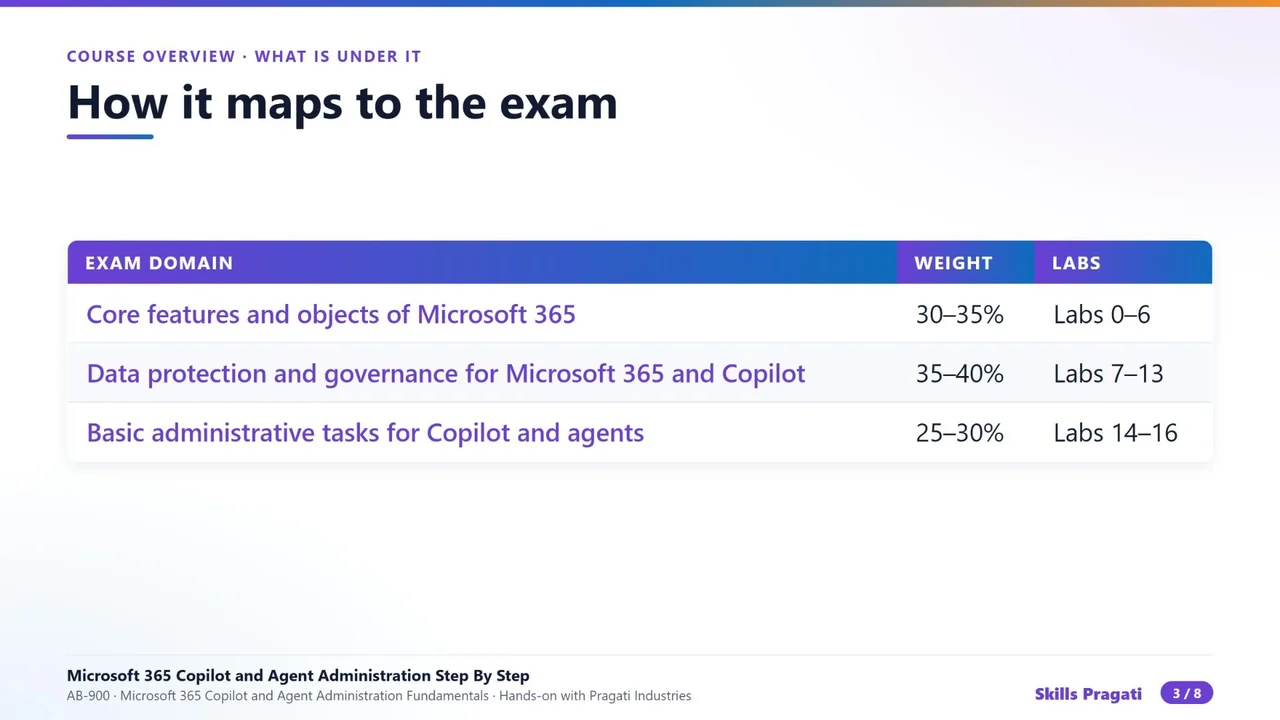
| Domain | Weight | Course labs |
|---|---|---|
| Core features and objects of Microsoft 365 | 30–35% | Labs 0–6 |
| Data protection and governance for Microsoft 365 and Copilot | 35–40% (the largest) | Labs 7–13 |
| Basic administrative tasks for Copilot and agents | 25–30% | Labs 14–16 |
Data protection is the biggest domain on purpose: most Copilot risk is a data problem, not a Copilot problem. Check the official exam page for the current skills outline before you book.
What you actually build
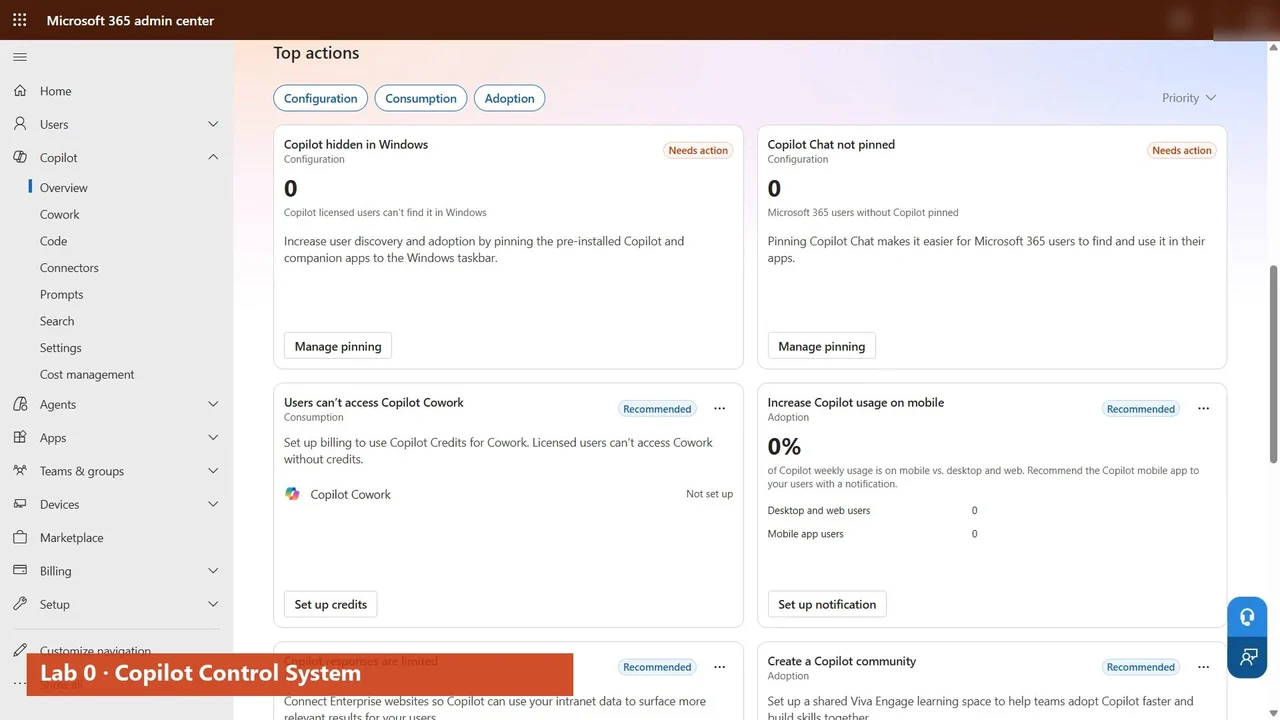
- The Copilot Control System: security, management and reporting for Copilot in one place in the admin center (Lab 0).
- Licences by group, so everyone who joins the pilot group gets Copilot automatically (Lab 1).
- A private HR site with confidential files and permissions you set yourself (Lab 3).
- Zero Trust with Entra: Conditional Access tested with What If (Lab 5).
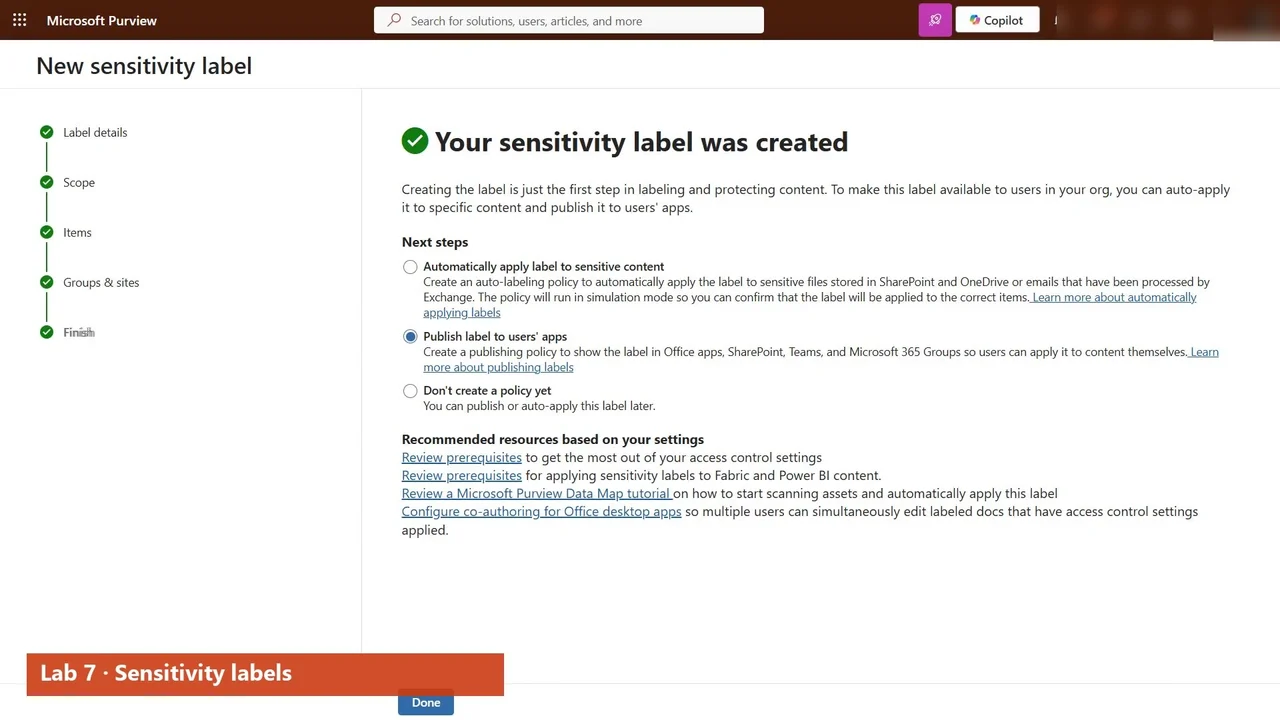
- An encrypted sensitivity label that only HR can open, applied automatically to employee IDs (Lab 7).
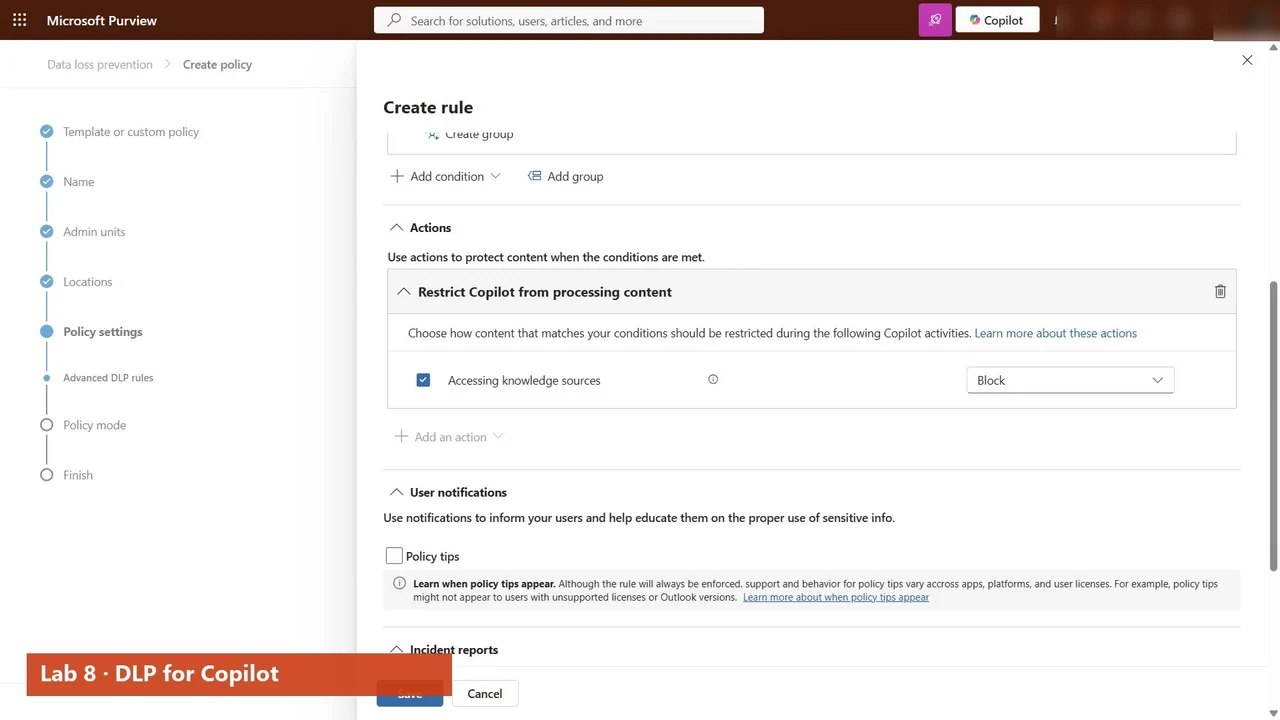
- DLP for Copilot itself: labelled files never make it into an answer (Lab 8).
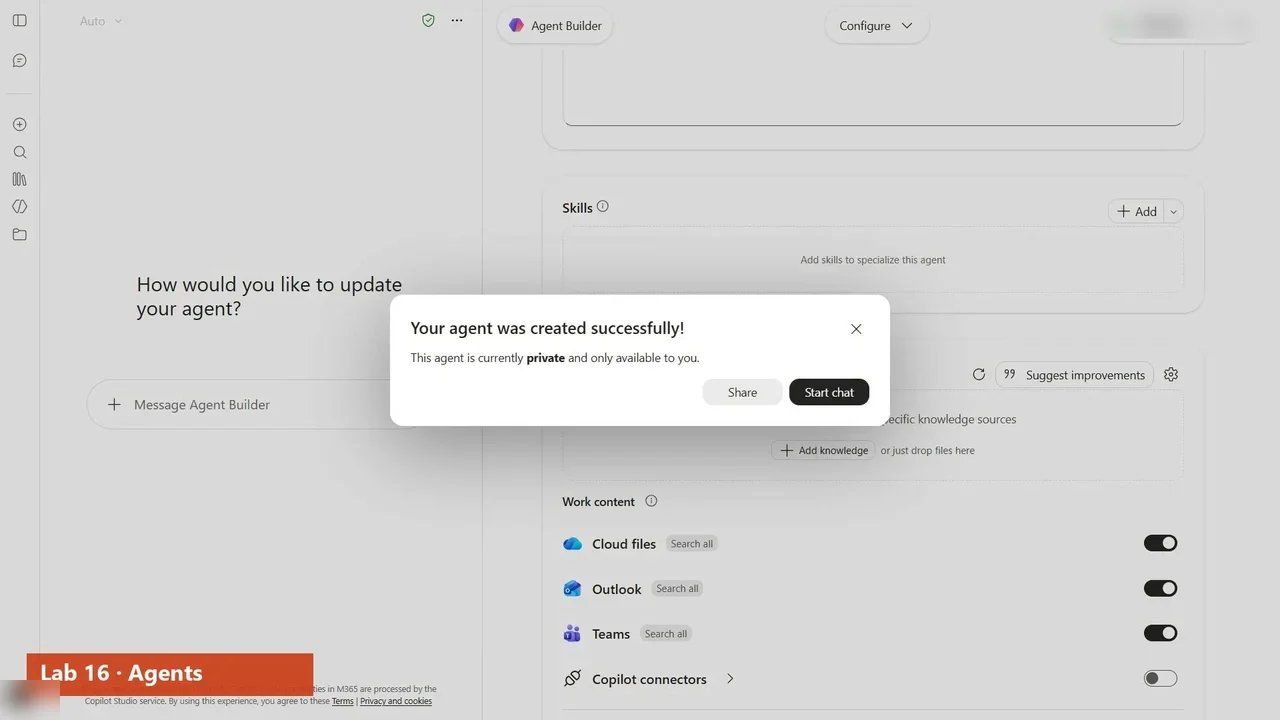
- Copilot Chat live, an agent built in Agent Builder and governed with every other agent, and the checks automated with Microsoft Graph (Labs 14–18).
A study plan that works
- Start with Lab 0 and keep the same tenant for the whole course.
- Follow the labs in order. The HR site from Lab 3 is labelled in Lab 7, protected by DLP in Lab 8, and tested with Copilot in Lab 12.
- Do every lab yourself, or rehearse it in the practice simulation first.
- Answer the exam questions in Lab 17 and the two Q&A videos, then rewatch the labs behind the ones you miss.
- Finish with a timed mock exam.
What it costs to practise
You need a Microsoft 365 tenant that is not production (an E5 trial or a developer tenant) and a Copilot licence as a free trial. Cancel trials before they bill. Nothing that costs money is switched on in the course: pay-as-you-go is shown up to the point of cost, and the video says so.
The full course is free on YouTube
The overview above is the first of 22 videos: Labs 0 to 18 and two exam Q&A videos. Watch them in order on the course page, then practise.
Do it yourself
- The full AB-900 courseEvery Part, free on YouTube, in order
- Hands-on lab guideThe exact steps, what it costs, how to clean up
- Practice simulationRehearse every click in your browser; the first lab is free
- Mock examFree 10-question sample, then the full timed mock scored by domain
Lab guides, practice and full mock exams come with a subscription. See the plans