

PL-900 Which one when · Lab 1
Which Power Platform Product Fixes Which Problem?
Dataverse, Power Apps, Power Automate, connectors, Power Pages, Copilot and Copilot Studio: what each is for, mapped to one real process.

PL-900 is full of “which product would you use” questions. The easiest way to answer them is to map each product to a real process. In Lab 1 of the course we do exactly that for Pragati Industries’ buying process, which today runs on e-mail, Excel and an old ERP screen.
The products, one sentence each
| Product | In one sentence | At Pragati |
|---|---|---|
| Dataverse | a secure, managed business database with security, logic and auditing built in | one record of suppliers, requests and invoices |
| Power Apps | business apps with little or no code | engineers request on a phone; buyers work in a desk app |
| Power Automate | automates the process | approvals, supplier onboarding, reading invoices, even typing into the old ERP |
| Connectors | more than 1,500 ready connections to other services | Outlook, Teams, SharePoint, SAP |
| Power Pages | secure websites for people outside the company | a supplier portal for bank details |
| Copilot (generative AI) | describe it, and AI builds tables, apps and flows | faster building; invoices read automatically |
| Copilot Studio | agents that answer, guide and act | a Procurement Assistant in Teams |
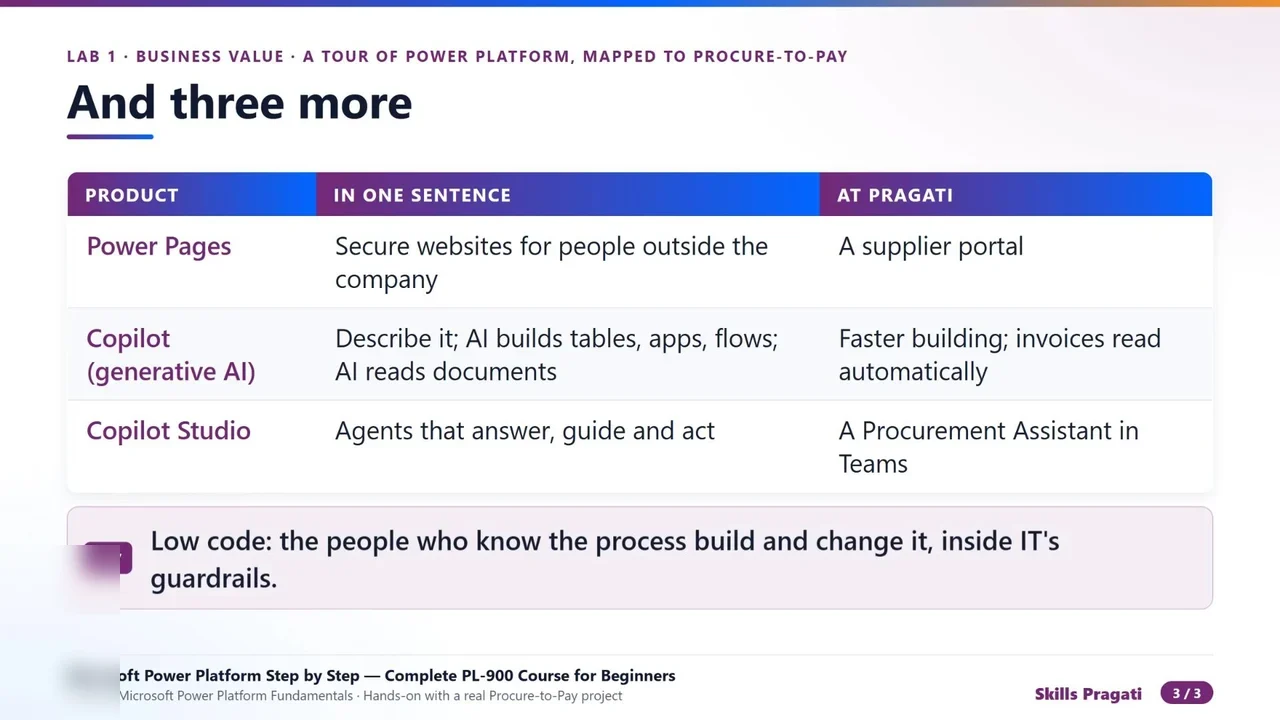
Connectors: standard vs premium
Each connector offers triggers (events that start a flow, such as When a new email arrives) and actions (steps such as Send an email). Most, like Office 365 Outlook, SharePoint and Teams, are standard and come with Microsoft 365. Some are premium, Microsoft Dataverse among them, and need a premium licence.
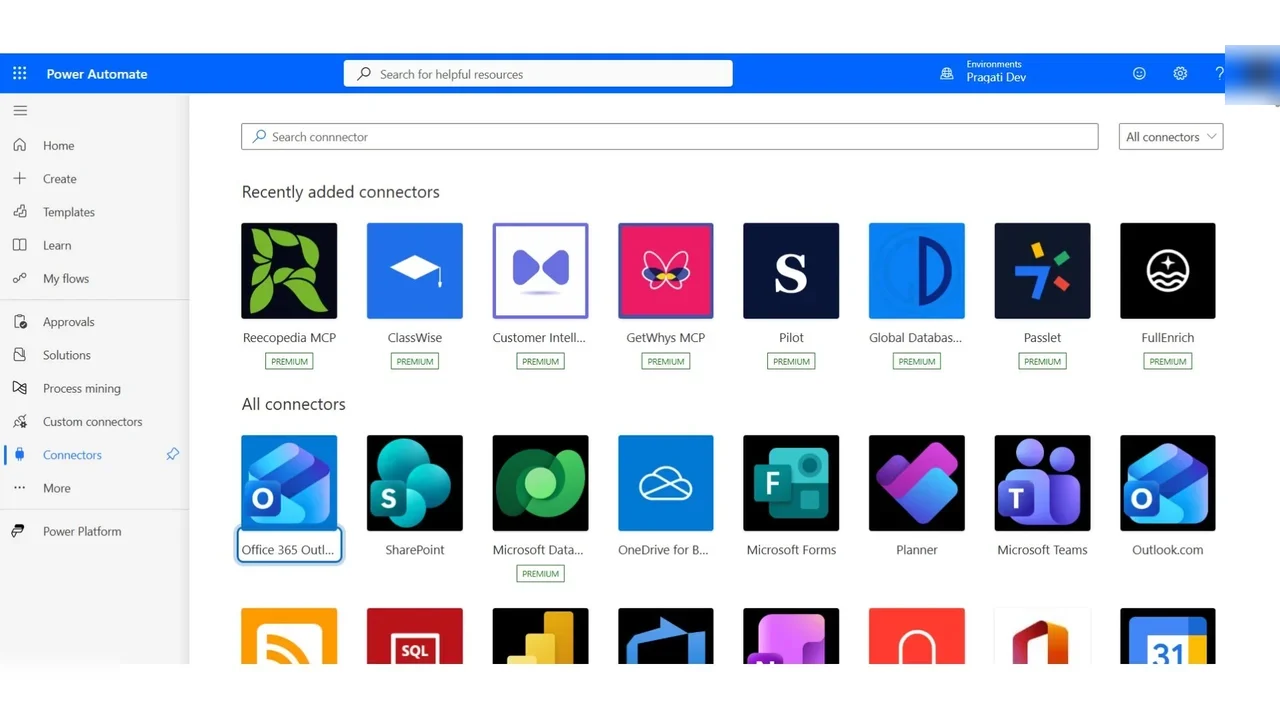
Copilot Studio and Power Pages
Copilot Studio builds agents; note the label uses Copilot Credits. Agents are metered, which is why the agent labs use a sandbox with credits.
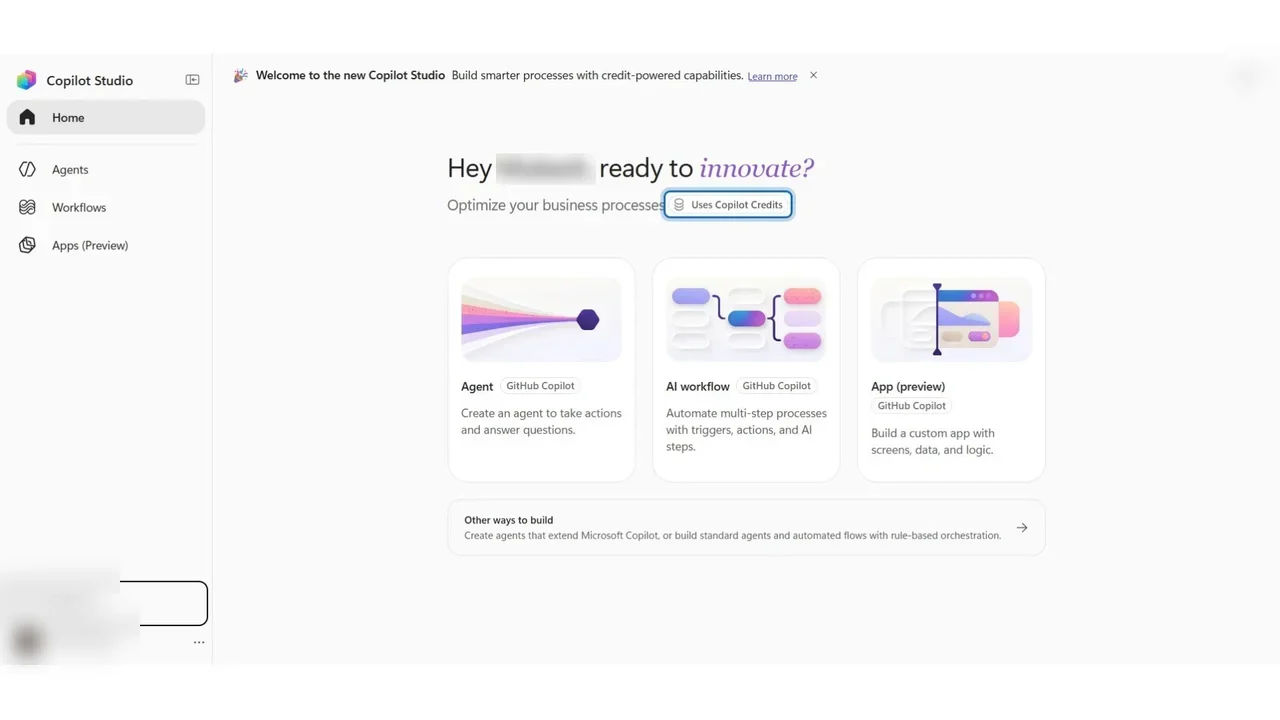
Power Pages is for websites used by people outside the company, such as a supplier portal; here too you can describe the site and let AI draft it.
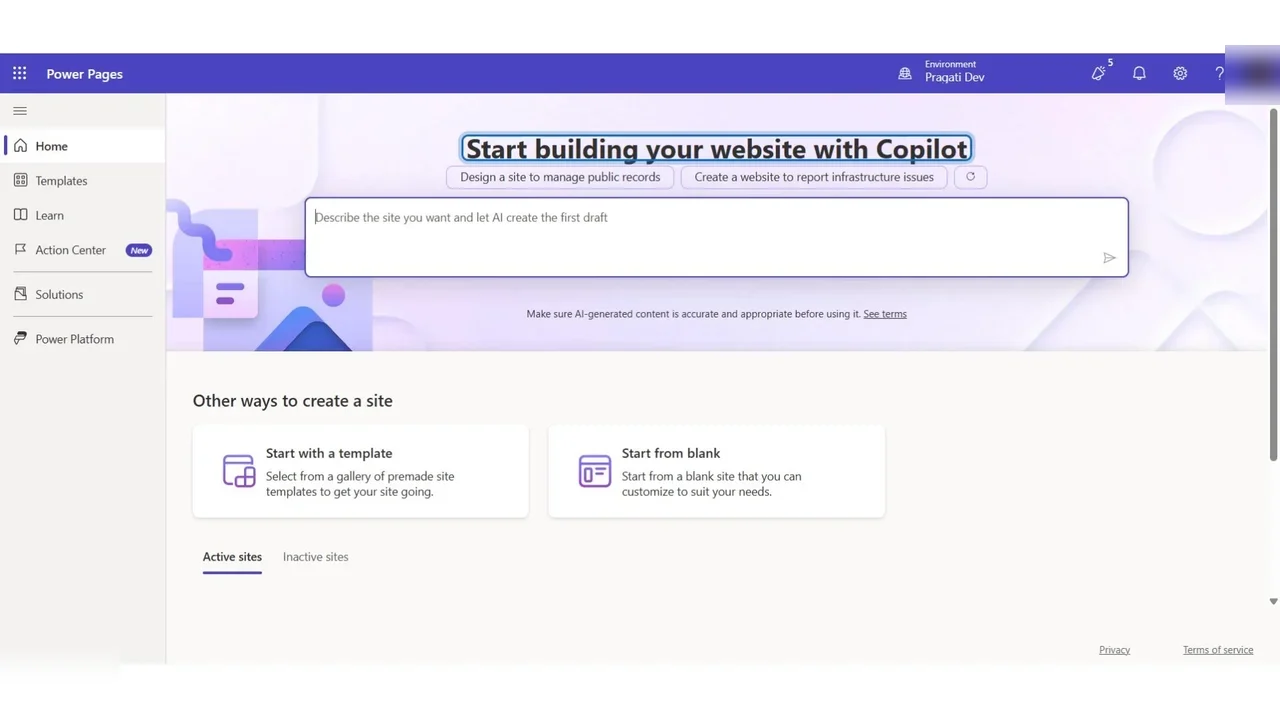
Why low code fits procure to pay
The rules change every year, the people who know them sit in procurement and finance, and with Power Platform they build and change the process themselves, inside the guardrails IT sets. That is the business-value argument the exam wants you to recognise.
How to answer “which product” questions
- Store and secure business data? Dataverse.
- People enter or review data? Power Apps.
- Something should happen automatically? Power Automate (cloud flow if there is a connector, desktop flow if there is only a screen).
- People outside the company? Power Pages.
- Answer questions or guide a conversation? Copilot Studio.
Do it yourself
- The full PL-900 courseEvery Part, free on YouTube, in order
- Hands-on lab guideThe exact steps, what it costs, how to clean up
- Practice simulationRehearse every click in your browser; the first lab is free
- Mock examFree 10-question sample, then the full timed mock scored by domain
Lab guides, practice and full mock exams come with a subscription. See the plans