

PL-900 Course guide
PL-900 Exam Guide: Build One Real System, Pass the Exam
What the PL-900 exam covers and a hands-on plan: build one real procure-to-pay system with Dataverse, apps, flows, AI and an agent.
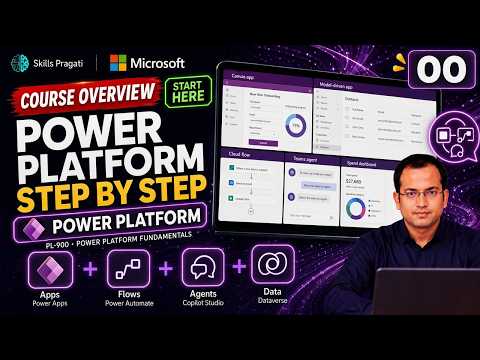
PL-900 is the entry exam for Microsoft Power Platform. It does not ask you to write code. It asks whether you understand what each product is for, and whether you have seen it work. The best way to prepare is to build something real.
The story behind the course
Pragati Industries makes pumps, with plants in Pune and Chennai. Today purchasing runs on e-mail and spreadsheets: requests, approvals, suppliers and invoices are scattered everywhere. Approvals get lost, invoices are typed by hand into an old ERP, and nobody can see the spend.
So the course rebuilds procure to pay on Power Platform: one data model, apps, flows, AI and an agent, governed end to end.
What the exam covers
The exam measures the business value of Power Platform, Dataverse and connectors, and the core capabilities of Power Apps, Power Automate, Power Pages, Copilot Studio and AI. Check the official exam page for the current domains and weights before you book.
What you actually build
- The platform tour: which product fixes which step of the buying process (Lab 1).
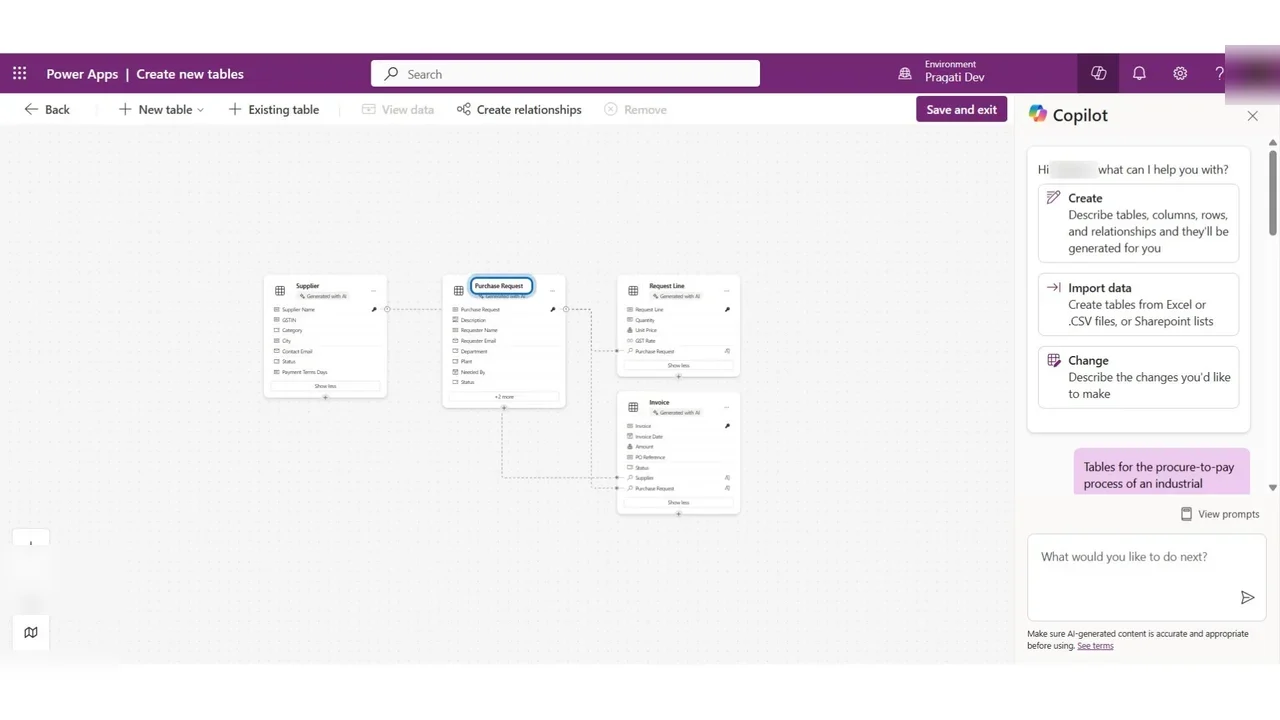
- Four Dataverse tables proposed by Copilot and checked by you, plus 20 imported suppliers (Lab 2).
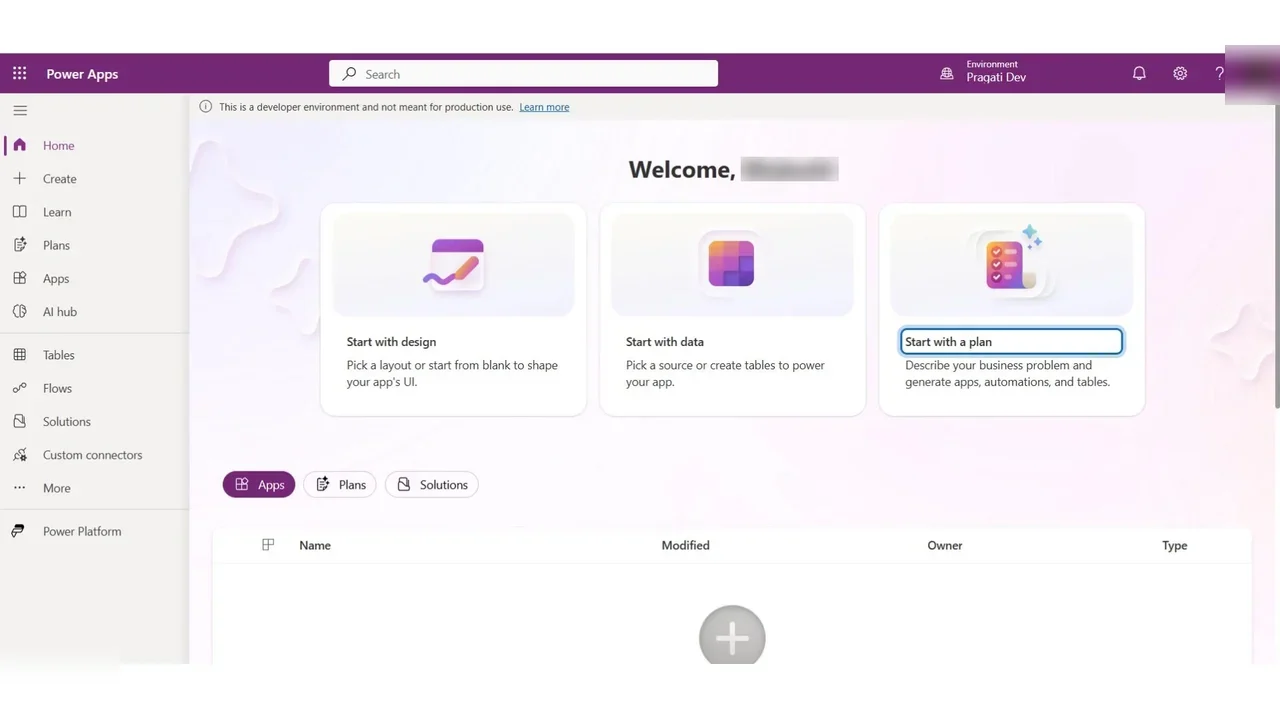
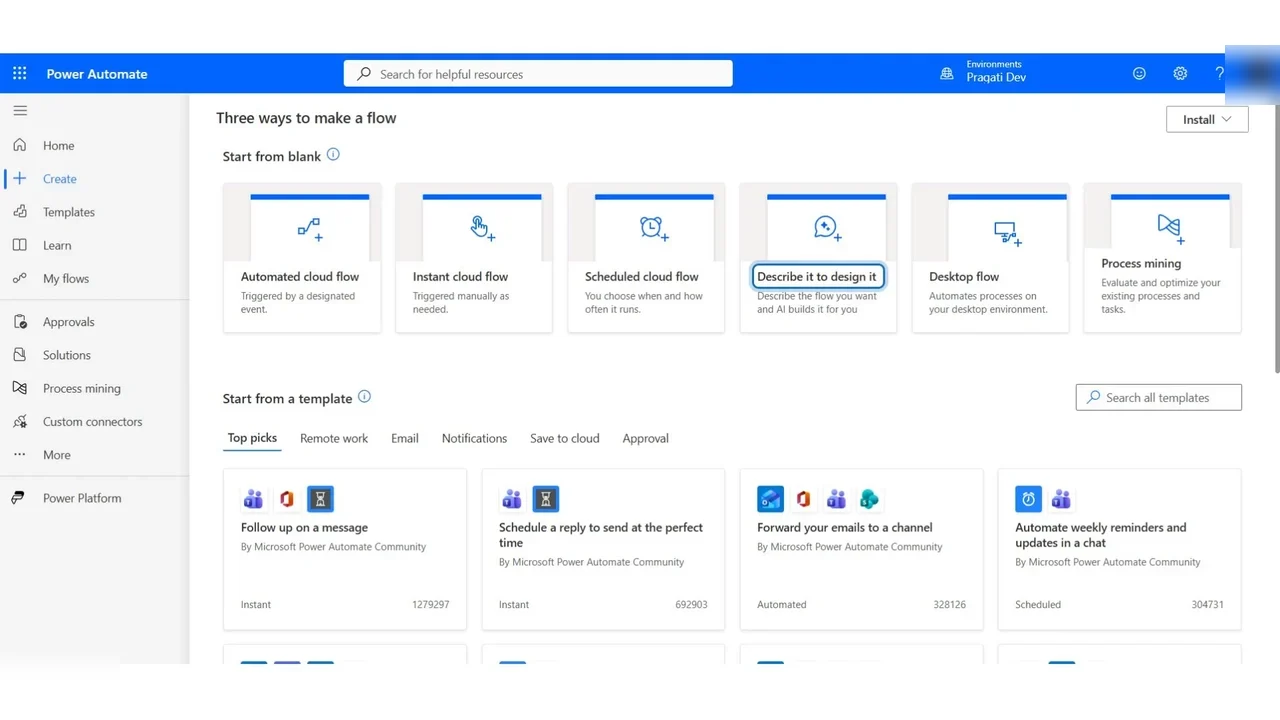
- Apps for engineers and buyers, cloud flows for approvals and supplier onboarding (Labs 3–9).
- AI Builder reading supplier invoices, and a desktop flow typing into an old ERP with no API (Labs 10–11).
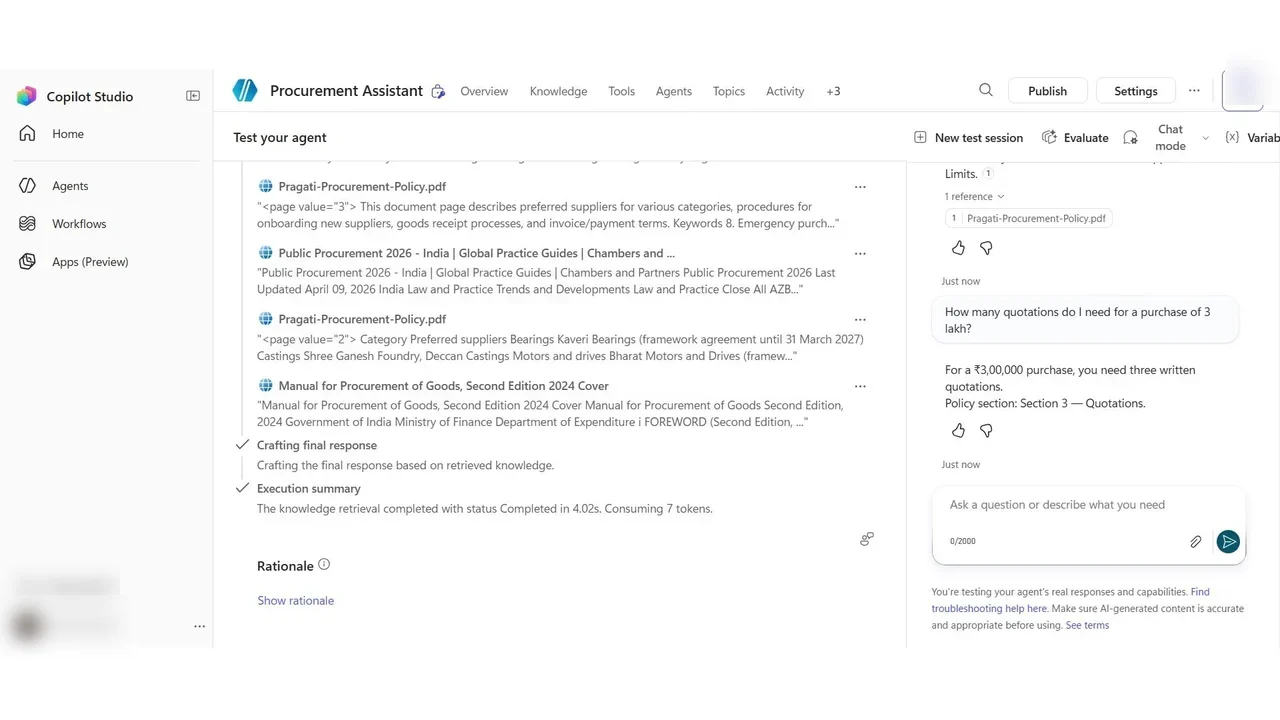
- Copilot Studio: the Procurement Assistant agent, grounded on the company policy (Lab 12).
- Administration and governance: environments, DLP policies and the admin center (Lab 15).
A study plan that works
- Start with Lab 1 to see the whole platform once.
- Follow the labs in order. The tables from Lab 2 feed every app, flow and agent that follows.
- Do every lab yourself, or rehearse it in the practice simulation first.
- Answer the exam Q&A videos, then take a timed mock exam.
The full course is free on YouTube
The overview above is the first of 20 videos. Watch them in order on the course page, then practise.
Do it yourself
- The full PL-900 courseEvery Part, free on YouTube, in order
- Hands-on lab guideThe exact steps, what it costs, how to clean up
- Practice simulationRehearse every click in your browser; the first lab is free
- Mock examFree 10-question sample, then the full timed mock scored by domain
Lab guides, practice and full mock exams come with a subscription. See the plans