Exam SC-500AssociateEnglish

SC-500: Cloud and AI Security Engineer Step By Step

Prepares you for exam SC-500: Implementing End-to-End Security Controls for Cloud and AI Workloads

Secure one company's Azure workload from zero: Entra and PIM, Key Vault, policy and compliance, storage, SQL and networks, VMs, apps and AI with Foundry guardrails, then prove it with Defender for Cloud, Sentinel and Security Copilot.

  • 18 videos
  • 4.2 h of video

Plays the full course playlist from YouTube in privacy-enhanced mode. Nothing loads from YouTube until you press play.

About this course

SC-500: Cloud and AI Security Engineer, step by step. One company, Pragati Logistics, secured from zero in Azure: every exam skill done for real and proven on screen.

The course overview, Part 0 concepts, twelve hands-on Parts across the four exam domains (Entra for Azure, Key Vault and governance; storage, databases and networking; servers, app platform and AI workloads; Defender for Cloud, Sentinel and Security Copilot), four exam Q&A videos, and a final Part that proves the result and deletes everything.

Practice simulation

Practise every lab in your browser

11 labs and 315 steps rebuilt from the course videos. Practise each step with voice guidance, switch on Exam mode to test yourself, or press Watch to see the lab play. The first lab is free; the rest come with a subscription.

Try the free lab
  1. Part 1 · Lab foundation and Entra for Azure Free

    10 sections · 43 steps · 27 to click

    Practise
  2. Part 2 · Azure Key Vault Subscribers

    4 sections · 19 steps · 9 to click

    Practise
  3. Part 3 · Governance and compliance Subscribers

    9 sections · 36 steps · 22 to click

    Practise
  4. Part 4 · Secure storage and databases Subscribers

    6 sections · 24 steps · 14 to click

    Practise
  5. Part 5 · Network security Subscribers

    7 sections · 41 steps · 24 to click

    Practise
  6. Part 6 · Servers and VMs Subscribers

    4 sections · 20 steps · 8 to click

    Practise
  7. Part 7 · Application platform Subscribers

    9 sections · 51 steps · 20 to click

    Practise
  8. Part 8 · Securing AI workloads Subscribers

    6 sections · 29 steps · 18 to click

    Practise
  9. Part 9 · Defender for Cloud posture Subscribers

    6 sections · 16 steps · 8 to click

    Practise
  10. Part 10 · Microsoft Sentinel Subscribers

    8 sections · 27 steps · 14 to click

    Practise
  11. Part 12 · Prove it, then clean up Subscribers

    2 sections · 9 steps · 4 to click

    Practise
Leader brief

What a technology leader should know about SC-500

What it is

Cloud and AI security engineering protects a company’s Azure workloads end to end: identity, secrets, network, compute, data and the new AI apps. It also proves that protection continuously, through posture, compliance and threat detection.

Why now

AI apps add new risks such as jailbreak prompts and personal data leaking into models, and auditors increasingly ask for evidence against standards like ISO 27001. Workloads built fast and secured later (standing admin rights, open ports, keys in code) are the usual starting point.

Decisions you will make

  • Which Defender for Cloud plans to pay for, and which resources to exclude
  • Prevent (Azure Policy, guardrails, firewalls) versus detect (Defender plans, Sentinel) for each risk
  • Whether Sentinel becomes the SIEM for all sources, and how long logs are kept (analytics versus data lake retention)
  • Whether to buy Security Copilot capacity, or wait for the Microsoft 365 E5 allowance
  • Which compliance standards to report against, beyond the free Microsoft cloud security benchmark

Risks if ignored

  • An internet-exposed VM with a path to sensitive data becomes an attack path
  • Permanent admin rights turn one stolen password into full control
  • Keys in code or open storage leak data without anyone noticing
  • AI apps answer jailbreak prompts or repeat customer data
  • No audit trail when the auditor or an incident asks "who did what"

Cost

Free: Foundational CSPM and the Microsoft cloud security benchmark are free. Defender for Cloud plans and Defender CSPM have 30-day free trials; Sentinel has a 31-day trial of up to 10 GB a day.

Paid: Defender plans bill per resource after their trials. Security Copilot runs on security compute units, either an E5 allowance or paid capacity.

Our lab: The whole course lab cost under ₹300 (₹274.56 for the month), because paid resources were deleted the same day and plans ran on trials.

Who owns what

Platform teamSecure-by-default templates, private endpoints, managed identities
GovernanceAzure Policy, locks, PIM, compliance standards
Security operations (SOC)Defender plans, Sentinel, incidents and automation
SOC and engineeringAutomation rules, playbooks and Security Copilot

Questions to ask your team

  • How many attack paths does Defender for Cloud show today?
  • Who holds standing admin rights, and why are they not eligible through PIM?
  • Which secrets still live outside Key Vault?
  • What stops a jailbreak or personal data reaching our AI models?
  • Which compliance report could we hand an auditor tomorrow?
Course videos

All 18 videos, in order

Playlist on YouTube
  1. 14:04Course OverviewOverview
  2. 24:55Part 0: Understand it first, the role, defence in depth, which tool when, and costHands-on
  3. 312:59Part 1: Lab foundation and Entra for Azure, PIM, sign-in, app and managed identitiesHands-on
  4. 411:55Part 2: Azure Key Vault, access, keys, rotation, network and DefenderHands-on
  5. 518:32Part 3: Governance and compliance, Azure Policy, Defender for Cloud, locks and backupsHands-on
  6. 617:06Exam Q&A 1: Identity, access and governanceExam Q&A
  7. 713:19Part 4: Secure storage and databasesHands-on
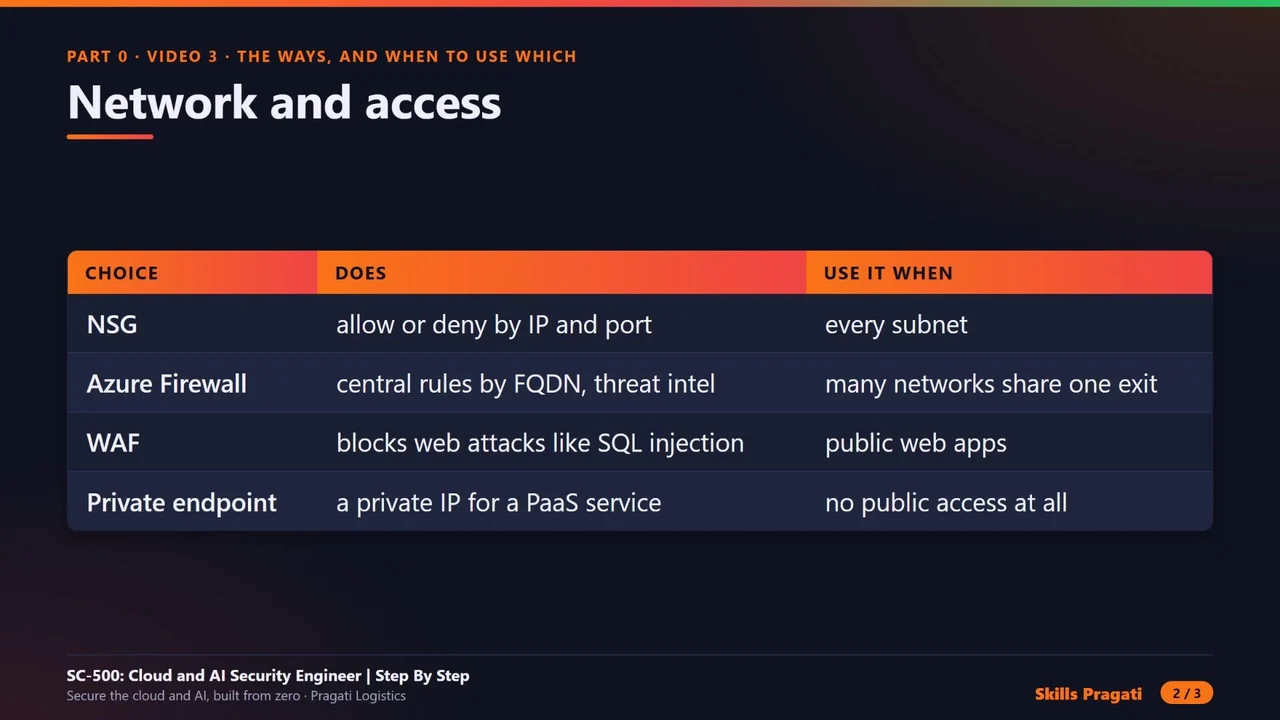
  8. 824:15Part 5: Network security, NSGs, private endpoints, Azure Firewall, VPN and Private AccessHands-on
  9. 918:28Exam Q&A 2: Storage, databases and networkingExam Q&A
  10. 1012:01Part 6: Servers and VMs, trusted launch, Bastion, JIT, Defender for Servers and ArcHands-on
  11. 1125:04Part 7: Application platform, App Service, Functions, WAF, APIM and containersHands-on
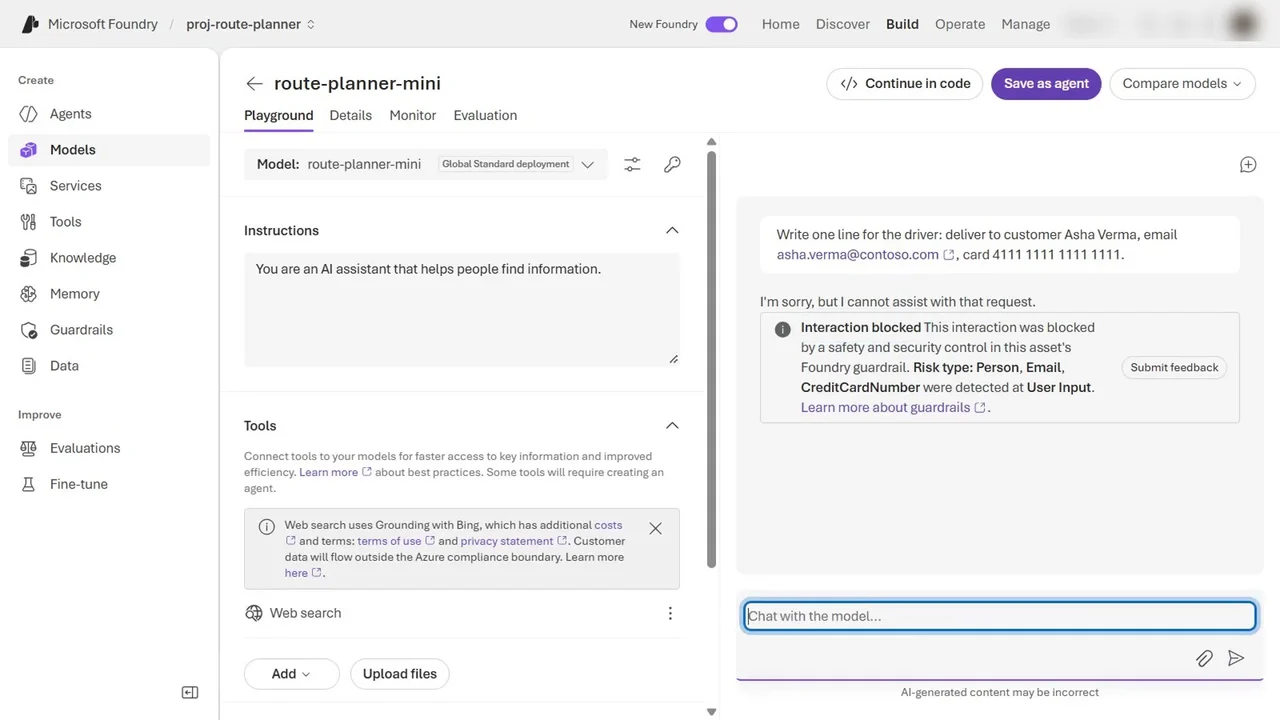
  12. 1215:46Part 8: Securing AI workloads, Foundry guardrails, AI gateway, Defender for AI and agentsHands-on
  13. 1317:24Exam Q&A 3: Secure compute and AIExam Q&A
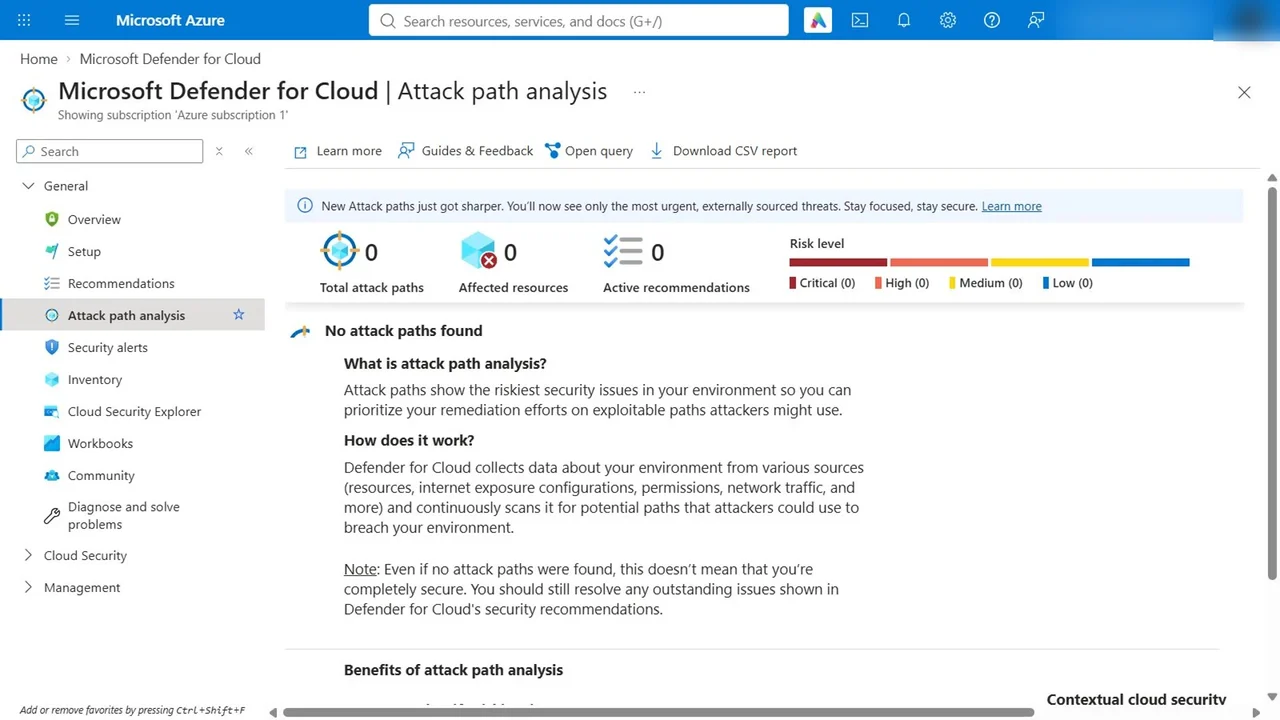
  14. 1412:45Part 9: Defender for Cloud posture, attack paths, compliance, plans, multicloud and EASMHands-on
  15. 1517:52Part 10: Microsoft Sentinel, connectors, custom data, automation and huntingHands-on
  16. 164:24Part 11: Microsoft Security CopilotHands-on
  17. 1714:44Exam Q&A 4: Security posture and operationsExam Q&A
  18. 186:39Part 12: Prove it, then clean up, the evidence pack, delete everything and the cost proofHands-on

More in Security

SecurityIntermediate

Microsoft Entra Suite Masterclass

Zero Trust for people and network access: lifecycle workflows, access packages and reviews, risk policies, Verified ID, Internet Access with a web filter and Private Access without a VPN.

  • Hands-on lab
  • Practice sim
  • Mock exam

29 videos1.3 h15 practice labs

SecurityIntermediate

Microsoft Purview Masterclass

Secure one company's data with Microsoft Purview across 18 hands-on modules: the Purview command line, the architecture blueprint, sensitivity labels, DLP and retention.

  • Videos only

19 videos6.6 h

Watch on YouTube