IntermediateEnglish

Microsoft Entra Suite Masterclass

Zero Trust for people and network access: lifecycle workflows, access packages and reviews, risk policies, Verified ID, Internet Access with a web filter and Private Access without a VPN.

  • 29 videos
  • 1.3 h of video

Plays the full course playlist from YouTube in privacy-enhanced mode. Nothing loads from YouTube until you press play.

About this course

Microsoft Entra Suite Masterclass, step by step, for 2026: Zero Trust for people and network access, built for one company, Pragati Logistics. ID Governance, ID Protection, Verified ID, Internet Access and Private Access, all real and proven on screen.

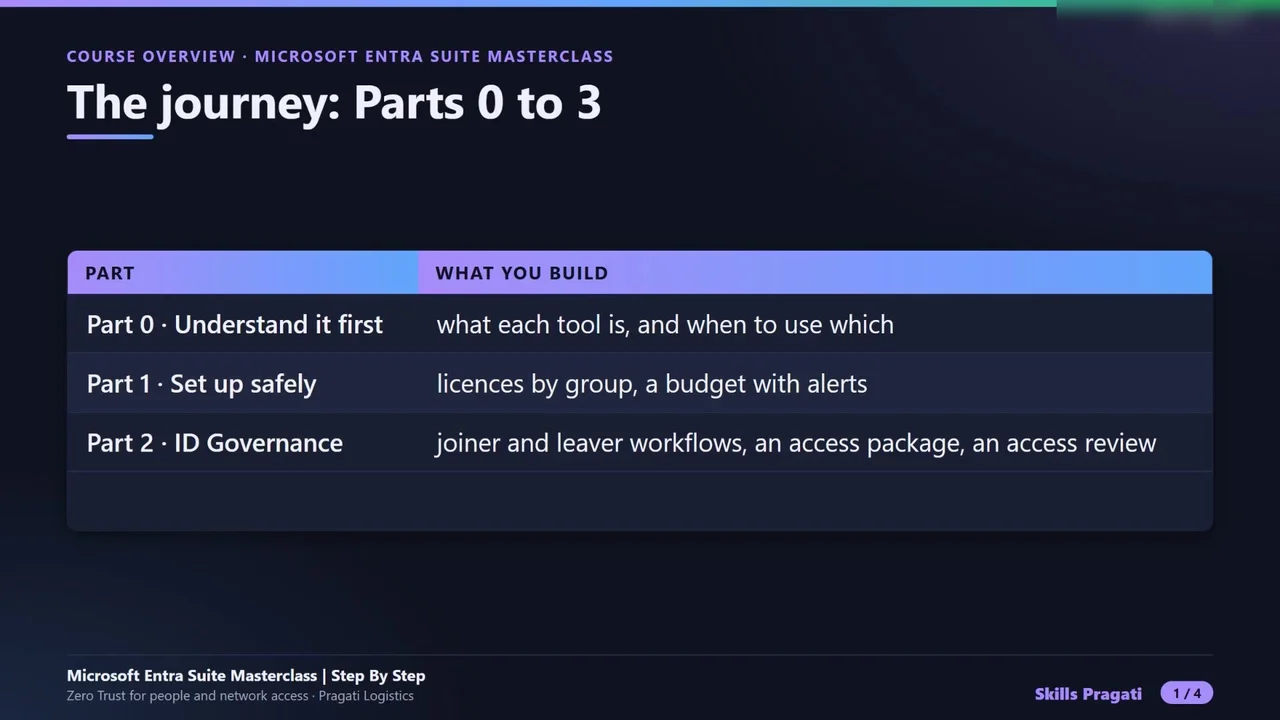
The course overview, four concept videos, seven part introductions and seventeen hands-on steps: licences by group and a budget, joiner and leaver workflows, an access package, an access review, risk policies and a real risky sign-in, Verified ID, a Windows 11 laptop with a web filter, a private server reached without a VPN, the dashboards and logs, and a cleanup that stops all billing.

Practice simulation

Practise every lab in your browser

15 labs and 179 steps rebuilt from the course videos. Practise each step with voice guidance, switch on Exam mode to test yourself, or press Watch to see the lab play. The first lab is free; the rest come with a subscription.

Try the free lab
  1. Step 2 · Licences by group: the pilot group gets Entra Suite Free

    1 section · 7 steps · 5 to click

    Practise
  2. Step 3 · Cap the lab bill first: a resource group and a budget Subscribers

    1 section · 10 steps · 6 to click

    Practise
  3. Step 4 · Day one done by itself: the joiner lifecycle workflow Subscribers

    1 section · 10 steps · 10 to click

    Practise
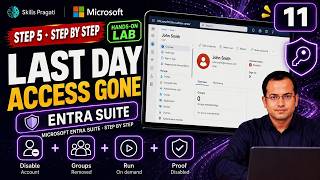
  4. Step 5 · Last day, access gone: the leaver lifecycle workflow Subscribers

    1 section · 8 steps · 7 to click

    Practise
  5. Step 6 · Access on request: an access package with approval and expiry Subscribers

    1 section · 19 steps · 18 to click

    Practise
  6. Step 7 · Who still needs it: an access review that removes access Subscribers

    1 section · 15 steps · 13 to click

    Practise
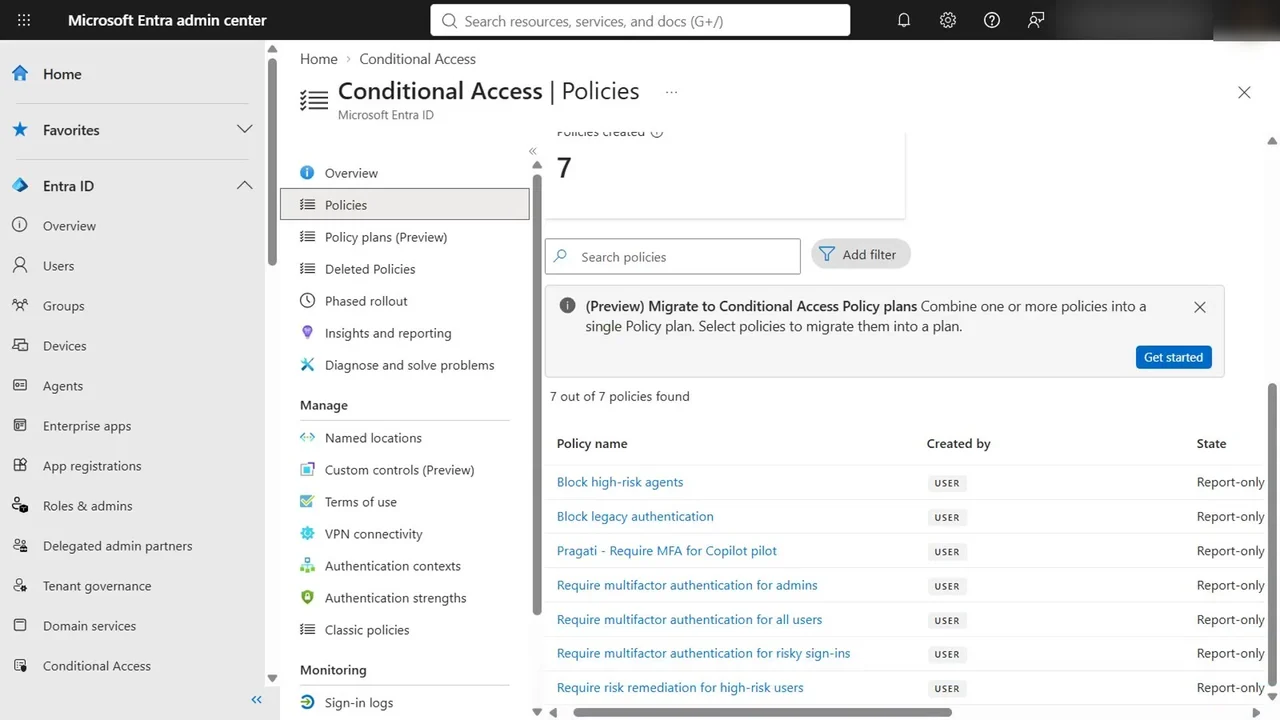
  7. Step 8 · When a sign-in looks wrong: risk-based Conditional Access Subscribers

    1 section · 9 steps · 7 to click

    Practise
  8. Step 9 · A real risky sign-in through Tor, caught and closed Subscribers

    1 section · 9 steps · 6 to click

    Practise
  9. Step 10 · Proof you can carry: set up Verified ID and verify the domain Subscribers

    2 sections · 24 steps · 20 to click

    Practise
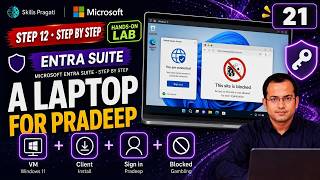
  10. Step 12 · A laptop for Pradeep: Windows 11 VM and the Global Secure Access client Subscribers

    2 sections · 19 steps · 14 to click

    Practise
  11. Step 13 · A filter that travels with you: Internet Access web filtering Subscribers

    1 section · 10 steps · 8 to click

    Practise
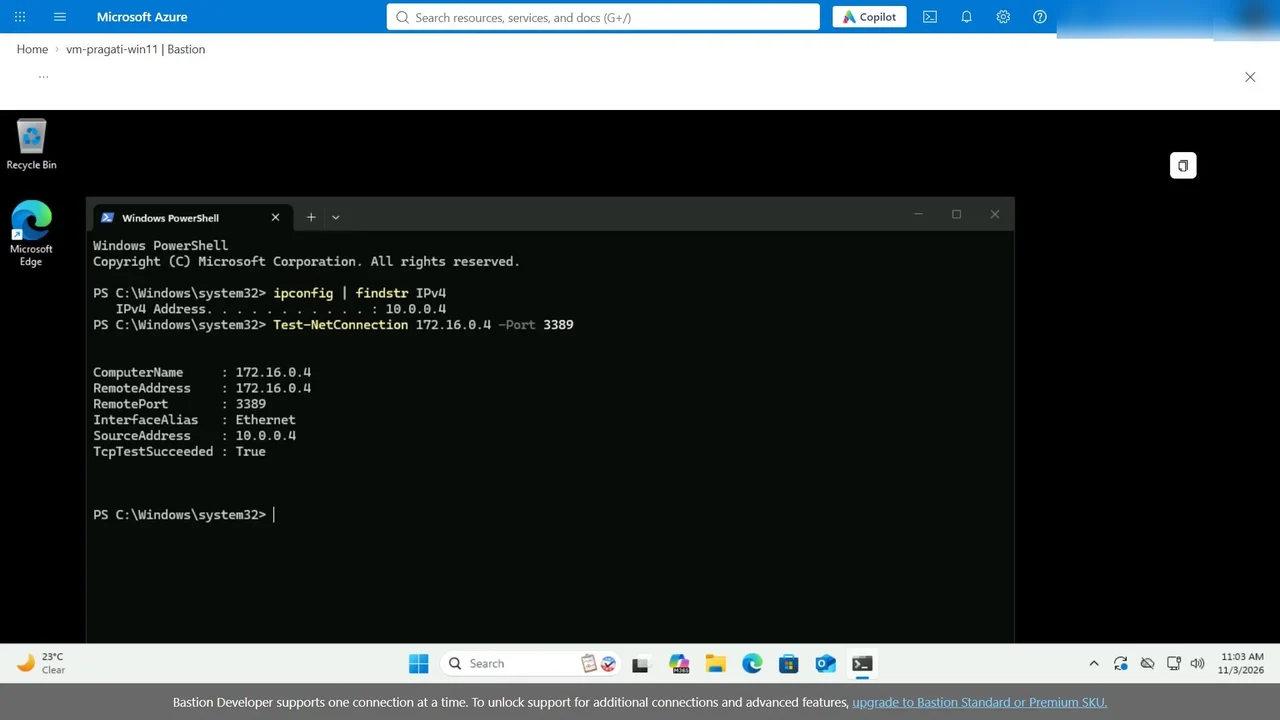
  12. Step 14 · One app, not the whole network: the private network connector Subscribers

    1 section · 17 steps · 10 to click

    Practise
  13. Step 15 · Publish one app, no VPN: Quick Access and the proof Subscribers

    1 section · 11 steps · 5 to click

    Practise
  14. Step 16 · Is it working: dashboard, traffic logs, audit logs and the bill Subscribers

    1 section · 5 steps · 3 to click

    Practise
  15. Step 17 · Leave nothing running: delete every resource that costs money Subscribers

    1 section · 6 steps · 2 to click

    Practise
Leader brief

What a technology leader should know about Microsoft Entra Suite Masterclass

What it is

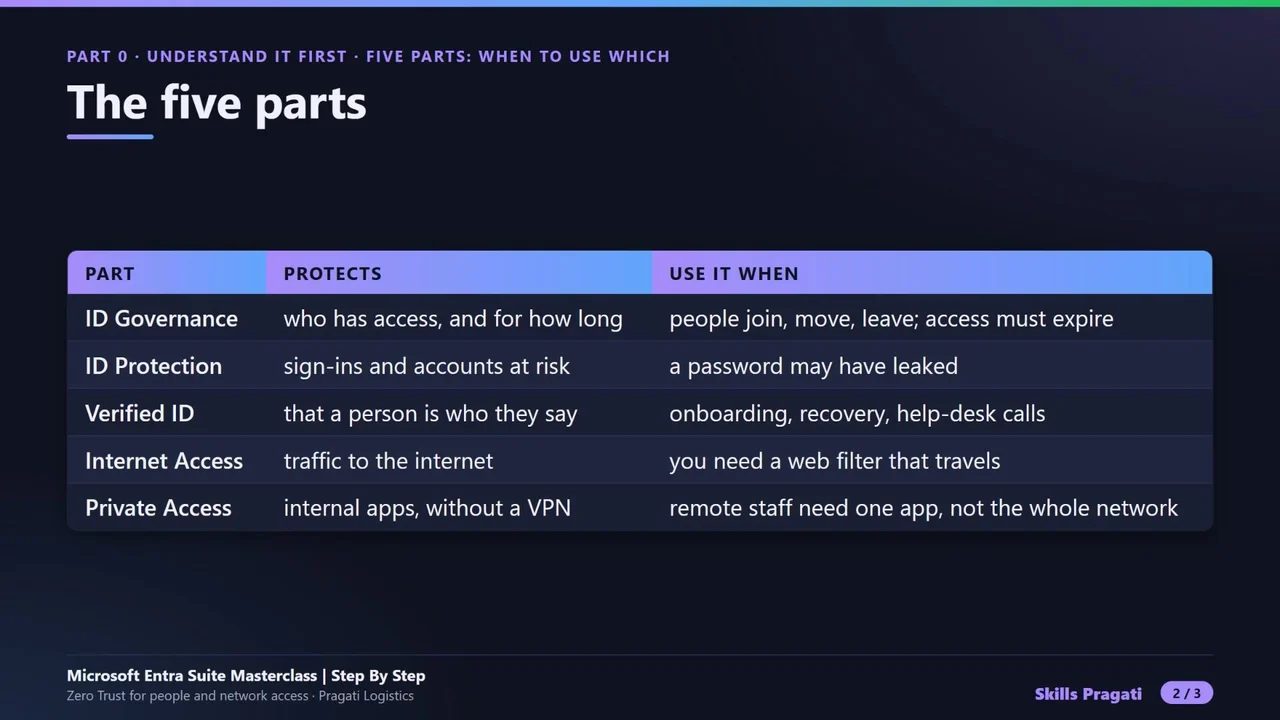
Microsoft Entra Suite brings Zero Trust to both people and network access: identity governance, identity protection, Verified ID, a secure web gateway (Internet Access) and VPN-free access to internal apps (Private Access).

Why now

Joiners, movers and leavers are still handled by tickets, VPNs give too much network access, and web threats reach laptops wherever people work.

Decisions you will make

  • Automate joiner and leaver workflows, or keep manual processes
  • Replace VPN access to internal apps with Private Access
  • Which web categories to filter for which groups
  • Who approves access packages and how often access is reviewed

Risks if ignored

  • Leavers keep access to apps and data
  • A VPN user can reach far more of the network than needed
  • Risky sign-ins go unnoticed
  • Laptops browse to malicious sites off the corporate network

Cost

Paid: Entra Suite is a paid licence; the course runs on its trial.

Our lab: The labs ran inside the Entra Suite trial, cancelled at the end so it does not bill.

Who owns what

Identity teamLifecycle workflows, access packages, reviews, risk policies
Network and securityInternet Access filtering and Private Access connectors
ManagersApprovals and access reviews

Questions to ask your team

  • How long does it take to give a new joiner everything they need?
  • What can a VPN user reach today?
  • Who reviews access, and when was the last review?
  • How would we know about a risky sign-in?
Course videos

All 29 videos, in order

Playlist on YouTube
  1. 13:45Course OverviewOverview
  2. 20:59What is Microsoft Entra Suite, Explained SimplyExplained
  3. 31:20The Five Parts of Entra Suite and When to Use WhichExplained
  4. 40:59How Identity Protection Grows: P1, P2 and Entra SuiteHands-on
  5. 50:51Entra Suite Licensing and Cost ExplainedExplained
  6. 61:03Step 1: Pragati Logistics today: the problem we solveHands-on
  7. 70:46Part 1 Introduction: Set up safelyPart intro
  8. 82:41Step 2: Licences by group: the pilot group gets Entra SuiteHands-on
  9. 93:17Step 3: Cap the lab bill first: a resource group and a budgetHands-on
  10. 100:49Part 2 Introduction: ID GovernancePart intro
  11. 113:35Step 4: Day one done by itself: the joiner lifecycle workflowHands-on
  12. 122:35Step 5: Last day, access gone: the leaver lifecycle workflowHands-on
  13. 135:53Step 6: Access on request: an access package with approval and expiryHands-on
  14. 145:00Step 7: Who still needs it: an access review that removes accessHands-on
  15. 150:47Part 3 Introduction: ID ProtectionPart intro
  16. 163:09Step 8: When a sign-in looks wrong: risk-based Conditional AccessHands-on
  17. 173:03Step 9: A real risky sign-in through Tor, caught and closedHands-on
  18. 180:48Part 4 Introduction: Verified IDPart intro
  19. 196:42Step 10: Proof you can carry: set up Verified ID and verify the domainHands-on
  20. 201:26Step 11: Face Check explained: stop the help desk scamExplained
  21. 210:48Part 5 Introduction: Internet AccessPart intro
  22. 226:41Step 12: A laptop for Pradeep: Windows 11 VM and the Global Secure Access clientHands-on
  23. 234:09Step 13: A filter that travels with you: Internet Access web filteringHands-on
  24. 240:46Part 6 Introduction: Private AccessPart intro
  25. 254:54Step 14: One app, not the whole network: the private network connectorHands-on
  26. 263:39Step 15: Publish one app, no VPN: Quick Access and the proofHands-on
  27. 270:46Part 7 Introduction: Operate and closePart intro
  28. 282:22Step 16: Is it working: dashboard, traffic logs, audit logs and the billHands-on
  29. 292:33Step 17: Leave nothing running: delete every resource that costs moneyHands-on

More in Security

SC-500Associate

SC-500 Cloud and AI Security Engineer Step By Step

Secure one company's Azure workload from zero: Entra and PIM, Key Vault, policy and compliance, storage, SQL and networks, VMs, apps and AI with Foundry guardrails, then prove it with Defender for Cloud, Sentinel and Security Copilot.

  • Hands-on lab
  • Practice sim
  • Mock exam

18 videos4.2 h11 practice labs

SecurityIntermediate

Microsoft Purview Masterclass

Secure one company's data with Microsoft Purview across 18 hands-on modules: the Purview command line, the architecture blueprint, sensitivity labels, DLP and retention.

  • Videos only

19 videos6.6 h

Watch on YouTube