Exam SC-300AssociateEnglish

SC-300: Microsoft Identity and Access Administrator Step By Step

Prepares you for exam SC-300: Microsoft Identity and Access Administrator

Build one company's identity platform from zero in Microsoft Entra: users and hybrid sync, MFA and passkeys, Conditional Access, ID Protection, Global Secure Access, apps, governance and PIM.

  • 24 videos
  • 4 h of video

Plays the full course playlist from YouTube in privacy-enhanced mode. Nothing loads from YouTube until you press play.

About this course

SC-300: Microsoft Identity and Access Administrator, step by step. One company, Pragati Logistics, built from zero in Microsoft Entra: every exam skill done for real and proven on screen.

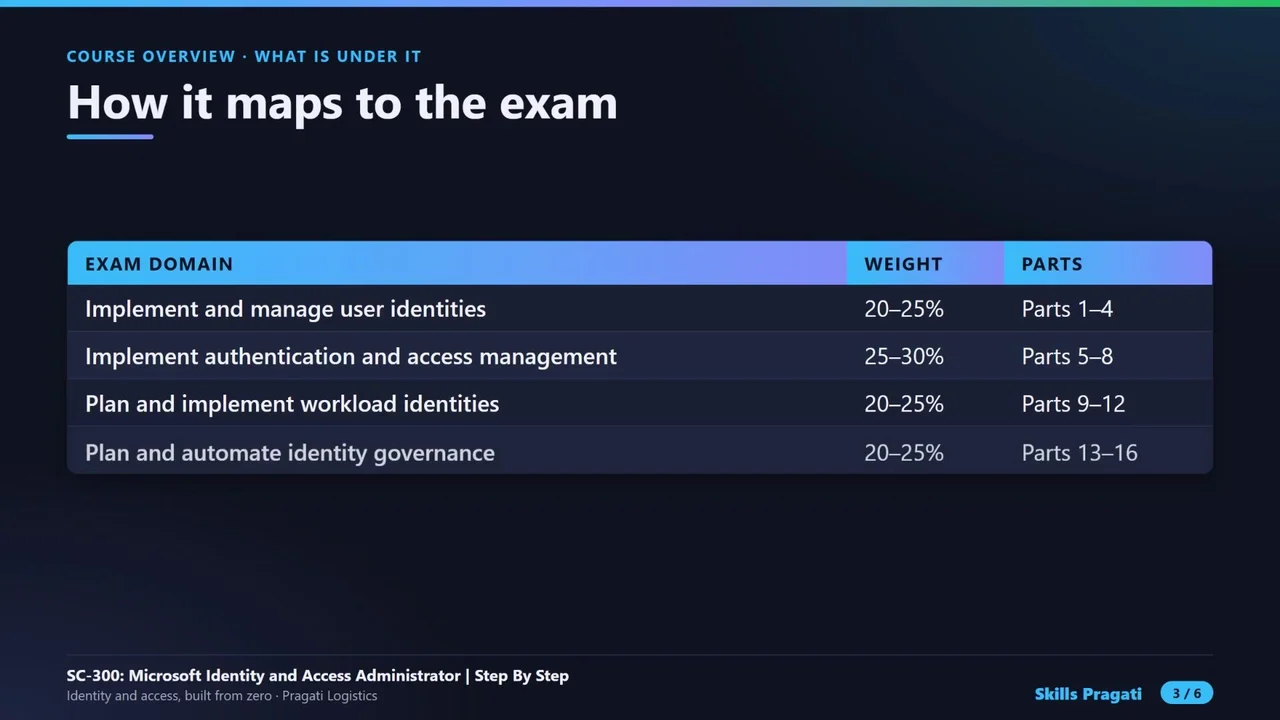
The course overview, Part 0 concepts, sixteen hands-on Parts across the four exam domains (user identities and hybrid sync, authentication and Conditional Access, ID Protection and Global Secure Access, workload identities and apps, entitlement management, access reviews, PIM and monitoring), four exam Q&A videos, a bonus Part on Entra Agent ID, and a final cleanup.

Practice simulation

Practise every lab in your browser

19 labs and 697 steps rebuilt from the course videos. Practise each step with voice guidance, switch on Exam mode to test yourself, or press Watch to see the lab play. The first lab is free; the rest come with a subscription.

Try the free lab
  1. Part 0 · Understand it first Free

    1 section · 10 steps · 1 to click

    Practise
  2. Part 1 · Configure the tenant Subscribers

    4 sections · 52 steps · 23 to click

    Practise
  3. Part 2 · Users, groups and devices Subscribers

    9 sections · 83 steps · 28 to click

    Practise
  4. Part 3 · External users Subscribers

    3 sections · 28 steps · 12 to click

    Practise
  5. Part 4 · Hybrid identity Subscribers

    4 sections · 26 steps · 12 to click

    Practise
  6. Part 5 · Authentication methods Subscribers

    7 sections · 52 steps · 17 to click

    Practise
  7. Part 6 · Conditional Access Subscribers

    5 sections · 38 steps · 15 to click

    Practise
  8. Part 7 · ID Protection Subscribers

    3 sections · 28 steps · 9 to click

    Practise
  9. Part 8 · Global Secure Access Subscribers

    6 sections · 39 steps · 13 to click

    Practise
  10. Part 9 · Managed identities Subscribers

    4 sections · 31 steps · 6 to click

    Practise
  11. Part 10 · Enterprise applications Subscribers

    6 sections · 53 steps · 16 to click

    Practise
  12. Part 11 · App registrations Subscribers

    3 sections · 22 steps · 7 to click

    Practise
  13. Part 12 · Defender for Cloud Apps Subscribers

    4 sections · 37 steps · 9 to click

    Practise
  14. Part 13 · Entitlement management Subscribers

    4 sections · 52 steps · 15 to click

    Practise
  15. Part 14 · Access reviews Subscribers

    2 sections · 25 steps · 7 to click

    Practise
  16. Part 15 · PIM Subscribers

    6 sections · 55 steps · 17 to click

    Practise
  17. Part 16 · Monitor identity Subscribers

    4 sections · 33 steps · 7 to click

    Practise
  18. Part 17 · Bonus: Agent ID Subscribers

    3 sections · 21 steps · 6 to click

    Practise
  19. Clean up the lab Subscribers

    4 sections · 12 steps · 8 to click

    Practise
Leader brief

What a technology leader should know about SC-300

What it is

Identity and access administration decides who you are, how you prove it, what you may reach and for how long, across employees, partners, apps and devices. In Microsoft Entra it covers users and groups, sign-in methods, Conditional Access, app access and identity governance.

Why now

Identity is the new perimeter: shared passwords, standing admin rights and guests nobody reviews are the most common way in. Hybrid estates still run old Active Directory next to the cloud, and AI agents now need identities too.

Decisions you will make

  • Security defaults or Conditional Access policies
  • Which sign-in methods to require (Authenticator, passkeys, Temporary Access Pass)
  • Cloud Sync or another sync method for on-premises Active Directory
  • Who may invite guests, and how often their access is reviewed
  • Which roles become eligible-only through Privileged Identity Management

Risks if ignored

  • Phished passwords with no second factor
  • Admins with rights they no longer need
  • Guests who keep access after a project ends
  • Leavers whose accounts stay active
  • No logs to investigate a risky sign-in

Cost

Paid: Conditional Access needs Entra ID P1; PIM, ID Protection and access reviews need P2. Microsoft 365 E5 includes both.

Our lab: Built on a Microsoft 365 E5 trial and an Azure free account, with small VMs started only for the labs that need them.

Who owns what

Identity administratorTenant, users, groups, sign-in methods, Conditional Access
Security teamID Protection risk policies and investigations
Managers and resource ownersApproving access packages and access reviews
GovernancePIM, emergency access accounts and audit

Questions to ask your team

  • How many users can still sign in with a password only?
  • Which admin roles are permanent today?
  • When did we last review guest access?
  • How fast is a leaver’s access removed?
  • Do our AI agents have their own identities and owners?
Course videos

All 24 videos, in order

Playlist on YouTube
  1. 14:48Course OverviewOverview
  2. 27:08Part 0: Understand it first, the exam, Microsoft Entra, and which option whenHands-on
  3. 311:45Part 1: Configure the tenant, roles, administrative units, domains, branding and settingsHands-on
  4. 415:35Part 2: Users, groups, attributes, devices and licencesHands-on
  5. 55:43Part 3: External users and tenants, guests and cross-tenant accessHands-on
  6. 69:47Part 4: Hybrid identity, Active Directory and Cloud SyncHands-on
  7. 716:02Exam Q&A 1: Implement and manage user identitiesExam Q&A
  8. 810:55Part 5: Authentication methods, passkeys, TAP, MFA and SSPRHands-on
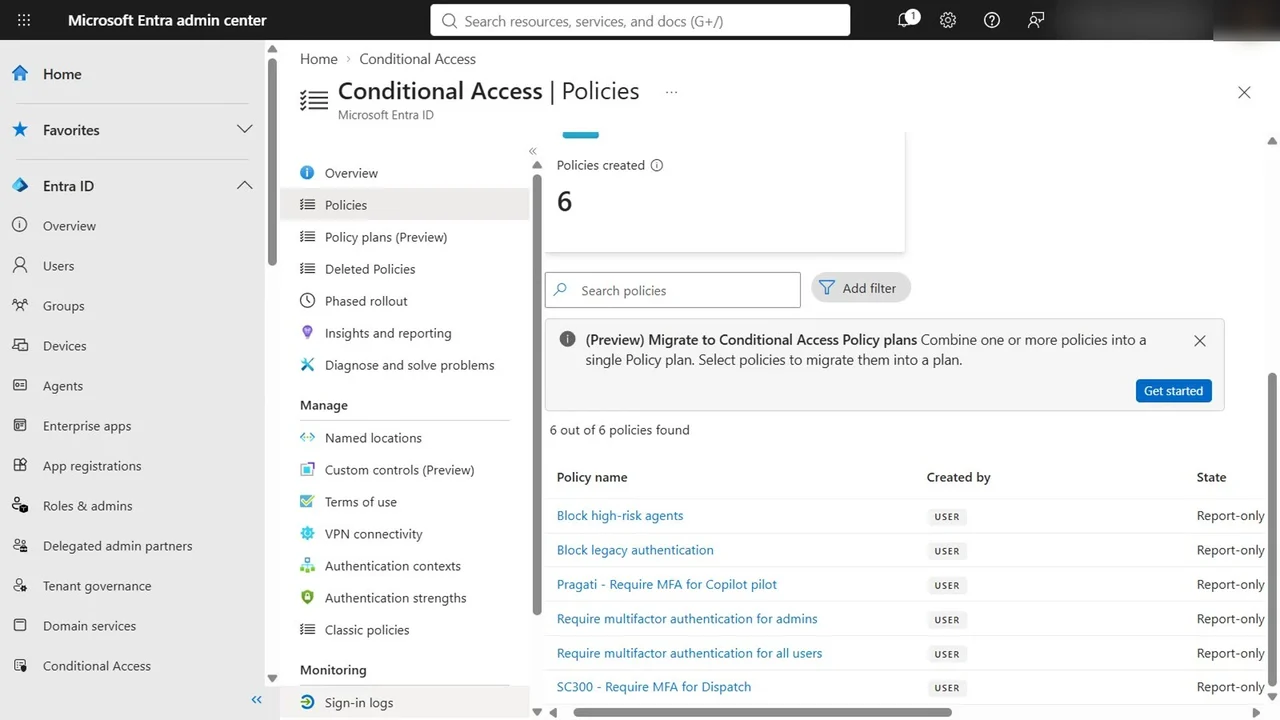
  9. 98:59Part 6: Conditional AccessHands-on
  10. 106:08Part 7: ID Protection, risk policies and a risky sign-inHands-on
  11. 1113:12Part 8: Global Secure Access, Internet and Private AccessHands-on
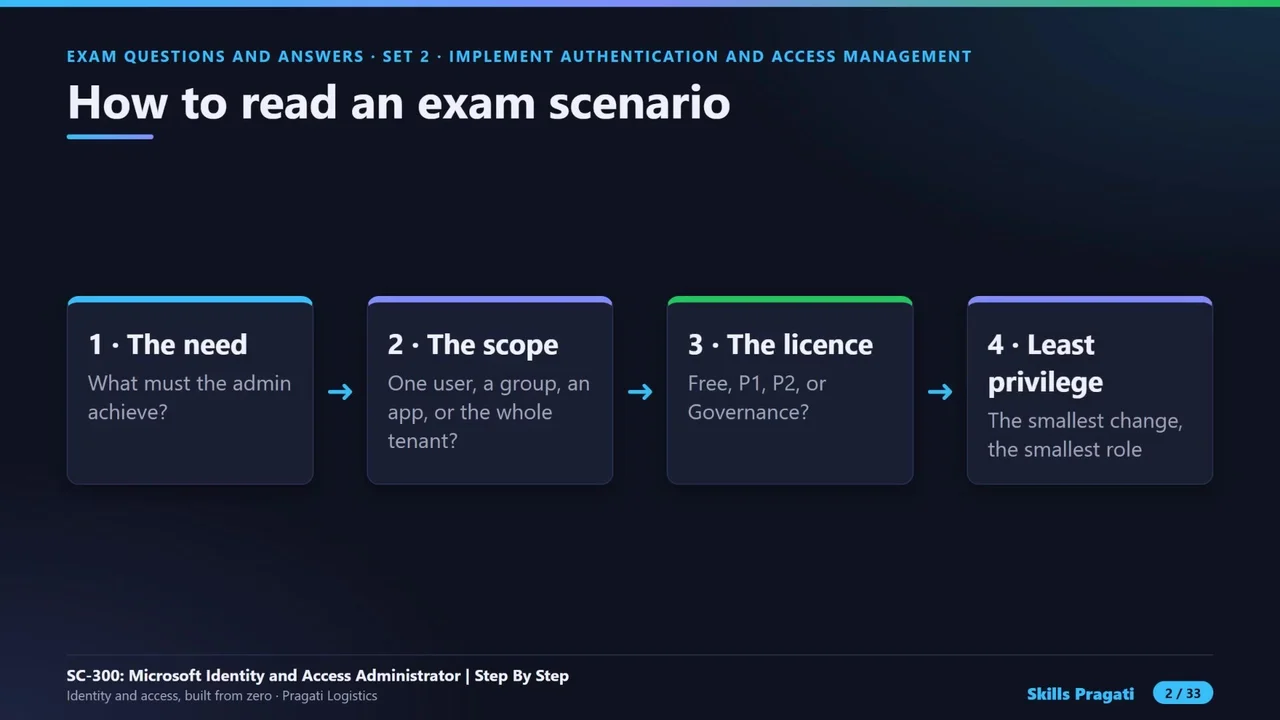
  12. 1215:40Exam Q&A 2: Implement authentication and access managementExam Q&A
  13. 137:39Part 9: Managed identitiesHands-on
  14. 1410:36Part 10: Enterprise applications, SSO, App Proxy and consentHands-on
  15. 154:53Part 11: App registrations, permissions and app rolesHands-on
  16. 168:41Part 12: Defender for Cloud AppsHands-on
  17. 1715:46Exam Q&A 3: Plan and implement workload identitiesExam Q&A
  18. 1810:56Part 13: Entitlement management, access packages and terms of useHands-on
  19. 195:23Part 14: Access reviewsHands-on
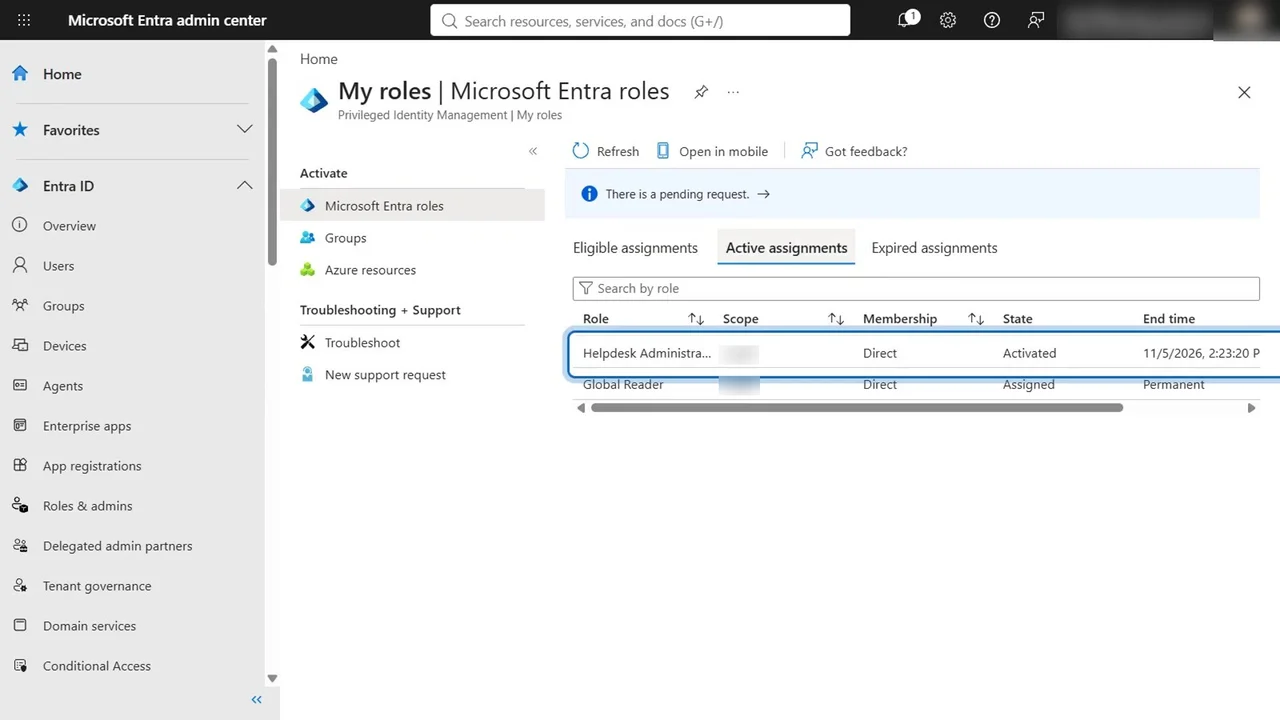
  20. 2011:43Part 15: Privileged Identity ManagementHands-on
  21. 219:33Part 16: Monitor identity, logs, KQL, workbooks and Secure ScoreHands-on
  22. 2216:18Exam Q&A 4: Identity governance, the final mock and exam-day tipsExam Q&A
  23. 236:14Bonus Part 17: Microsoft Entra Agent ID, identities for AI agentsHands-on
  24. 244:10Final: Clean up the lab, delete everything we builtHands-on

More in Security

SecurityIntermediate

Microsoft Entra Suite Masterclass

Zero Trust for people and network access: lifecycle workflows, access packages and reviews, risk policies, Verified ID, Internet Access with a web filter and Private Access without a VPN.

  • Hands-on lab
  • Practice sim
  • Mock exam

29 videos1.3 h15 practice labs

SC-500Associate

SC-500 Cloud and AI Security Engineer Step By Step

Secure one company's Azure workload from zero: Entra and PIM, Key Vault, policy and compliance, storage, SQL and networks, VMs, apps and AI with Foundry guardrails, then prove it with Defender for Cloud, Sentinel and Security Copilot.

  • Hands-on lab
  • Practice sim
  • Mock exam

18 videos4.2 h11 practice labs

SecurityIntermediate

Microsoft Purview Masterclass

Secure one company's data with Microsoft Purview across 18 hands-on modules: the Purview command line, the architecture blueprint, sensitivity labels, DLP and retention.

  • Videos only

19 videos6.6 h

Watch on YouTube