

SC-500 Step by step · Part 7
Secure Web Apps and APIs: App Service, WAF and APIM
Lock down App Service with HTTPS-only and Entra sign-in, block SQL injection with a WAF, and guard an API with API Management policies.

The dispatch web app answered anyone, with no sign-in. Its API accepted calls with no token. And a single SQL injection string reached the code. Part 7 of the SC-500 course closes all three without touching the application code.
Step 1: Lock down App Service
Settings, Configuration, General settings:
- Turn off SCM and FTP basic authentication; FTP state disabled.
- HTTPS only: on. Minimum inbound TLS 1.2.
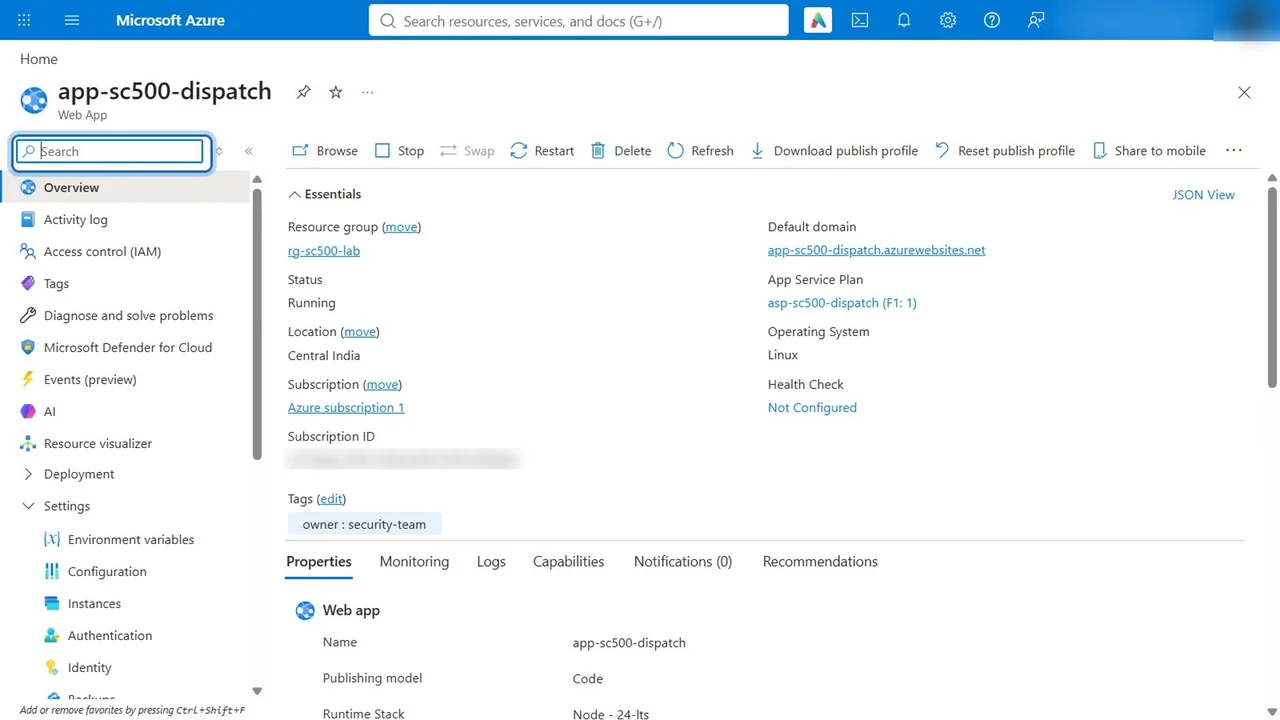
Then Authentication, Add identity provider: Microsoft, single tenant, and require authentication with a 302 redirect for unauthenticated requests. That is App Service Authentication (“Easy Auth”): Entra sign-in at the platform layer, no code changes. For an API, return 401 instead of a redirect.
Step 2: A WAF in front of the app
An Application Gateway, WAF v2 tier, sits in front of the app with a WAF policy.
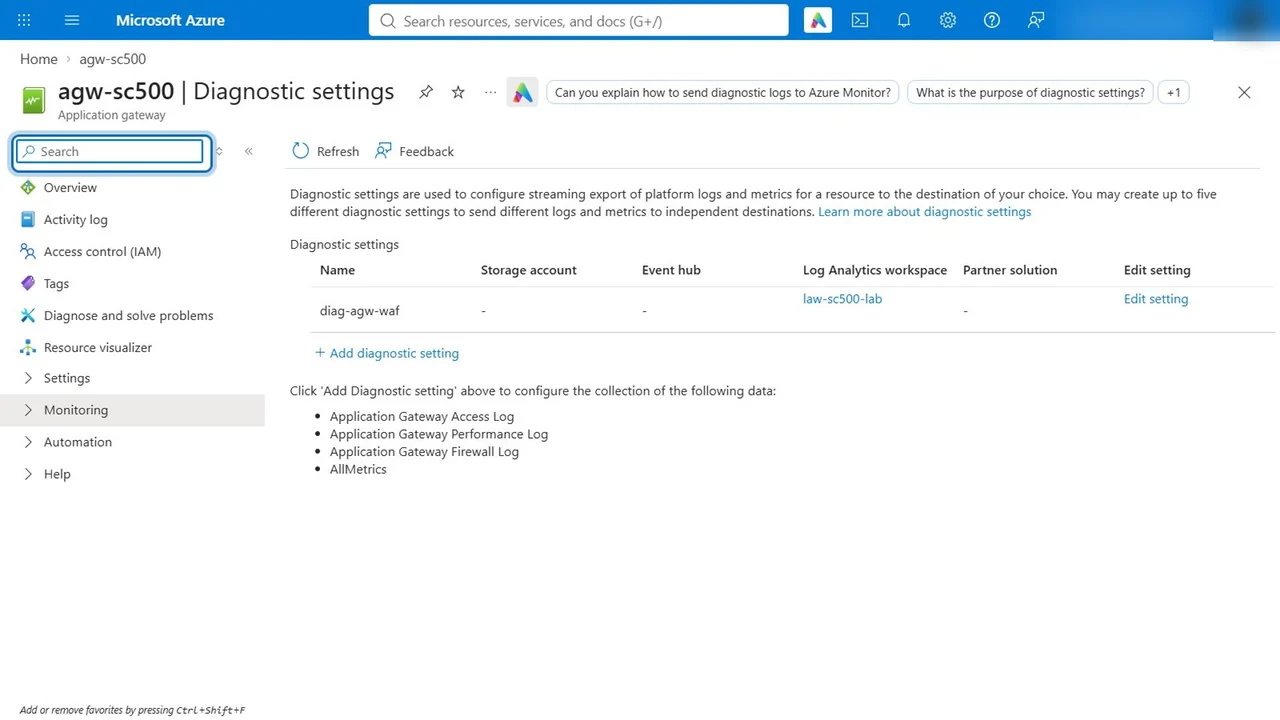
- First the evidence trail: diagnostic settings send the firewall log and access log to Log Analytics.
- In detection mode, a classic SQL injection (
orderId=1' or 1=1) and a request from the sqlmap tool both reach the app. - The managed rules (OWASP core rule set) are already on. Add a custom rule, block sqlmap, priority 10: custom rules run before managed rules.
- Switch the policy to prevention mode.
Step 3: Guard the API with API Management
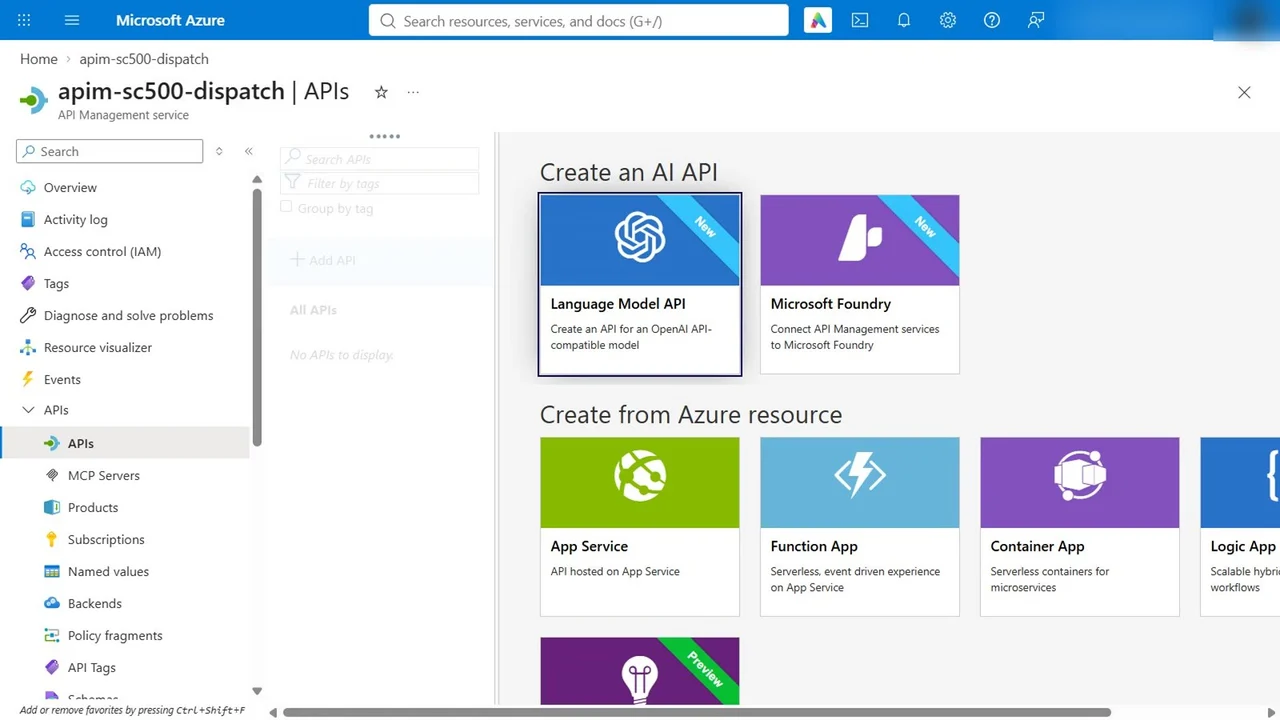
The dispatch API in API Management answered with 200 OK and no token. Give the gateway a system-assigned managed identity, so it calls the back end without a shared key, then add inbound policies that run on every call: an IP filter for a known bad range, validate-jwt so only callers with a valid Entra token for this API get through, and rate limiting.
How you know it worked
- The site redirects to Entra sign-in; plain HTTP is redirected to HTTPS.
- In prevention mode, the firewall log shows SQL injection blocked by rule 942 and the custom sqlmap rule.
- The API returns 401 without a valid token.
What a tech lead should take away
- Easy Auth puts sign-in in front of an app with no code change.
- A WAF buys time against code bugs; log first, then prevent.
- API Management is a security boundary: identity to the back end, tokens and limits for callers.
Do it yourself
- The full SC-500 courseEvery Part, free on YouTube, in order
- Hands-on lab guideThe exact steps, what it costs, how to clean up
- Practice simulationRehearse every click in your browser; the first lab is free
- Mock examFree 10-question sample, then the full timed mock scored by domain
Lab guides, practice and full mock exams come with a subscription. See the plans