

Power Platform Administration Step By Step Course guide
What a Power Platform Admin Must Control in 2026
What a Power Platform admin must control in 2026, from managed environments and data policies to agents and costs, in the admin center and pac.

Makers build apps, flows and agents every week. Without an admin, everything lands in the Default environment: no owner, no data policy, no backup plan. And 2026 changes the rules: Managed Environments, new developer environment deadlines, and agents everywhere.
This course gives one company, Pragati Industries, governed environments, secure data, controlled costs, and one script that checks it all.
What you build
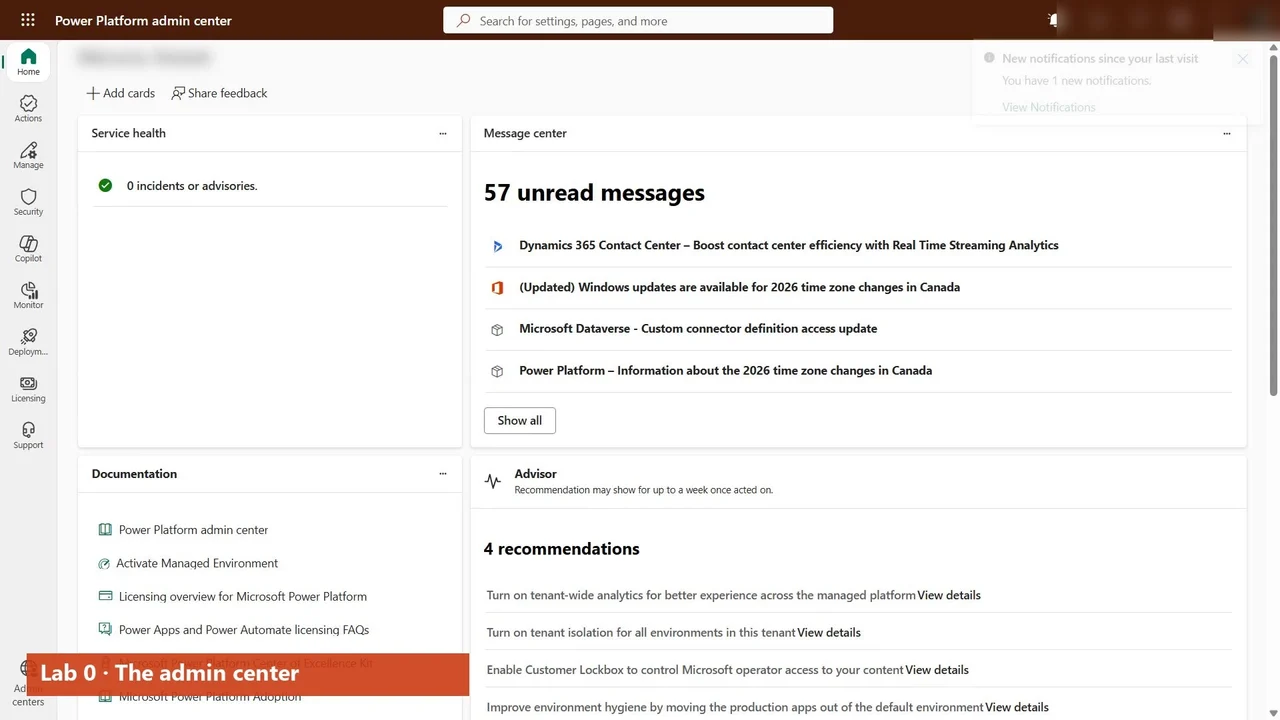
- The admin center, area by area, and the pac command line installed and signed in (Lab 0).
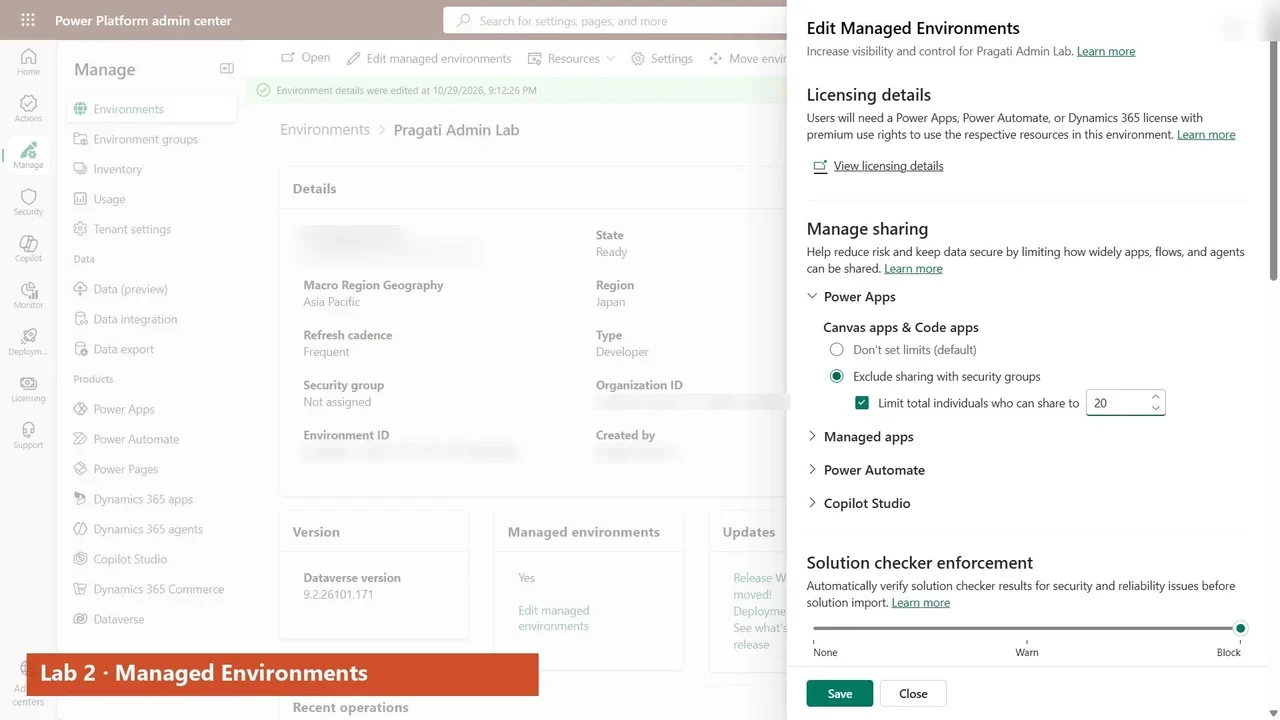
- A managed developer environment for the admin team, with sharing limits, the solution checker and usage insights (Labs 1–2).
- Dataverse security: business units, security roles and teams (Labs 3–4).
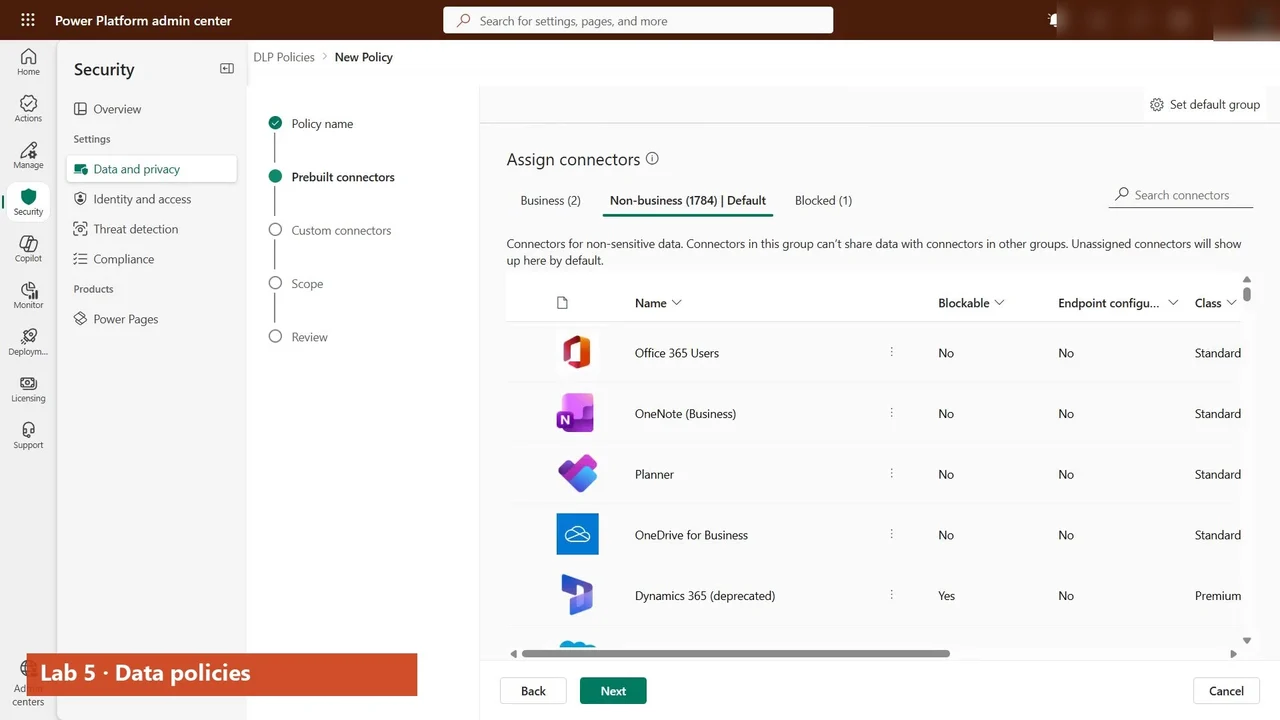
- A data policy that keeps company data in business connectors, an environment group whose rules govern every environment inside it, and routing (Labs 5–7).
- Licences, capacity and inventory: every app, flow and agent with its owner and connectors (Labs 8–9).
- Auditing, Copilot and agent governance, ALM and pipelines, backup and restore, and tenant settings (Labs 10–15).
- A capstone script that checks the whole tenant every Monday.
How every lab works
Every lab starts with what Pragati needs, does every step for real, automates it with pac, and ends with a recap. Beside the labs there are ten explained videos on the decisions admins get asked about most, such as environment strategy, DLP vs advanced connector policies and Managed Environments.
What you need
A tenant that is not production (a Microsoft 365 developer or trial tenant) and a free Power Apps developer plan or trial for a managed developer environment.
The full course is free on YouTube
The overview above is the first of 29 videos. Watch them in order on the course page, then practise.
Do it yourself
- The full Power Platform Administration Step By Step courseEvery Part, free on YouTube, in order
- Hands-on lab guideThe exact steps, what it costs, how to clean up
- Practice simulationRehearse every click in your browser; the first lab is free
- Mock examFree 10-question sample, then the full timed mock scored by domain
Lab guides, practice and full mock exams come with a subscription. See the plans